


Bluetooth to Mixer Buying guide
Bluetooth To Mixer: A Complete Buyer's Guide
Choosing the right Bluetooth to mixer solution depends on your latency needs, budget, and setup. This buying guide breaks down the options, key specs, and common mistakes.
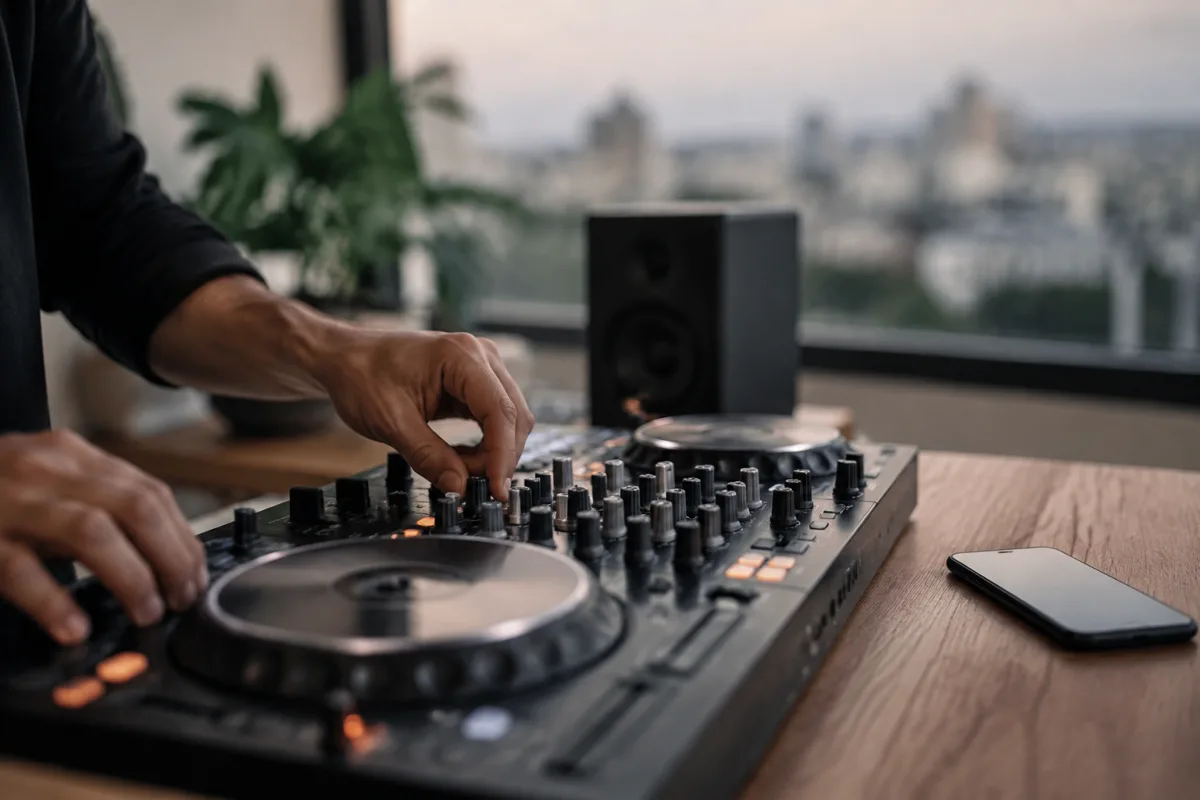
Connecting your phone or laptop wirelessly to your mixer is increasingly practical, whether you're performing, streaming, or just want flexibility. But the options vary widely—from simple adaptors to dedicated wireless receivers—and choosing the right one matters more than you might think. This buying guide cuts through the technical jargon and focuses on what you need to check before you commit.
Do You Actually Need Wireless Audio for Your Mixer?
Before investing in wireless audio, ask yourself why you want it. Are you regularly streaming music from your phone during gigs? Do you need to switch between sources quickly? Are you performing in venues where running cables isn't practical? For casual home use, this might be overkill. For live or streaming work, it's often essential. This determines which option suits your budget and setup.
The Three Main Wireless Connection Options
Simple Wireless Adaptors
Cheap wireless adaptors (£10–£30) do one job: receive Bluetooth and output audio via a 3.5mm jack or RCA cable. They're perfect if you need nothing fancy—just a way to connect your phone to your mixer occasionally. Quality varies dramatically at this price point. Look for units with latency specs below 100ms if you plan to use them for rhythm-critical work.
Dedicated Wireless Receivers
Purpose-built receivers (£50–£150) offer more control: better range, lower latency, phantom power, and sometimes dual-input switching. These are aimed at professional or semi-professional use. If you need wireless audio for regular performance work, this category is worth exploring. Brands like Behringer and Native Instruments offer solid mid-range options.
Mixer with Wireless Built-in
Some modern DJ mixers and audio interfaces include wireless receivers as a standard feature. If you're already shopping for a mixer and wireless audio appeals, having it built in saves money and cable clutter. Check the specs—not all built-in systems perform equally well.
Key Specs to Check When Shopping
- Latency (delay): Anything under 100ms is fine for most uses. If you're playing along with a beat or scratching, latency matters—test it if possible. aptX or LDAC codecs generally offer lower latency than standard SBC.
- Version: Version 5.0 or higher ensures better range and reliability. Older 4.2 versions still work but drop connection more often in busy RF environments.
- Input/output options: Does it accept RCA, XLR, or just 3.5mm? Does your mixer have free inputs? Units with balanced XLR outputs are more professional but often more expensive.
- Power source: Battery-powered adaptors need charging. Mains-powered units are simpler for permanent setups. USB bus power works if you're near a laptop.
- Range: Typical wireless range is 10–30 metres indoors, but interference (WiFi, other devices) reduces this. For stage use, keep your phone within 10 metres.
- Dual-device pairing: Can it remember two phones? Useful if you alternate between your phone and a tablet, or if a bandmate needs to hop on.
Price Tiers and What You Get
| Price Band | What to Expect | Best For |
|---|---|---|
| £10–£30 | Basic adaptor, limited features, variable build quality | Casual home use, occasional gigs |
| £30–£80 | Mid-range receiver with better latency and range, simple control | Regular performers, streaming DJs |
| £80–£200 | Professional-grade receiver or integrated mixer feature, low latency, premium build | Full-time performers, studios, high-reliability setups |
| £200+ | High-end mixer with wireless or specialist systems | Professional studios, venues |
Common Pitfalls to Avoid
- Ignoring latency specs. A £15 adaptor with 300ms latency is worse than useless for performance work—it'll throw you off. Always check reviews mentioning latency or test before buying.
- Assuming all wireless audio is the same. Standard protocol (SBC codec) has higher latency and worse sound quality than aptX or LDAC. If latency or fidelity matters, pay for the codec upgrade.
- Buying without checking your mixer's free inputs. You need an available line or phono input. Don't assume you have a spare until you count.
- Going wireless when you need reliable stability. WiFi interference, dropping connections, and dead batteries ruin performances. Keep a wired backup cable in your bag, always.
- Underestimating cable quality. A cheap RCA or 3.5mm cable from the adaptor to your mixer degrades sound. Spend a bit extra on decent interconnects.
- Overlooking power consumption. Battery-powered adaptors die mid-gig. Choose mains power for permanent setups, or a wired connection altogether.
Codec Quality Matters for Performance
Your wireless connection choice is only as good as its codec—the method it uses to compress and transmit audio. Standard Bluetooth (SBC) is the baseline but has noticeable latency (typically 150–300ms). If you want better performance, look for these codecs:
- aptX: Lower latency (~60–100ms) and better sound than SBC. Most budget-to-mid-range gear supports it.
- aptX Low Latency: Designed for performance use, as low as 32ms latency. Fewer devices support it, but worth seeking out.
- LDAC: Excellent audio quality but higher latency. Good for streaming music, less so for real-time performance.
Test Before You Commit
If possible, borrow or test a wireless adaptor in your actual setup before buying. Latency, interference patterns, and connection stability vary based on your mixer, phone, and environment. Many larger music shops let you demo equipment. This thirty-minute test saves months of regret.
For more context on connecting audio sources to your mixer in general, read our complete guide to Bluetooth to mixer connections.



Comments