
Mackie Audio Mixer article
The Complete Guide to Mackie Audio Mixer
Mackie audio mixers are the backbone of countless studios and live venues. Discover what makes them special, which model suits your needs, and how to get the best from your mixer.
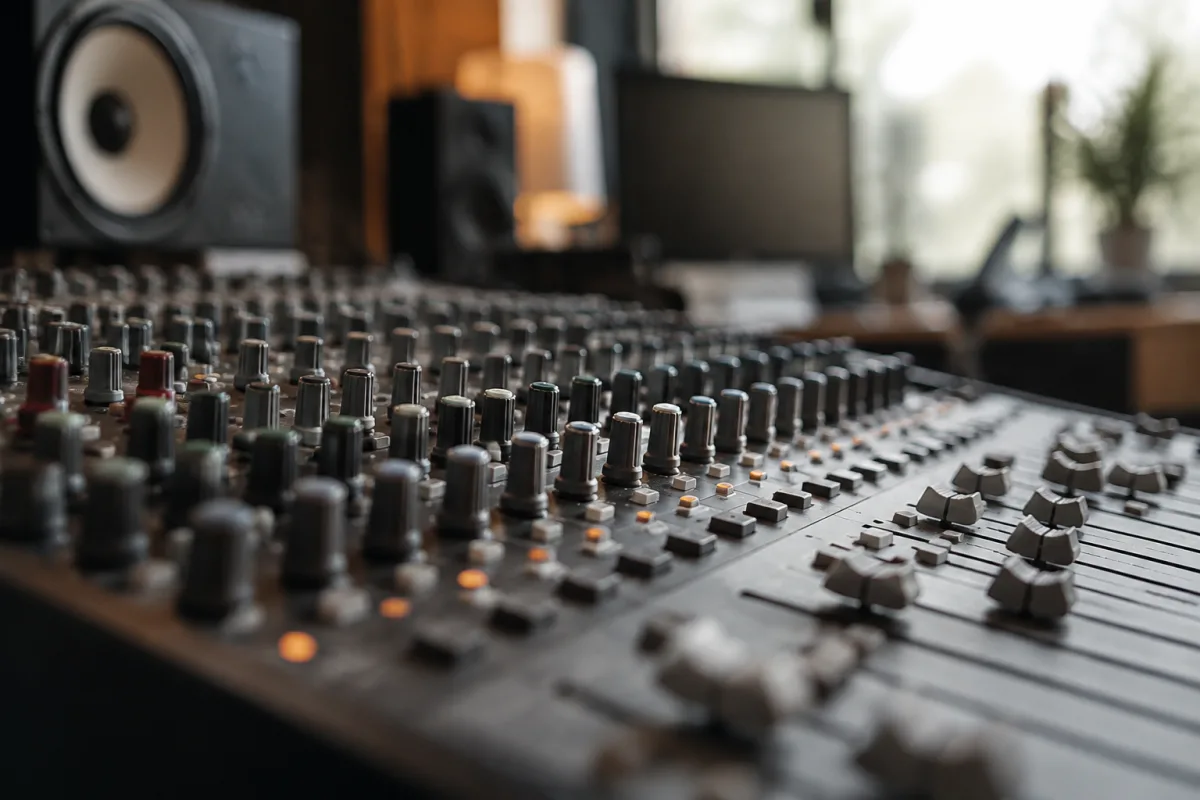
A Mackie audio mixer is the backbone of countless home studios, small live venues, and professional recording setups worldwide. Mackie has earned its reputation by delivering rock-solid reliability, intuitive interfaces, and honest sound at prices that don't require selling your equipment to afford. Whether you're recording a podcast, mixing a live event, or building your first serious home studio, a Mackie audio mixer offers the professional tools you need without the overwhelming complexity or the price tag of larger consoles.
Why Mackie Mixers Matter
Mackie mixers have become the industry standard for semi-professional and project-studio work because they combine three essential qualities: reliability, affordability, and a no-nonsense philosophy. A Mackie audio mixer from two decades ago still works; modern models add better preamps, cleaner converters, and thoughtful feature sets that recognise what real studios actually need.
Unlike high-end large-format consoles designed for massive broadcast facilities, a Mackie audio mixer sits in the sweet spot between a basic consumer interface and a £50,000 mixing desk. You get balanced XLR inputs, solid gain-staging tools, monitor sends, and a warm, punchy sound that's become synonymous with the brand. Engineers and producers choose Mackie because it delivers professional results without forcing you to navigate pages of menus or compromise on core functionality.
Types and Formats of Mackie Audio Mixers
Mackie makes mixers in several formats to suit different workflows:
- Compact analogue Mackie audio mixers: Typically 8 to 16 channels, designed to sit on a desk or mount in a compact studio setup. Models like the Mackie ProFX series are portable, USB-equipped, and perfect for project studios or travelling musicians.
- Large-format Mackie audio mixers: 24, 32, or more channels for theatre, live sound, and broadcast work. These offer deeper control, more routing options, and professional-grade I/O.
- Digital Mackie audio mixers: Hybrid mixing surfaces like the Mackie Onyx series combine tactile faders and buttons with digital control and software integration for flexibility without the bulky console footprint.
- USB-integrated Mackie audio mixers: Designed for seamless computer integration, with built-in audio interfaces that let you record and playback multitrack sessions directly in your DAW.
Key Features to Look For in a Mackie Audio Mixer
When choosing a Mackie audio mixer, focus on these core elements:
| Feature | What It Does | Why It Matters |
|---|---|---|
| Channel count | How many sources you can plug in simultaneously | Choose based on your typical session size. A 8-channel Mackie audio mixer suits solo recording; 16+ channels give you more flexibility as you grow. |
| Preamp quality | Gain stage and sonic character of incoming signals | Better preamps mean cleaner, fuller sound. Mackie's newer models feature improved preamps compared to older generations. |
| EQ and routing | Three-band EQ, aux sends, and mix bus routing | Even basic EQ on every channel lets you shape tone and create separate monitor mixes—essential for any serious mixing work. |
| Built-in effects | On-board reverb, delay, compression | Convenient for quick processing without external gear, though most mixing engineers rely on DAW plugins for more precision. |
| USB connectivity | Direct computer integration and multitrack recording | Essential if you want to mix with your Mackie audio mixer while recording multitrack into your DAW. |
Popular Mackie Audio Mixer Models
Several Mackie models have become industry workhorses:
- Mackie ProFX8: Eight channels, USB, built-in effects, and a compact footprint. Ideal for podcasters, small studios, and home recordists. The most affordable entry into the Mackie ecosystem.
- Mackie ProFX16: Sixteen channels with better preamps and more I/O than the ProFX8. A sweet spot for small studios and live sound mixing at modest venues.
- Mackie Onyx 1220i or 1640i: Hybrid digital-analogue designs with 12 or 16 channels, firewire (older) or USB, and deeper editing via the Mackie Control protocol. Favoured by engineers who want tactile mixing with digital flexibility.
- Mackie 2404-VLZ4: A 24-channel mixer that's been the go-to for mid-size studios, broadcast facilities, and touring sound companies for years. Legendary reliability and sound.
- Mackie DL1608: A digital mixer with 16 channels, iPad control via WiFi, and advanced routing. Perfect for theatre, corporate events, and engineers who want touch-screen mixing.
Setting Up a Mackie Audio Mixer
Installation is straightforward. Connect your microphones, instruments, and line-level gear to the appropriate inputs (XLR for mics, 1/4" for instruments, RCA or XLR for line level). Route each channel through the main mix bus, and connect your main outs to your speakers or recording interface. If your Mackie audio mixer has USB, install the driver and select it as your audio interface in your DAW's settings.
Gain-staging is crucial: set each channel's input gain so peaks hit around −12dB on the meter, giving yourself plenty of headroom for mixing. Mackie mixers have generous headroom and clean preamps—respecting this will give you the best possible signal and reduce noise.
Advantages of Choosing a Mackie Audio Mixer
The reasons studios worldwide choose Mackie audio mixers are consistent: rock-solid build quality, honest, punchy sound, excellent value for money, and a design philosophy that prioritises function over complexity. A Mackie audio mixer serves recording engineers, live sound technicians, podcasters, and musicians equally well. Support is strong, spare parts are readily available, and if something breaks after years of use, Mackie repair is affordable. Many studios run Mackie audio mixers that are 15 or 20 years old without issue—testament to their engineering.
Conclusion
A Mackie audio mixer remains one of the smartest investments you can make for a home studio or small professional facility. The combination of reliability, sound quality, intuitive operation, and affordability is hard to match. Whether you opt for a compact ProFX model or a larger 24-channel console, a Mackie audio mixer will serve you faithfully and help you achieve professional-sounding mixes for years to come. Take time to assess your channel count and I/O needs, then choose the model that fits your budget and workflow—you'll be in excellent company.


Comments