
Podcasting Mics article
The Complete Guide to Podcasting Mics
Quality podcasting mics are the foundation of professional-sounding audio. This guide explores microphone types, connection methods and how to select podcasting mics that capture your voice clearly and professionally.
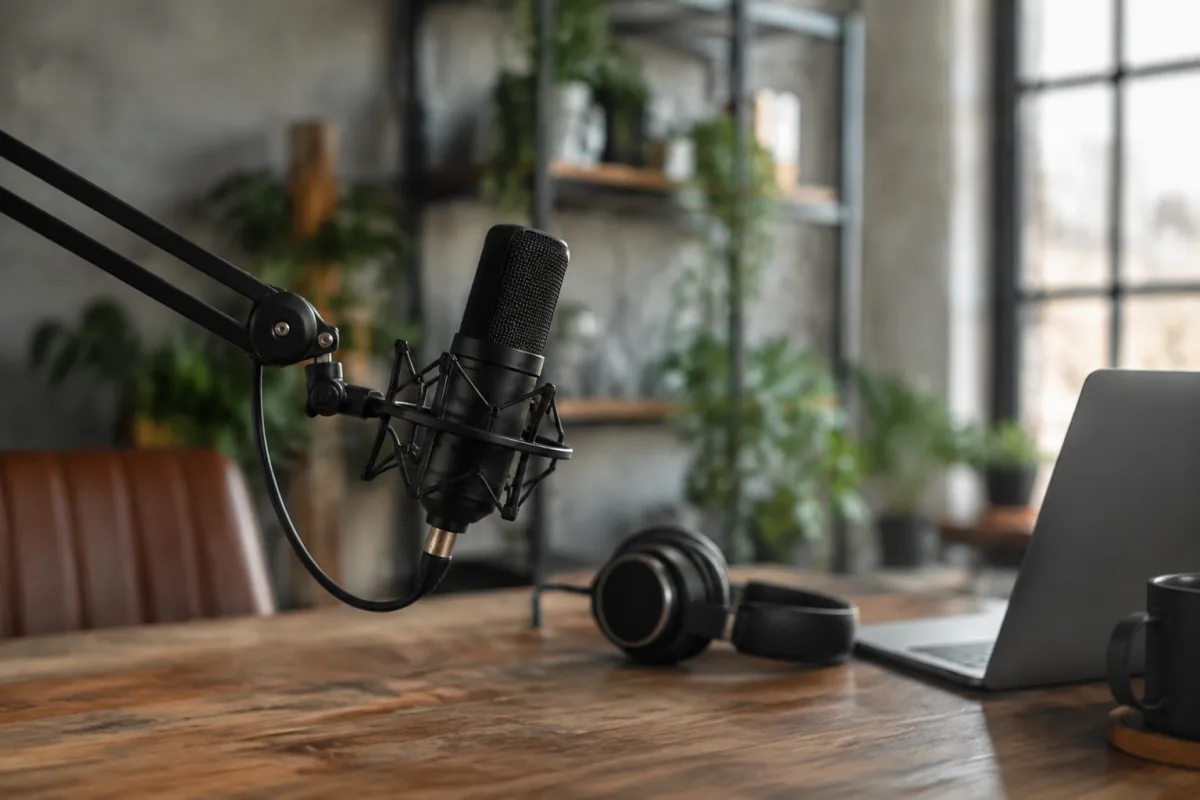
Great podcasting mics are the foundation of professional-sounding audio content. Whether you're recording a solo show or hosting a group discussion, choosing the right podcasting microphone determines how your voice sounds to listeners. This guide explores microphone types, what makes quality podcasting mics and how to select one that fits your budget and setup.
Understanding Microphone Types for Podcasting
Dynamic microphones, the industry standard for podcasting mics, capture sound by moving a membrane against a magnet. They excel at rejecting background noise and room reflections—critical for podcasters recording in bedrooms, offices and untreated spaces. Dynamic podcasting mics favour close-proximity use; position the microphone 5–10 centimetres from your mouth for clear, direct sound.
Condenser microphones are more sensitive than dynamic models, picking up more detail and subtle nuance. They perform wonderfully in quiet, treated studios but struggle in noisy environments. Many podcasters avoid condenser models for general use, though they shine in professional studios with acoustic treatment.
Ribbon microphones offer warm, vintage character ideal for certain podcast aesthetics but are delicate, expensive and require careful handling. Most podcasters start with dynamic microphones—more durable, affordable and practical for typical recording environments.
Key Features of Quality Podcasting Mics
Professional podcasting mics include a cardioid pickup pattern—directional sensitivity focusing on sound from the front whilst rejecting side and rear noise. This pattern isolates your voice from room ambience, computers and background activity. The pickup pattern remains roughly consistent across the frequency spectrum, preventing tonal shifts as you move.
Frequency response on podcasting mics typically emphasizes the human voice range (300Hz–15,000Hz) whilst remaining relatively flat overall. Some models intentionally boost presence peaks (3–5kHz) making voices sound slightly brighter and more engaging. This subtle colouration suits podcast applications where your voice is the primary subject.
Ruggedness matters in real-world use. Quality podcasting mics feature durable capsules, reinforced bodies resisting impacts and strong mount systems keeping the microphone secure. Budget models with flimsy construction fail prematurely when knocked over or dropped.
Microphone Connection Types
| Connection | Cable Type | Best For | Advantages |
|---|---|---|---|
| USB | USB-A or USB-C | Computer recording, simplicity | Plug and play, integrated preamp, no separate interface |
| XLR analogue | 3-pin XLR cable | Flexible setups, audio interfaces | Professional standard, low noise, upgradeable chain |
| 3.5mm jack | 3.5mm stereo cable | Portable recording, mobile devices | Universal compatibility, compact, convenient |
| Wireless | 2.4GHz digital or RF | Mobile podcasting, interviews | Freedom of movement, interview flexibility |
USB podcasting mics offer simplicity—plug into your computer and start recording immediately without additional equipment. This appeals to beginners. XLR models require an audio interface but offer flexibility and enable upgrading individual components. Choose USB for pure convenience, XLR for flexibility and potential growth.
Budget Considerations for Podcasting Mics
Entry-level USB podcasting mics cost £50–£150 and serve beginners perfectly well. These include integrated audio interfaces and reasonable frequency response. Audio quality is acceptable for most podcast audiences, though professional studios use higher-tier models.
Mid-range XLR podcasting mics (£150–£500) offer superior sound quality and build durability. Combined with a budget audio interface, this approach delivers professional-sounding audio at reasonable cost. Many successful podcasts use mid-range microphones.
Professional-grade podcasting mics exceed £500 and feature exceptional build quality, refined frequency response and refined presence peaks optimising voice intelligibility. These suit established shows with large audiences or professional broadcasters where audio quality significantly impacts perception.
Essential Accessories for Podcasting Mics
A quality pop filter (windscreen) prevents plosive bursts that spike audio levels when you say 'p' or 'b' sounds. This simple accessory prevents audio degradation and costs only £20–£40. Professional podcasters never record without one.
A microphone arm or boom stand positions the podcasting mic at the correct distance and angle without fatigue. The mechanical support eliminates handling noise transmitted directly into your recording. Shock mounts on the arm isolate vibrations from your desk, further reducing noise.
An audio interface converts analogue signals from XLR microphones into digital data your computer understands. Budget interfaces (£50–£150) deliver adequate performance. Professional models (£200–£500) offer superior preamps and lower noise floors.
Recording Technique With Podcasting Mics
Distance and angle dramatically affect how your voice sounds through podcasting mics. Maintain consistent 5–10 centimetre distance from the microphone, placing it slightly below mouth level so you speak across the capsule rather than directly into it. This technique reduces plosives and wind noise whilst capturing warm tones.
Speak naturally without over-enunciating. Podcasting mics capture voice character—forcing artificial pronunciation sounds unnatural. Let your personality and natural speaking style shine through, trusting the microphone to capture your voice accurately.
Avoid sudden level changes by monitoring audio levels during recording. Most software shows real-time levels preventing surprises during editing. Aim for peaks around -6dB to -3dB, leaving headroom for unexpected loud moments without clipping.
Room Acoustics and Podcasting Mics
Raw room noise (traffic, air conditioning, computer fans) diminishes audio professionalism. Podcasting mics with good rejection help but can't eliminate severe noise. Add soft furnishings—blankets, curtains, bookshelves—which absorb sound reflections and dampen room noise.
The best podcasting mics sound good because of the space they're recording in, not just the microphone itself. Untreated rooms sound harsh and boomy. Adding acoustic treatment dramatically improves perceived microphone quality. A £150 microphone in a treated room often sounds superior to a £500 microphone in an untreated space.
Remote Podcasting Considerations
Recording remote interviews over Zoom or Skype compromises audio quality—internet compression degrades sound. Some podcasters use high-quality local recording on each participant's end, syncing audio in post-production. This approach requires each guest to record themselves through their own podcasting mic.
Alternatively, video call platforms work adequately for casual shows where guests accept slightly reduced audio quality. The convenience of live recording often outweighs minor audio compromises for many podcast formats.
Choosing Your Podcasting Mics
Start with your actual needs and budget. Solo podcasters recording at home need different equipment than live multi-host shows. Beginners benefit from simple USB setups; established shows justify investing in quality XLR microphones and audio interfaces.
Research specific models through podcast production communities and reviews from active podcasters. Listen to audio samples recorded with different podcasting mics. Your ears are the final judge—does the microphone sound warm, present and professional to you?
Long-term Investment in Audio Quality
Podcasting mics are one of your most important investments as a content creator. Quality audio directly influences listener retention, perception of professionalism and enjoyment of your show. Investing in a good microphone signals commitment to your audience and yourself.
Your podcast's audio quality becomes your signature. Listeners forgive occasional mistakes or rough editing, but consistently poor audio drives them away. Choose podcasting mics that let your voice shine, supporting growth and building an engaged audience who returns episode after episode.


Comments