
Headphone and Microphone article
The Complete Guide to Headphone And Microphone
Combining headphones and microphones properly is essential for recording and streaming. Discover how to set them up, prevent feedback, and monitor cleanly.
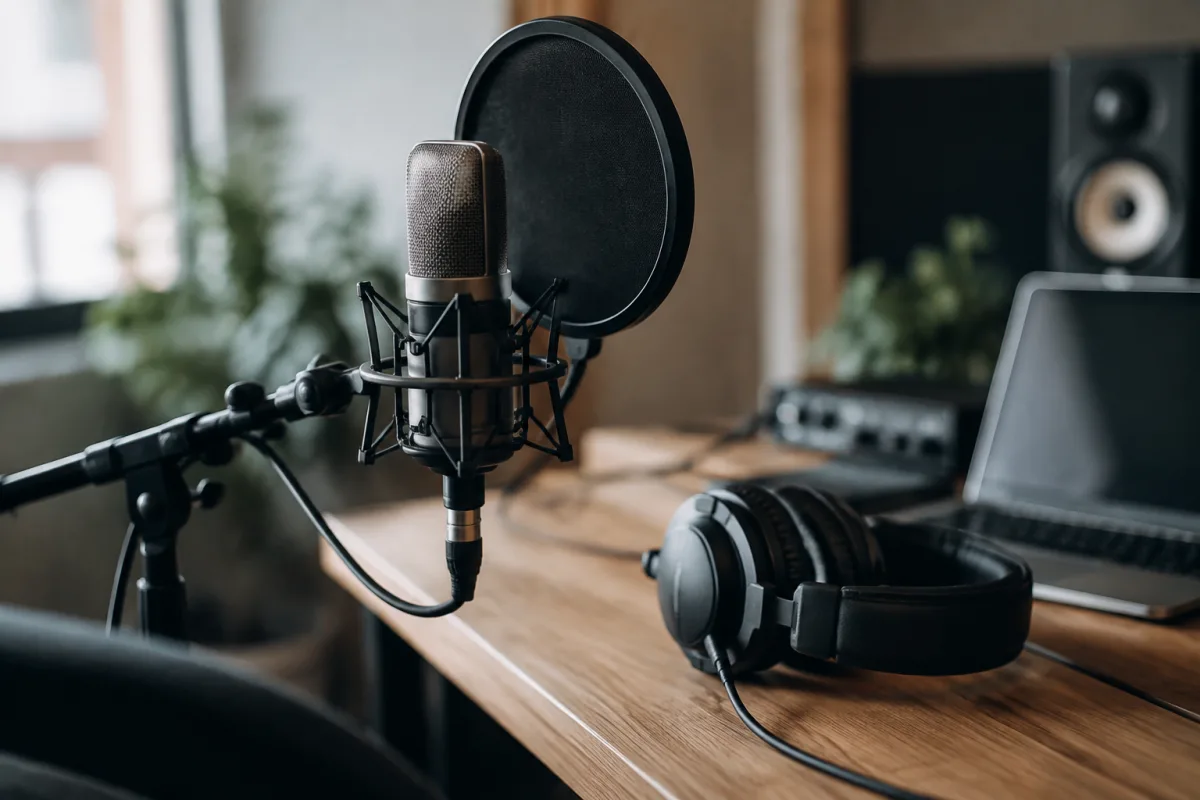
Using headphones and microphones together is more nuanced than it first appears. Whether you're recording a podcast, conducting a video interview, producing music in your bedroom, or streaming live to an audience, getting headphones and microphones to work seamlessly requires understanding their interaction. Too many people grab a microphone and headphones without thinking about gain structure, monitoring, or feedback loops—and then wonder why the result sounds amateur. The good news is that understanding a few core principles transforms the experience from frustrating to professional-sounding in minutes.
The Headphone and Microphone Relationship
A headphone and microphone setup serves two distinct functions. The microphone captures what you want to record. The headphones let you hear what the microphone is picking up—and often, what else is happening in your recording chain. This monitoring function is critical. Without headphones, you're recording blind, unable to catch problems in real time. With quality headphones and microphones working together, you have complete control and awareness of your audio.
The headphone and microphone must not interfere with each other. A microphone positioned too close to headphones creates feedback—that squeal or howl that makes everyone cringe. Proper gain structure prevents the microphone from picking up sound coming from your headphones. Understanding this relationship is the foundation of any working headphone and microphone setup.
Choosing the Right Microphone
For headphone and microphone work, consider what you're recording. A large-diaphragm condenser microphone suits vocals and acoustic instruments, offering warmth and presence. A small-diaphragm condenser microphone captures detail and works beautifully for overheads or acoustic guitar. A dynamic microphone like the Shure SM7B or Electro-Voice RE20 suits podcast and spoken-word recording, offering excellent rejection of room noise and a warm character.
The microphone's polar pattern matters when used with headphones. A cardioid microphone rejects sound from the rear and sides, meaning your headphones sitting behind or beside you (which is typical when wearing headphones and microphones) have minimal impact on the microphone signal. If your headphone and microphone setup uses an omnidirectional microphone, you'll need to manage gain more carefully.
Selecting Headphones for Critical Listening
When wearing headphones while using a microphone, comfort and sound quality both matter. Your headphones and microphone work together—poor monitoring makes it impossible to deliver your best performance. Closed-back headphones suit live recording and streaming because they isolate you from room noise and prevent the headphones' output from bleeding into the microphone. Open-back headphones offer more natural sound but risk creating feedback with sensitive microphones.
For a headphone and microphone setup, prioritise accuracy over flattery. Studio-grade headphones with neutral frequency response let you hear what your microphone is actually capturing, not an enhanced version. This matters enormously when setting levels and monitoring. Comfortable headphones and microphone positioning prevents fatigue during extended sessions—fitness, education, and streaming work often demands hours of monitoring through headphones.
Gain Structure: The Foundation of Everything
Proper gain structure is where most headphone and microphone setups go wrong. Start by setting the microphone's preamp gain to approximately 75% of maximum. Speak or sing at your normal volume into your headphones and microphone setup. Watch your input level meter—it should peak around -6 dB to -12 dB. This leaves headroom: if you accidentally get louder, the headphone and microphone setup won't clip or distort.
The headphone level is separate. Adjust your headphones volume until you can hear clearly without distraction. It should not be loud—just clear. A common mistake with headphone and microphone setups is turning headphones up too high because people are listening to themselves, which is an unnatural listening position. Dial back the headphone volume. You're not enjoying music; you're monitoring a live signal. Quieter is better.
Monitoring: What You're Actually Hearing
Your headphones and microphone setup can monitor different things. Direct monitoring sends the raw microphone signal to your headphones. This latency-free monitoring is perfect for live streaming or performances—you hear yourself exactly as the audience would. However, direct monitoring won't include reverb, effects, or other processing unless your interface applies it.
Mixing console monitoring lets your digital audio workstation (DAW) or mixer include effects, reverb, and other processing in what you hear through your headphones. This is excellent for recording and producing but introduces slight latency—typically 5–20 milliseconds depending on your interface and settings. For singing and recording acoustic instruments, latency under 10 milliseconds is imperceptible and generally acceptable. Anything above 50 milliseconds becomes noticeable and distracting.
Preventing Feedback in a Headphone and Microphone Setup
Feedback occurs when your headphones' output somehow reaches your microphone, gets amplified again, and creates a feedback loop. Prevention is straightforward: position your headphones behind or beside your microphone, not in front of it. Use a cardioid microphone. Keep headphone levels moderate. These simple steps eliminate feedback entirely in most home and studio setups.
If feedback persists despite proper positioning, check your gain structure. A microphone gain set too high will pick up even quiet headphone bleed. Reducing microphone gain and slightly increasing headphone volume maintains clarity whilst eliminating the problem.
Practical Headphone and Microphone Setups
A podcast setup typically uses a large-diaphragm condenser microphone into an audio interface, with closed-back studio headphones monitoring the input. The microphone sits on a boom arm or mic stand, positioned away from your face to prevent plosives. Your headphones sit on a headphone stand beside you, letting you adjust volume or remove them quickly.
A streaming setup might use a dynamic microphone for better isolation, a headphone-mounted boom mic for communication, or a dedicated headset combining headphones and microphone into one device. The advantage of a combined headphone and microphone setup is simplicity—everything connects to a single device, reducing cable clutter and complexity.
A bedroom recording setup places a small-diaphragm or large-diaphragm condenser microphone on a stand, with comfortable closed-back headphones for monitoring. Your DAW handles mixing and effects. Record with minimal latency (use direct monitoring for the vocal track) whilst hearing your pre-recorded instruments and effects through the headphone monitoring.
The Bottom Line
A well-configured headphone and microphone setup is transparent—you stop noticing it and focus on performing or communicating. The microphone captures cleanly. The headphones monitor accurately. Gain structure is proper. Feedback doesn't exist. These aren't luxuries; they're the foundation of professional-sounding audio. Whether you're recording your first podcast, streaming to an audience, or laying down vocal tracks, investing time in understanding how your headphones and microphone work together pays enormous dividends. Start with quality components, dial in your gain structure carefully, and test your setup before going live. A headphone and microphone setup that's properly configured makes every other aspect of recording or streaming feel effortless.


Comments