


Touch Sensitive Keyboard Buying guide
Touch Sensitive Keyboard: A Complete Buyer's Guide
A complete buyer's guide to touch-sensitive keyboards: understand velocity response, compare specifications, evaluate models, and make an informed purchase decision.
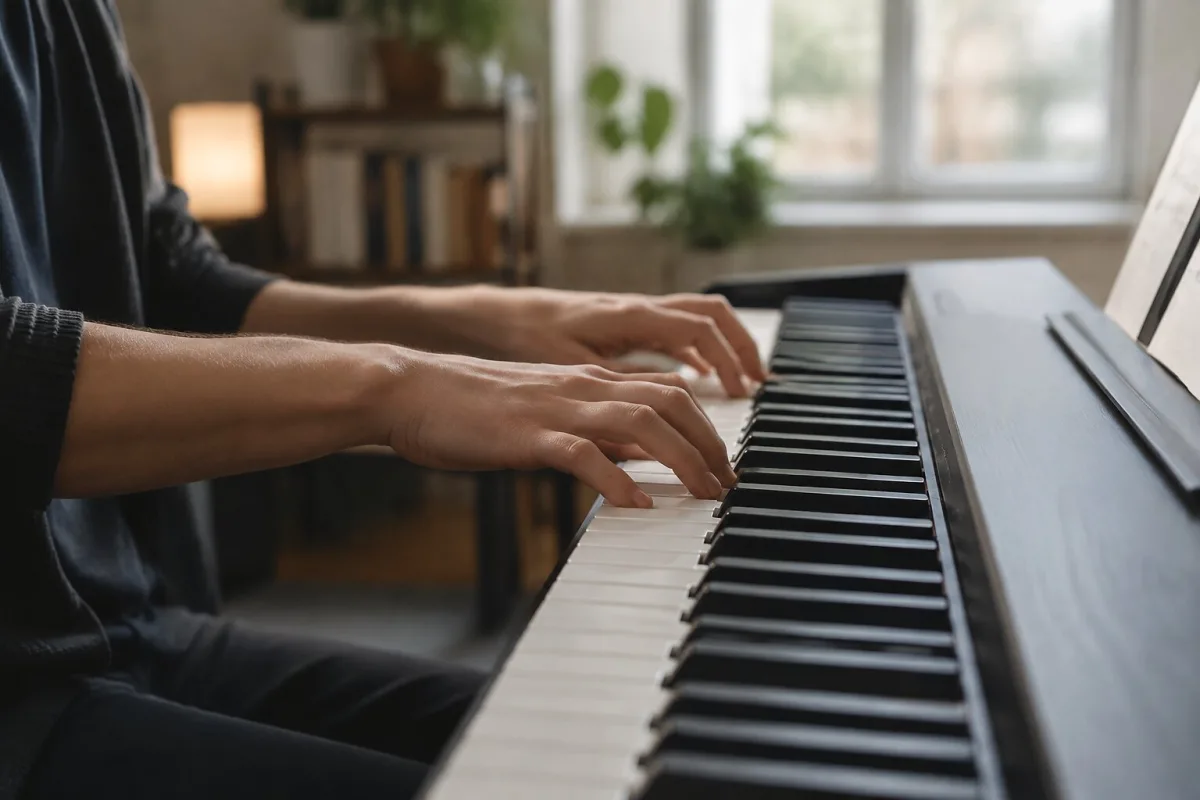
If you're shopping for a keyboard and need touch sensitivity, understanding how to evaluate options is essential. Touch-sensitive keyboards detect how hard you press keys, allowing expressive playing where velocity (how forcefully you strike) affects volume and tone. This feature separates professional instruments from toy keyboards and is crucial for serious musicians. Navigating the market requires knowing which specifications actually matter for your budget and needs, where value hides, and what pitfalls to avoid. This buying guide focuses entirely on the purchasing decision: specifications that matter, price tiers and value positioning, what to check before buying, common buyer mistakes, and how to ensure you're getting genuine value. For deeper technical knowledge about touch-sensitive technology itself, explore our complete guide to touch-sensitive keyboards after you've decided what to purchase.
Understanding Touch Sensitivity: Why It Matters for Your Purchase Decision
Touch sensitivity is the keyboard's ability to register and respond to how forcefully you press keys. A non-touch-sensitive keyboard plays at constant volume regardless of attack force. A touch-sensitive keyboard varies volume, tone brightness, and expression based on how hard you play. For classical pianists, jazz musicians, and any player wanting expressive control, touch sensitivity is non-negotiable. For synthesiser programmers or electronic musicians working with fixed sounds, it's less critical. But most serious musicians benefit from touch sensitivity because it enables musical expression that programming alone cannot achieve. When shopping, "weighted keys" (which add resistance to mimic piano action) and "touch sensitivity" are different features that often appear together but serve different purposes.
Key Specifications to Compare When Buying
Understand these specifications before comparing models:
- Number of keys: 49 keys suit small studios; 61 keys are versatile; 88 keys replicate full piano range. Your needs determine optimal key count. More keys cost more but offer completeness.
- Touch sensitivity curves: Advanced keyboards let you adjust how the keyboard responds to velocity. Some respond aggressively (light touch produces large volume swings); others respond gently (consistent response across touch range). Adjustability is valuable if you have strong or light touch technique.
- Aftertouch: This detects pressure after pressing the key and can modulate sound. Valuable for expressive playing but not essential. Check if included.
- Velocity response: Some keyboards simulate piano velocity curves; others offer custom curves. This affects how natural playing feels. Premium keyboards offer sophisticated velocity response.
- Build quality: Key construction material, plastic vs. wood components, and overall durability matter. Cheap keyboards have thin plastic keys that feel inexpressive. Quality keyboards have weighty, responsive keys.
- MIDI implementation: How the keyboard transmits touch-sensitive data to computers/software. Better MIDI implementation means more expressive control in music production.
- Sound quality: If the keyboard includes built-in sounds, their quality varies enormously. Some have thin, artificial samples; others include excellent sound banks. This matters if you perform with only the keyboard.
Price Tiers and Value Positioning
Touch-sensitive keyboards span a wide price range. Here's what each tier offers:
Budget tier (100-250 pounds): Basic touch sensitivity, thin keys, minimal aftertouch. Suitable for beginners and bedroom practice. Build quality is thin. These instruments fade quickly if you advance.
Entry-professional (250-600 pounds): Solid build quality, responsive touch, decent sound engines. Suitable for gigging and recording. Represents the sweet spot for value. These keyboards hold resale value well.
Mid-range professional (600-1500 pounds): Excellent build, advanced touch sensitivity curves, rich sound libraries, premium materials. For touring musicians and serious studio work. Commands resale value.
Premium (1500+ pounds): Top-tier instruments, stage-proven durability, extensive aftertouch, sophisticated sampling. For professional touring and high-end studio work. Exceptional resale value.
Most buyers find excellent value in the entry-professional tier (250-600 pounds). Avoid budget tier if you plan to keep the keyboard beyond a year.
What to Check Before Buying Touch-Sensitive Keyboards
Don't just rely on specs. Evaluate these factors:
Play before buying: Touch sensitivity is intensely personal. What feels responsive to one player feels dead to another. Visit retailers where you can physically play keyboards. Your hands will tell you what specs cannot.
Check key consistency: Play a full octave slowly, then quickly, then with varied pressure. All keys should respond consistently. Uneven response indicates quality problems.
Test velocity response curves: Play the same key with varying pressure (soft to hard). The response should feel natural and predictable. Erratic response is a red flag.
Evaluate aftertouch (if present): Press a key fully, then apply additional pressure. Aftertouch should control a defined parameter smoothly. Jumpy or unresponsive aftertouch is a defect.
Listen to built-in sounds: If the keyboard has onboard samples, play several to evaluate quality. Cheap keyboards have thin, artificial samples. Quality keyboards sound organic.
Check MIDI implementation: Connect the keyboard to a computer/DAW and verify that velocity and other MIDI data transmit correctly. Check latency (delay between playing and hearing sound). Low latency is essential.
Test connectivity: USB, MIDI, audio outputs should all work smoothly. Try connecting to external gear if you plan to do so.
Verify warranty: New keyboards typically include 1-2 year manufacturer's warranty. Verify coverage details. Used keyboards might have limited warranty.
Common Buyer Mistakes With Touch-Sensitive Keyboards
Avoid these costly errors:
Confusing "weighted keys" with "touch sensitivity." Weighted keys add resistance; touch sensitivity detects velocity. You can have weighted keys without touch sensitivity or vice versa. Understand which features matter for your needs.
Assuming higher price always means better touch sensitivity. Some expensive keyboards prioritise size or sound quality over touch response. Conversely, some mid-range keyboards have exceptional touch sensitivity. Compare the feature directly, not price alone.
Ignoring build quality. A keyboard with good specs but cheap construction will feel frustrating and fail prematurely. Quality keyboard feel is worth the premium.
Buying online without trying first. Touch sensitivity is impossible to evaluate from specifications alone. Try in person when possible. Buy from retailers with solid return policies if you must buy online.
Overlooking portability. Keyboard weight and size matter if you transport it regularly. A 10 kg keyboard feels manageable; a 20 kg keyboard becomes a chore. Consider your transportation needs.
Not considering your playing style. Pianists need weighted keys and sophisticated touch response. Synth programmers might prioritise size and portability over touch feel. Match the keyboard to your actual needs, not theoretical ideals.
Understanding Resale Value
Quality touch-sensitive keyboards hold resale value well—typically 50-70% of purchase price after 3-5 years. Budget keyboards depreciate faster (30-40%). If you're uncertain about long-term needs, choosing quality now protects your investment.
Conclusion: Making Your Touch-Sensitive Keyboard Purchase
Buying a touch-sensitive keyboard means prioritising actual touch response over marketing claims. Play multiple keyboards before deciding. Understand whether you need weighted keys, aftertouch, and specific sound quality. Choose between budget and entry-professional tiers based on your commitment level. Verify touch sensitivity works for your playing style. The right touch-sensitive keyboard becomes an extension of your playing voice, enabling expressive control that programming alone cannot provide. Take time to find the right instrument; rushing leads to buyer's remorse.


Comments