


Fader Controller article
Fader Controller for Beginners: A Complete Guide
Learning to use a fader controller is easier than you think. We'll walk you through the essentials, common beginner mistakes and how to build confidence quickly.
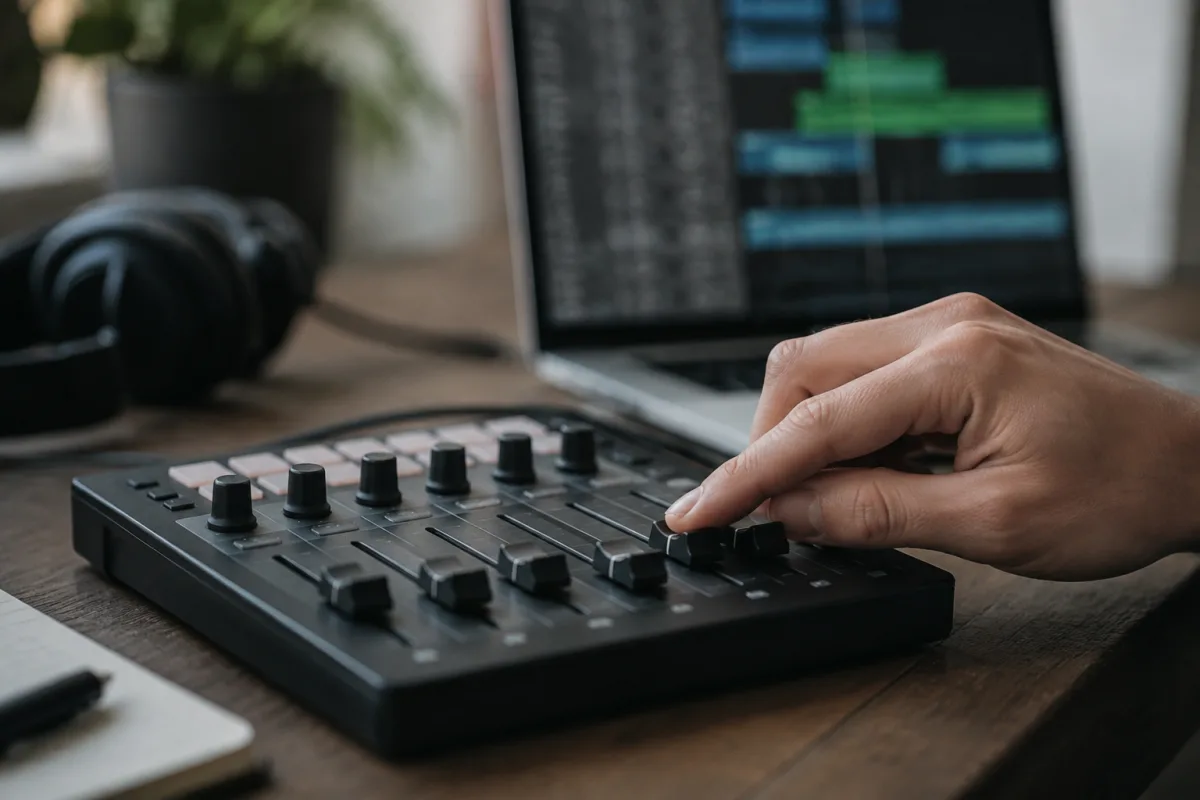
Learning to use a fader controller can feel overwhelming at first, but don't worry – you'll be controlling your music confidently within a couple of hours. I'm going to walk you through the absolute basics, show you the easiest path to getting started, and help you avoid the common mistakes that trip up beginners.
What You're Actually Doing With a Fader Controller
A fader controller is simply a device that sends signals to your music software when you move the faders up and down. Those signals tell your software to adjust volume, change effects settings or control anything else you've mapped. It's not scary – you're just moving physical faders instead of dragging your mouse around.
Think of it like adjusting the volume knob on your stereo, except you're doing it on your computer's music software instead. The fader controller is just the physical control surface; your computer's music program is doing all the actual work.
Getting Started: Your First Session
Plug your fader controller into your computer using the USB cable that comes with it. Your computer will likely detect it automatically – no scary driver installation required for most modern controllers.
Open your music software (whether that's Ableton Live, Logic Pro, FL Studio or anything else). Most software recognises fader controllers automatically and starts responding to your movements immediately. If nothing happens, don't panic – you might need to assign faders to specific functions, which takes literally five minutes once you understand what you're doing.
Start simple: just move one fader on your controller whilst listening to music. Watch what changes in your software. Move it gently, then move it quickly. Notice how the software responds to your speed? That's the fader controller working perfectly.
Essential First Steps
Here's what you should do in your first sessions:
- Explore what each fader does. Move each fader one at a time and watch what happens in your software. Write down which fader controls what if your software allows custom assignments.
- Start with just volume faders. Don't worry about complicated effect controls yet. Just moving volume faders is genuinely useful and helps you understand how the controller works.
- Play along with music. Put on a track you love and try adjusting volumes with your faders whilst the music plays. This makes learning fun and helps your brain connect physical movement with musical results.
- Keep movements smooth. Avoid jerky motions that create audible pops and clicks. Smooth, flowing movements sound musical and feel natural.
- Practice muscle memory. The more you use your fader controller, the more naturally you'll move it. Spend fifteen minutes a day using it, and within a week it'll feel completely natural.
Common Beginner Mistakes to Avoid
Learning from other people's mistakes will save you time and frustration. These are the specific things beginners get wrong:
Moving too many faders at once. When you're starting out, focus on adjusting just one or two faders at a time. Moving all sixteen faders simultaneously looks impressive but sounds messy and teaches you nothing useful.
Jerky, aggressive movements. Beginners often move faders too fast or too abruptly, creating harsh volume changes that sound unprofessional. Move smoothly, especially with volume faders. Your ears will appreciate the difference.
Forgetting to actually listen. Some beginners get distracted by the visual aspect of moving faders and stop listening to what they're actually creating. Keep your ears on what matters – if it sounds good, you're doing it right.
Overcomplicating assignments. Don't try to map every single fader to complicated parameters on your first day. Start with volume, learn that thoroughly, then gradually add other controls. Simple is better when you're beginning.
Assuming something is broken when it doesn't work immediately. Fader controllers rarely break. If a fader isn't responding, you've probably just forgotten to enable MIDI input or selected the wrong software window. Check those basics first.
Building Your Confidence
The secret to getting genuinely comfortable with a fader controller is actually using it. Grab a song you enjoy, press play and start adjusting volumes or effects with your faders. You cannot damage your computer or destroy your music by moving the wrong fader – worst case, you undo one action and try again.
Don't watch tutorial videos for hours without practising. Watching is passive; actually moving the faders yourself is where real learning happens. Spend just fifteen minutes moving faders every day and you'll be shocked how quickly you progress.
When to Add Complexity
Once you're comfortable with volume control (this usually takes three to five sessions), start experimenting with other assignments. Try mapping effect parameters to your faders. Gradually, you'll discover which controls feel most musical to you and which ones you genuinely use regularly.
Advanced techniques like layering multiple controller pages or creating complex automation patterns come naturally once you've got the basics sorted. You don't need them immediately; they're genuinely optional enhancements that you'll add when you're ready.
Enjoying the Learning Process
Using a fader controller should feel enjoyable, not intimidating. You're giving yourself a more tactile way to shape your music. The learning curve is genuinely gentle – most people feel confident within their first week of casual use. For the technical details, check our complete guide to fader controllers.


Comments