


Native Instruments Digital Piano article
Native Instruments Digital Piano for Beginners: A Complete Guide
Starting with Native Instruments digital piano feels technical at first, but once you understand the basics, you'll find it genuinely welcoming for beginners.
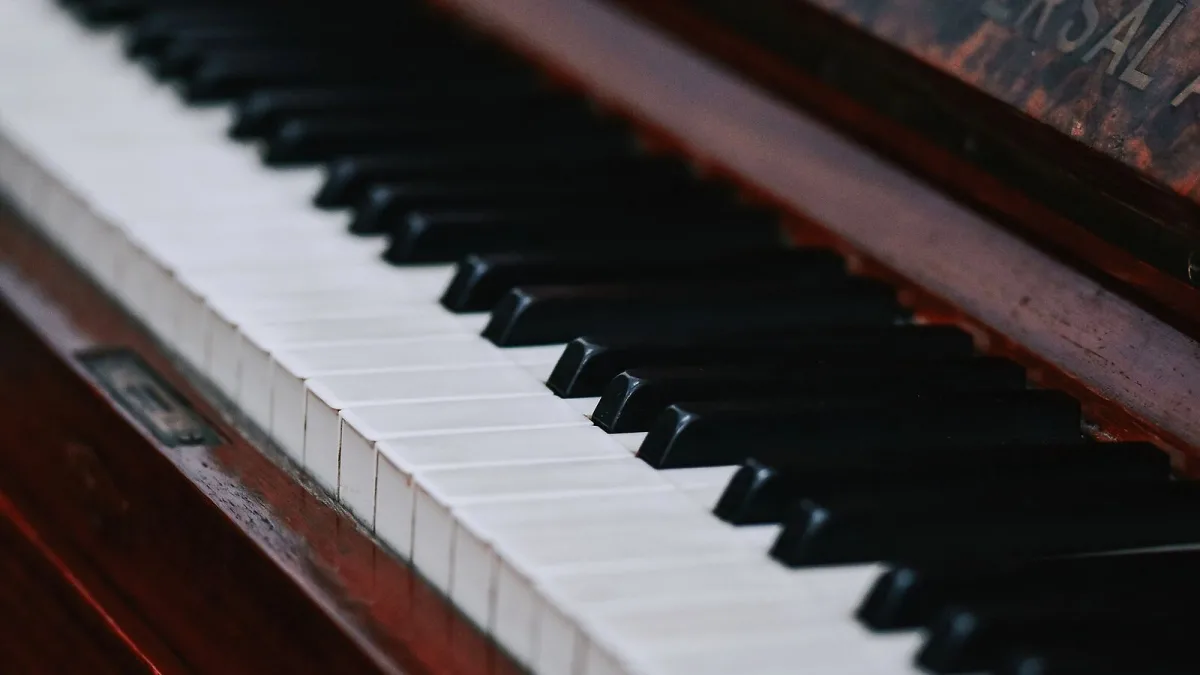
Starting with digital piano software from Native Instruments might feel technical at first—there are menus, options, and sounds to explore. But once you understand the basics, you'll find that these products are actually quite welcoming for beginners. This guide walks you through the essentials, builds your confidence, and helps you avoid the stumbles that trip up newcomers.
Why Native Instruments Digital Piano for Beginners
These libraries offer something special for beginners: authentic sampled piano sounds captured from some of the world's finest instruments. Unlike cheap digital pianos, they sound remarkably close to playing a real instrument. This matters because when you're learning, hearing genuinely musical tones makes practice feel rewarding.
These products are also more flexible than standalone hardware. You can install the software, integrate it with your DAW (Digital Audio Workstation), use it on different computers, and even load your sounds into different instruments. That flexibility is liberating for someone still figuring out their setup.
Your First Steps: Getting Started
Begin by installing the software and opening it in your DAW or as a standalone application. Open the browser panel—this is where you'll see all the available piano sounds. Don't be overwhelmed by the number of options. Start here:
- Select "Grand Piano". The first thing you should hear is a high-quality recording of a concert grand piano. This is the foundation. Play a few notes and just listen. This is what you're working with.
- Find the velocity curve. How hard you strike a key matters. Most digital piano products let you adjust this. Leave it at the default at first—it's designed for keyboard players and will feel natural.
- Turn up the volume. Some piano libraries default to quiet levels. Adjust the master volume so you can hear yourself clearly without cranking your speakers.
Play some simple scales and chords. Listen to the sustain pedal (usually your space bar). The software will respond to the pedal just like a real piano—the notes ring on even after you release the keys. This alone teaches you something essential about piano playing.
Understanding the Interface
The software typically shows you several key sections. The browser on the left lets you navigate through sounds—but for now, stay with grand piano. The main panel in the centre controls the sound. You'll see sections for tuning, voice settings, and effects.
For a beginner, most of these settings are fine at their defaults. The one thing worth exploring early is the tuning. Some pianos sound slightly brighter or warmer depending on how they're tuned. The software allows you to adjust this, but again, the preset is excellent to start with.
Don't touch the effects yet. The reverb, delay, and other effects are powerful tools for later. Native Instruments digital piano sounds complete on its own—effects should be about refining your sound, not making it work.
The Browser: Finding Your Sounds
Beyond the grand piano, this collection includes upright pianos, electric pianos, Fender Rhodes sounds, and more. Resist the urge to jump between all of them immediately. Here's a better approach:
- Master the grand piano first. Spend a week with just that sound. Learn how it responds, how the pedal affects it, how different keyboard touch changes the tone.
- Try the upright piano next. It's brighter, warmer, and teaches you how piano design affects the sound.
- After that, explore electric pianos if you're interested in vintage rock or R&B textures.
- Leave anything more exotic for after you're comfortable with the fundamentals.
The browser allows you to tag and favourite sounds, making it easier to find your preferred instruments later. Early on, mark your two or three favourite sounds. That focus helps you learn more deeply than jumping around.
Common Beginner Mistakes
After watching many people start with these products, a few patterns emerge—and they all have easy fixes:
- Ignoring the sustain pedal. Beginners often forget the pedal or don't understand what it does. The sustain pedal (usually mapped to the space bar) is not optional—it's essential to how piano sounds are voiced. Use it from day one.
- Adjusting too many settings at once. The software offers endless tweaking options. Beginners often fiddle with everything and end up with a sound that's worse. Leave the settings alone until you understand what each one does.
- Using too much reverb. New players often add reverb because "concert halls sound great." Too much reverb makes your playing muddy and hard to hear. If you add any reverb, start minimal. It usually sounds best dry or with very light reverb.
- Not calibrating your keyboard velocity. Your keyboard's touch matters more than you think. If the sound feels either too sensitive or too dead, spend five minutes finding the velocity curve that matches how hard you naturally play.
- Skipping the documentation. The software ships with guides. They're actually worth reading. Fifteen minutes of reading saves hours of confusion later.
Making Progress
Your first week should focus on one thing: playing. Choose a grand piano sound and spend time with it. Learn how it responds. Play songs you know, even if they're simple. The point isn't perfection—it's familiarity.
By week two, you should feel confident that the sound you're hearing is genuine and responds like a real piano. This confidence is everything. You stop fighting the instrument and start exploring it. This is when these products truly open up for you.
Why It Wins for Beginners
Native Instruments digital piano excels for beginners because it doesn't hide the music behind technology. Yes, there's software and menus, but at its heart, these products are about playing real, beautiful piano sounds. The learning curve is gentle because the fundamentals are straightforward: press keys, listen, play with the pedal, learn.
Other digital pianos focus on features and effects. Native Instruments digital piano trusts that you want to play the piano itself. That trust is liberating. It means you can start immediately without feeling like you need to master every setting first.
Next Steps
Once you're comfortable with the basic grand piano sound, your journey expands naturally. You might explore other instruments in the library. You might experiment with effects. You might integrate the software into a DAW and start layering sounds. Or you might simply keep playing, going deeper into the piano itself.
The beautiful thing about this software is that it supports all these paths equally. You're never locked into one way of using it. Start simple, stay curious, and enjoy the journey.


Comments