


Korg Digital Piano article
Korg Digital Piano for Beginners: A Complete Guide
A beginner's guide to getting started with a Korg digital piano, covering setup, first sounds, weighted keys, and essential tips for new pianists.
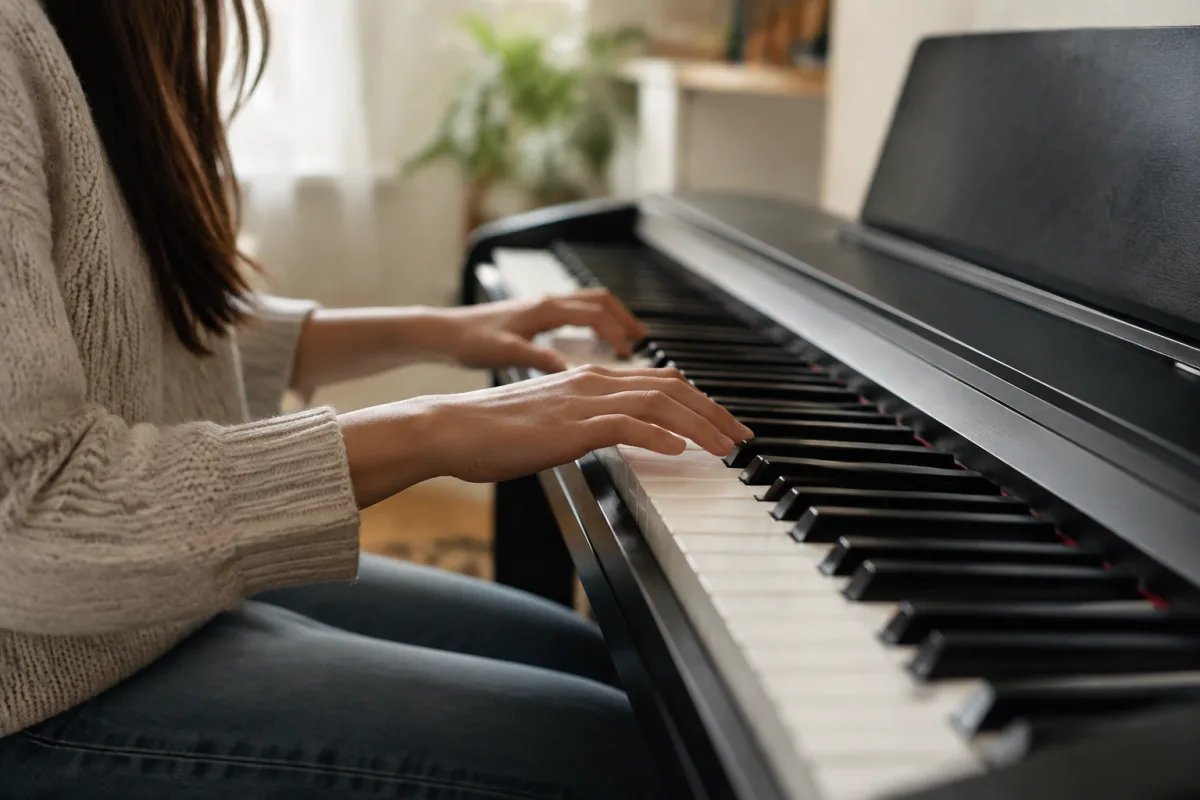
Stepping into the world of digital music with a Korg digital piano can feel daunting if you've never played before. Whether you're drawn to these instruments because of their affordable price tags, compact design, or impressive sound quality, you're making an exciting choice. Korg digital pianos have become a favourite among beginners precisely because they remove many barriers to entry while still offering authentic playing experiences. In this guide, we'll walk you through your first steps, helping you feel confident as you begin your musical journey.
Setting Up Your Korg Digital Piano for Success
When your new Korg digital piano arrives, resist the urge to dive straight in without preparation. Take 15 minutes to set it up properly—this makes a huge difference in your comfort and confidence from day one. First, find a stable surface at comfortable playing height. Your elbows should sit roughly level with the keyboard, whether you're sitting or standing. Position the instrument away from direct sunlight and extreme temperature changes, as these can affect the internal components over time.
Next, familiarise yourself with the power switch, usually located on the rear panel or side. Connect the supplied power adapter securely—you'll hear a soft beep confirming it's ready. If your model includes pedals (especially the sustain pedal), attach them to the designated brackets beneath the keyboard. Don't worry about using pedals perfectly yet; you'll develop the muscle memory naturally as you practise.
Choosing Your First Sounds: Start Simple
Korg digital pianos offer hundreds of sounds—synthesizers, organs, strings, and more—which can overwhelm a complete beginner. Here's the secret: ignore most of them for now. Stick with the acoustic piano sound, which is what you're here to learn on. This sound closely mimics how a traditional acoustic piano responds to your touch, giving you honest feedback about your technique. Once you're comfortable after a few weeks or months, you can explore other sounds without developing bad habits.
The instrument's main display or buttons allow you to scroll through sound banks and select the piano voice. Read your user manual briefly to locate these controls. Most Korg models make this intuitive—usually a dial or arrow buttons with an LCD display showing the current sound. Your goal at this stage is simply to find "Grand Piano" or "Acoustic Piano" and learn how to get back to it quickly.
The Weighted Keys Advantage: Understanding Touch
One of the kindest features Korg included in many of their digital piano models is weighted keys—these resistance-weighted keys mimic the action of acoustic pianos. If your model has them, you're in luck. The weighted action initially feels stiff compared to unweighted keyboards, but this is precisely the point. Beginner pianists who learn on weighted keys develop better finger strength and technique faster, and the transition to acoustic pianos later feels natural rather than jarring.
Don't fight the weighted action; embrace it. Your fingers might tire after just 10-15 minutes initially—this is completely normal and a sign the weights are doing their job. Rest when you need to, and gradually your hand endurance will build over weeks of regular practice.
Essential First Steps: Your Week One Plan
Rather than trying to tackle complicated pieces immediately, follow this beginner-friendly plan for your first week:
- Days 1-2: Locate and label the white keys using middle C as your reference point. Spend 5 minutes simply getting comfortable with the feel of the keys and listening to how the piano responds to gentle pressure.
- Days 3-4: Learn the names of the white keys (C, D, E, F, G, A, B). Practice playing each key once and naming it aloud. This repetition helps your muscle memory and ear develop together.
- Days 5-7: Find a beginner book or online resource (many are free) and learn your first simple melody, such as "Mary Had a Little Lamb" or "Twinkle Twinkle Little Star." These songs use only white keys, making them perfect starter pieces.
Common Beginner Mistakes to Avoid
Learning from others' experiences will accelerate your progress. Here are the most common pitfalls beginners encounter with digital pianos:
Mistake 1: Ignoring posture. Sitting with proper posture might feel uncomfortable at first, but it prevents injury and helps you play with better control. Your back should be straight, shoulders relaxed, and feet flat on the floor or footrest.
Mistake 2: Playing too hard. Beginners often bash the keys, assuming they need lots of force to produce sound. Digital pianos are sensitive instruments—even light, controlled pressure produces rich tones. Your fingers should dance on the keys, not attack them.
Mistake 3: Skipping the manual. Your Korg manual contains a treasure trove of settings that enhance your learning experience. Features like tempo control, recording, and split modes (which let you play different sounds with each hand) become invaluable as you progress.
Mistake 4: Inconsistent practice. One hour of weekly practice won't build skills as effectively as 15 minutes daily. Consistency matters far more than duration when you're starting out.
Making Practice Enjoyable and Sustainable
The key to progressing beyond the first month is simply enjoying your practice time. Set modest, achievable goals—learning one new note per day, perfecting one short melody per week, or spending five minutes exploring different sounds. Celebrate these small wins. Consider using a practice journal to track your progress, which provides motivation on days when everything feels difficult.
Connect with other learners online or in your community. Sharing progress, frustrations, and discoveries makes the journey far more rewarding. Your Korg digital piano is designed to be accessible to beginners, and thousands of people have started exactly where you are now.
Accessing Resources and Support
One often-overlooked advantage of owning a Korg digital piano is the availability of resources. Many models connect to Korg's educational apps and platforms. Explore these officially supported tools, which often include guided lessons tailored to your instrument. Additionally, YouTube hosts countless beginner piano tutorials—many taught specifically on digital pianos—offering free supplementary learning.
For deeper context on various Korg models and their features, our comprehensive overview of Korg digital pianos covers the full landscape of what these instruments offer at different price points and skill levels.
Your Musical Path Starts Now
Owning a Korg digital piano marks the beginning of something wonderful. The learning curve ahead is gentle, the instrument is forgiving of mistakes, and the satisfaction of playing your first complete piece is genuinely moving. Approach your practice with patience, curiosity, and kindness toward yourself as you learn. Within weeks, you'll recognise improvement. Within months, you'll be playing recognisable melodies. And somewhere down the line, you might just discover a passion for music you didn't know you possessed. Your Korg digital piano isn't just an instrument—it's a companion on an exciting musical journey.


Comments