


Roland Go Keys Keyboard article
Roland Go Keys Keyboard for Beginners: A Complete Guide
The Roland GO:Keys is designed for beginners. Discover how to unbox it, play your first sounds, understand rhythms, and start building real musical skills immediately.
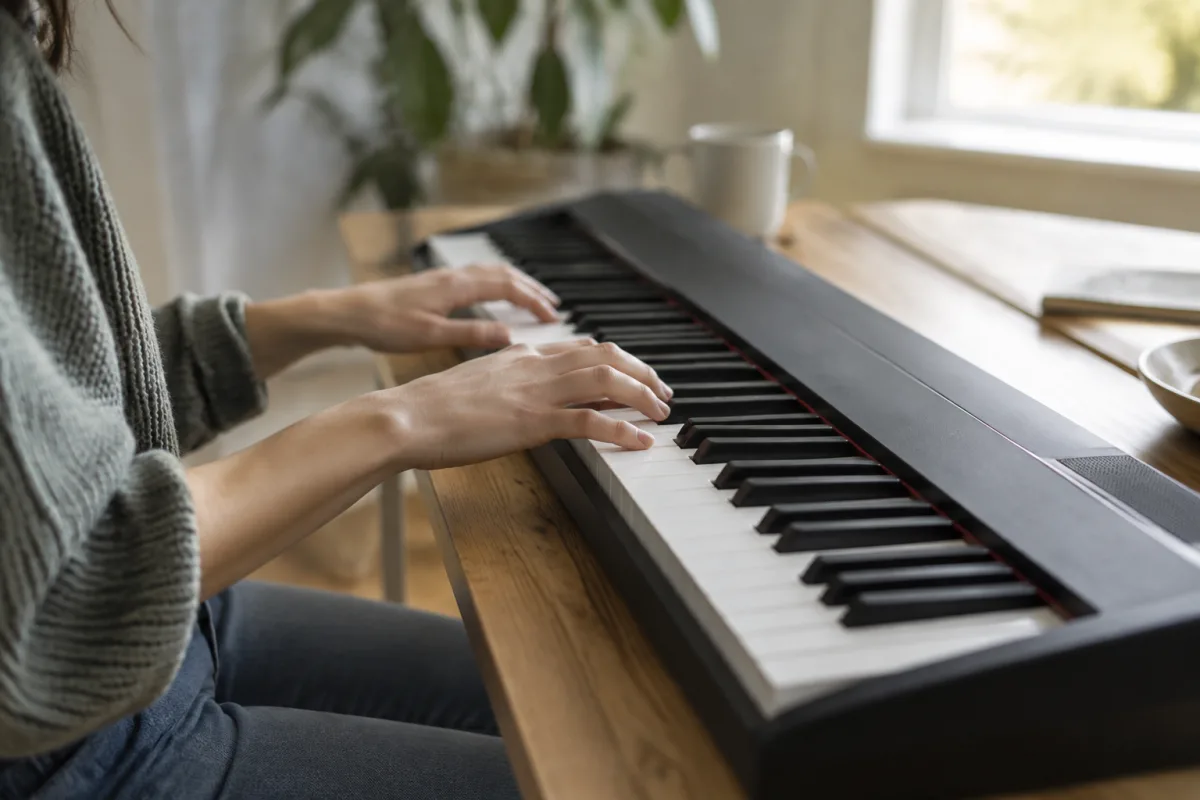
You've just unboxed a Roland GO:Keys keyboard, and it's sitting in front of you looking a bit intimidating. Don't panic. This little instrument is specifically designed for people like you—musicians starting their journey or casual players wanting something portable and fun. We'll walk you through everything you need to know to start making music today, not next month.
Why the Roland GO:Keys Is Perfect for Beginners
The Roland GO:Keys exists because the company listened to what beginners actually need: something that sounds professional, fits in a backpack, and doesn't require a PhD to operate. Unlike larger keyboards with endless menus and parameters, the GO:Keys gives you the essential features upfront. You can literally plug it in and start playing recognisable sounds within minutes. That matters more than you might think when you're building confidence as a new player.
Getting Started: First 10 Minutes
Here's what to do the moment you unbox it:
- Find the power source—The GO:Keys runs on batteries or USB power. Use USB initially so you don't worry about battery life while exploring.
- Turn it on and listen—Press the power button. You'll hear the startup sound. Play a few keys with your fingers to hear the default piano sound. This is your "wow" moment.
- Browse the sounds—Use the Sounds dial (the big knob on the left). Turn it slowly and listen to pianos, strings, organs, synths, and percussion. You're not making a decision yet; just getting familiar.
- Try a rhythm—Press a button under Rhythm. Many beginners skip this, but it's crucial. A drum pattern transforms a few random notes into something that sounds almost musical.
- Play along—Pick a rhythm you like and play simple melodies over it. Even two or three notes sound impressive with a groove beneath them.
That's it. You've made music. Give yourself credit for that.
Understanding the Sounds and Rhythms
The GO:Keys has around 38 built-in sounds and 100 rhythms. Beginners often feel paralysed by choice. Here's how to simplify:
- Sounds to start with—Piano, acoustic guitar, strings, and organ. These are familiar and forgiving. Play with them for the first week before exploring synths.
- Rhythms to master first—Pop, jazz, funk, and blues. Avoid "Latin" rhythms initially if you don't have experience with their timing.
- The golden rule—Pick one sound and one rhythm. Spend 10 minutes with it. Then switch. This teaches your brain and fingers to adapt, which builds real skill.
Connecting to Headphones and Speakers
You don't need speakers immediately, but you will want them eventually. For now, headphones are your friend because they let you practise without disturbing anyone. The headphone jack is on the side of the keyboard. Plug standard headphones in and the built-in speaker mutes automatically.
If you want sound for a room, the line-out (or the same headphone jack on many models) connects to any small speaker. You don't need something expensive—a £30 portable Bluetooth speaker transforms the experience.
Learning to Play: Your First Week
Now that you've explored, here's a beginner practice structure:
- Days 1-3—Play with one sound (piano) and three different rhythms. Learn how different grooves feel under your fingers.
- Days 4-5—Introduce a second sound. Try strings or guitar. Notice how the same rhythm feels different with a new instrument.
- Days 6-7—Pick your favourite sound and rhythm combination. Spend the whole session jamming with it. Let muscle memory develop.
Don't pressure yourself to learn songs. Honestly, just playing notes and feeling the groove is valid practice at this stage. You're building ear training and finger dexterity without the frustration of struggling through sheet music.
Common Beginner Mistakes (And How to Avoid Them)
Beginners tend to make the same missteps. Knowing them helps you skip ahead:
- Ignoring rhythms—Some beginners only play melodies without rhythm accompaniment. That's like cooking without salt. Rhythms make everything better.
- Flipping through sounds constantly—Clicking every sound button means you never spend time actually playing. Commit to sounds for at least five minutes each.
- Forgetting about volume levels—The GO:Keys has separate volume controls. If headphones are too loud or a speaker is too quiet, check the master volume and output levels before panicking.
- Not exploring the recording feature—You can record up to 50,000 notes of your playing. Record yourself. Listen back. You'll be amazed at what you can do.
- Using only one octave—The keyboard has two octave buttons. Using only one limits your melodies. Play with both to expand your range.
Staying Motivated Through the Learning Curve
The first month is crucial for building confidence. Here's how to keep momentum:
- Set a tiny goal—Not "learn piano." Try "play a recognisable melody with this drum rhythm" or "record myself playing a 10-second jam."
- Play every day, even briefly—Five minutes daily beats a 30-minute session once a week. Your fingers and brain need consistent exposure.
- Don't compare to others—YouTube is full of people playing amazing stuff on GO:Keys. They've had months or years of practice. You're one week in. Be patient with yourself.
- Remember the fun factor—If you're not enjoying it, switch sounds and rhythms. Playing should be play, not work.
What Comes Next
After your first week, you might want to explore deeper. Should you learn to read music? Maybe eventually. Should you buy a sustain pedal? It's nice but not essential. Should you connect it to your computer for recording? That's advanced and can wait.
For now, focus on one thing: playing every day and enjoying the sounds you make. Once you're comfortable with that, you can explore the complete guide to Roland GO:Keys keyboards to discover advanced features, connectivity options, and production techniques.
You've Got This
The Roland GO:Keys is genuinely one of the best beginner keyboards available because it rewards you immediately. Play a key, hear a quality sound. Add a rhythm, sound like a musician. That positive feedback loop is what keeps people playing. You're not just buying a keyboard; you're giving yourself permission to make music. Welcome to the club.


Comments