
Software Sibelius article
The Complete Guide to Software Sibelius
Sibelius is the global standard for music notation software. Discover how to use it to compose, arrange, and share professional-quality sheet music.
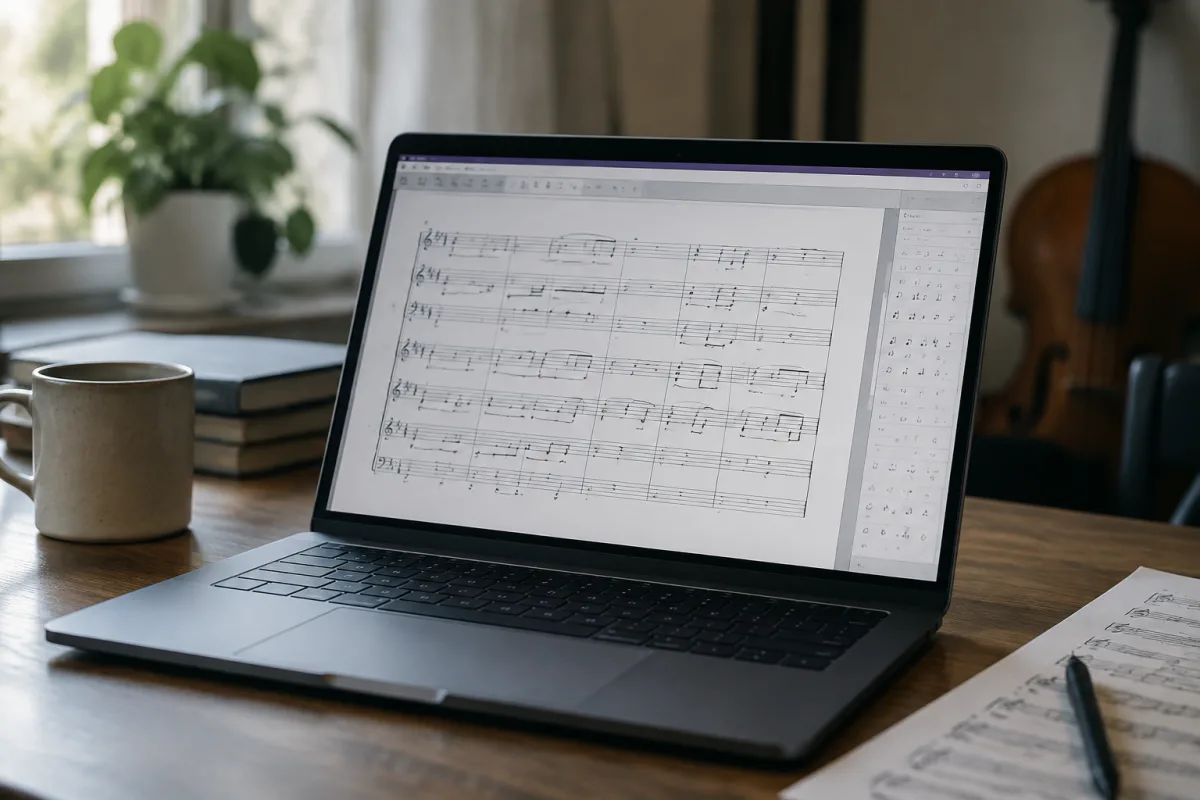
Sibelius started as a conversation between two musicians who just wanted to notate music the way they heard it in their heads. That was 1993, and something fundamental clicked—the software wasn't fighting against your musical intuition, it was partnering with it. Three decades on, Sibelius has become the global standard for music notation, used by composers, arrangers, students and publishers from orchestras to the BBC. If you're serious about writing music down or sharing it with others, Sibelius is the instrument you should know.
What Sibelius Actually Does
At its heart, Sibelius is a tool for translating musical ideas into printed scores. You input notes—via keyboard, mouse, or MIDI instrument—and Sibelius handles the endless technical minutiae: proper spacing, correct note positioning, sensible page breaks, playback fidelity. The software allows you to compose, arrange, and prepare professional-quality sheet music without needing to understand the intricate conventions that make published scores readable and beautiful. It's remarkably intelligent about understanding your intentions and handling the invisible work that makes a score actually work on the page.
But Sibelius goes beyond mere notation. It's a compositional partner. You can write a string quartet and instantly hear it performed by convincing virtual instruments. You can transpose, experiment with orchestration, try different arrangements without erasing what you've already created. For a composer, this is transformative—ideas that once required hiring musicians to test now get explored in minutes.
Sibelius Versions and Subscriptions
Sibelius is available as a subscription (the modern standard) or as a perpetual licence if you prefer owning rather than renting. The subscription model has honestly improved the software—constant updates, new features appearing regularly, and cloud integration that lets you work on projects across devices. It's priced reasonably for what you get, particularly if you're a serious composer or arranger. Students get substantial discounts, which is excellent because half of tomorrow's professional composers are learning on Sibelius today.
There are two main flavours: Sibelius for individual composers and arrangers, and Sibelius for educational institutions. Both offer essentially the same core features, but educational versions have volume licensing that makes them affordable for schools. If you're studying music, check whether your institution offers it—many do.
Learning Sibelius
Sibelius has a learning curve, but it's not as steep as people sometimes assume. The basic workflow—input notes, listen back, export as PDF—becomes intuitive quickly. The software provides excellent tutorials and help documentation. More importantly, there's a massive community online sharing tips, templates and advice. If you get stuck, someone online has solved the same problem.
The real mastery comes from understanding notation conventions: proper voice leading, sensible spacing, recognising when the software's automatic choices need manual adjustment. This isn't Sibelius-specific; it's understanding music notation itself. Learning Sibelius naturally teaches you to think more deeply about how written music communicates.
Key Features That Matter
Sibelius's expression map system deserves mention. It lets you create sophisticated arrangements where different instruments respond to your notation in musically sensible ways. Write a string articulation marking, and your virtual strings play the right technique. It's immensely powerful for arrangers and composers who want their MIDI playback to sound genuinely musical.
The ReWire capability is essential if you work with DAWs (Digital Audio Workstations). Sibelius can sync with Cubase, Logic, or any ReWire-compatible DAW, so your notation software and your recording software work as a team rather than fighting each other. This is invaluable for media composition and anyone creating professional recordings that need notation.
Part extraction is another genuine timesaver. Write a full score, and Sibelius automatically extracts individual instrumental parts formatted correctly for printing or display. For orchestral arrangers or anyone managing multiple musicians, this is profoundly valuable.
Alternatives and When to Consider Them
Notation software has diversified. Finale is the other major commercial option, offering similarly powerful capabilities and a somewhat different approach to interface design. MuseScore is free and increasingly impressive, genuinely useful for students and casual users. Dorico (from Steinberg) is a newer option with real sophistication and growing professional adoption.
For most professional work, Sibelius remains the standard. Its dominance means scores shared between studios, orchestras, and publishers are generally in Sibelius format. That standardisation matters more than you might initially think—exchanged files work seamlessly, and entire organisations build workflows around Sibelius compatibility.
Sibelius in Practice
A composer sits down with a melody in her head. She opens Sibelius, inputs the melody using her MIDI keyboard. The software intelligently notates it, respecting her phrasing and getting the rhythmic notation right. She adds harmony, then orchestration. A few clicks and she's hearing her arrangement performed by virtual instruments. She makes adjustments, hears them immediately, and within hours has a professional-quality score ready to share with musicians or print for rehearsal. That's the Sibelius experience—your ideas move from your head to the page to the world with remarkable efficiency.
For orchestrators, the workflow is slightly different but equally powerful. You take an existing arrangement and rebuild it in Sibelius, transposing for different instruments, balancing parts, and extracting individual musician parts as needed. Tedious work that once consumed days now takes hours, and the final result is consistently professional.
The Right Tool for Serious Composers
Sibelius isn't casual software. It's designed for people who take notation seriously—whether you're a student, a working composer, an orchestral arranger, or someone transcribing existing music for distribution. The investment in learning it is repaid many times over by the quality and efficiency it brings to your work. If you're going to spend hundreds of hours writing music down, investing in Sibelius is investing in your craft.


Comments