


Virtual Tape Machines Buying guide
Virtual Tape Machines: A Complete Buyer's Guide
Overwhelmed by virtual tape machine options? This buying guide breaks down specs that matter, price tiers, and common pitfalls to help you choose the right plugin.
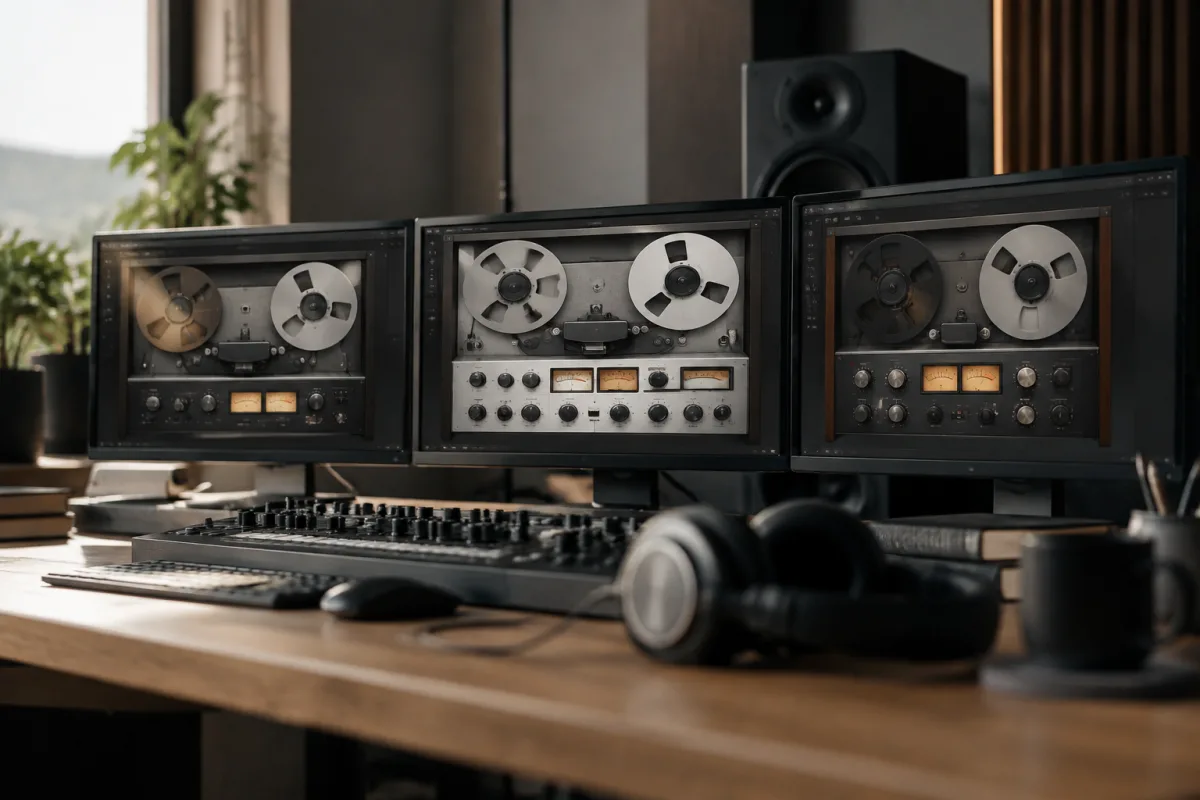
If you've decided virtual tape machines belong in your production toolkit, you're facing a crowded marketplace with options at every price point. Which ones actually deliver the character you hear in professional mixes? Which ones are worth the investment, and which are overcomplicated for your workflow? This guide cuts through the marketing noise and focuses on what matters when you're choosing virtual tape machines: sound quality, CPU efficiency, interface design, and whether the price matches the features you'll actually use.
Understanding What You're Buying: Virtual Tape Machines Spec Breakdown
Virtual tape machines vary wildly in how they model tape saturation and degradation. Before you spend money, understand the key specs that separate capable virtual tape machines from mediocre ones.
- Saturation character: Different tape emulations capture different eras and machine types (vintage tube tape, classic reel-to-reel, compact cassette). Some virtual tape machines focus on subtle, natural saturation; others push hard, colourful distortion. Know whether you want gentle warmth or aggressive tone-shaping.
- Tape speed and formulation options: Real tape machines had different speeds and tape types. High-end virtual tape machines model this. If the plugin offers only one tape characteristic, it's less flexible but possibly simpler to use.
- Wow and flutter: Real tape machines add subtle pitch variations (wow) and faster modulation (flutter). This adds character but can muddy a mix if overdone. Check whether virtual tape machines let you control this independently.
- CPU footprint: Some virtual tape machines are surprisingly efficient; others demand serious processing power. If you're running many instances on a modest computer, efficiency matters. Check system requirements before buying.
- Latency:**Virtual tape machines introduce a small delay to the signal. For mix work, this is irrelevant. For real-time recording, some plugins introduce more latency than others. Check the specs if you're using it during tracking.
Price Tiers: Where Your Money Goes
Virtual tape machines exist at three distinct price points, and each tier delivers something different. Understanding these tiers helps you avoid overspending or buying something too limited.
- Budget tier (£20–60): Simple, single-algorithm virtual tape machines that add warmth and saturation. They work, they're CPU-light, and they're great for beginners. The downside: limited customisation and often a one-size-fits-all sound. Buy here if you want basic tape saturation without complexity.
- Mid-range tier (£60–200): Solid virtual tape machines with multiple tape types, speed options, and reasonable control over wow/flutter. They model various tape eras and machines. This tier offers genuine flexibility without overwhelming options. Most working producers stop here.
- Premium tier (£200+): Highly detailed emulations with extensive customisation, multiple machine models, and meticulous tape formulation modeling. These virtual tape machines approach boutique-level detail. Buy here only if you have specific workflow requirements or you're convinced the extra features will improve your mixes noticeably.
Specifications That Matter: What to Check Before Buying
When you're evaluating specific virtual tape machines, these specs deserve your attention:
| Spec | Why It Matters | What to Look For |
|---|---|---|
| Tape Types | Different tape formulations sound distinctly different. More options = more versatility. | At least 3–4 tape types; ideally spanning vintage through modern tape. |
| Tape Speed Options | Faster tape speeds (15 or 30 IPS) sound tighter and more colourful; slower speeds (7.5 IPS) sound warmer and fatter. | At least two speed options. Budget virtual tape machines often offer only one. |
| Saturation Curve | The shape of the saturation curve determines whether the plugin adds gentle warmth or aggressive colouration. | Check audio demos. Listen critically to how bright or dark the saturation is. |
| Wow/Flutter Control | Separate control over wow and flutter gives you precision. Combined controls force you to accept both together. | Separate faders for wow and flutter; ability to dial each independently. |
| Metering | Clear metering (input, output, headroom) helps you understand what the plugin is doing to your signal. | At minimum, input/output metering. Saturation visualization is a bonus. |
| CPU Usage (Single Instance) | Some virtual tape machines are surprisingly light; others demand real processing power. | Check single-instance CPU load at 44.1 kHz. Compare across similar complexity levels. |
Common Pitfalls When Buying Virtual Tape Machines
These mistakes consistently trap people shopping for virtual tape machines:
- Confusing saturation with tape emulation: Some plugins marketed as "tape machines" are really just saturation plugins with a retro aesthetic. They don't model tape degradation, wow, or flutter. If you want authentic tape character, check the feature list carefully.
- Buying premium when budget works fine: Premium virtual tape machines offer more customisation, but many working mixes use simple, affordable saturation plugins. Don't assume expensive equals better for your workflow.
- Assuming all tape emulations sound "warm": Some virtual tape machines add aggressive coloration or brightness, not warmth. Listen to demos before buying. Read reviews from producers in your genre.
- Ignoring CPU cost in dense sessions: A plugin that uses 3–4 percent CPU per instance seems reasonable until you're running 8 instances across a mix. Check how efficient virtual tape machines are before committing.
- Buying multi-machine collections when you need one tool: Some developers sell virtual tape machines in bundles. You don't need six different tape emulations; you need one that works for your workflow. Buy specifically, not broadly.
Testing Before You Buy: What to Listen For
Most virtual tape machines offer demos or free trials. Use them strategically before spending money. Here's what to assess:
- On a vocal: Does the saturation sound musical or harsh? Does it sit naturally in the mix or does it call attention to itself?
- On a drum bus: Does the plugin add cohesion to the kit or does it muddy the attack? Is the character consistent across different drum patterns?
- On a full mix: Does subtle use (low drive/saturation) improve clarity and glue, or does it barely register? Can you dial in a sound that improves your mix without sounding obviously processed?
- With different tape speeds: If the plugin offers multiple speeds, do they sound distinctly different? Does changing speed create audible variation or is it merely cosmetic?
Integration With Your Workflow: The Practical Angle
Beyond specs, consider how virtual tape machines fit into your actual production process. Ask yourself:
- Will you use this on individual tracks, buses, or the master bus? Virtual tape machines designed for bus processing might not work well on individual sources.
- Do you need visual feedback (metering, saturation curves) or do you prefer to work by ear? Some virtual tape machines are heavy on UI; others are minimal.
- Are you mixing in high sample rates? Some virtual tape machines are less efficient at 192 kHz. Check specs if this applies to you.
- Do you need automation? Some virtual tape machines support parameter automation smoothly; others don't. This matters if you're automating drive or tape speed mid-mix.
Brand and Developer Considerations
When shopping for virtual tape machines, the developer's track record matters. Reputable audio plugin developers update their software to fix bugs and maintain compatibility with new DAWs. Unknown developers sometimes disappear, leaving you with outdated, unsupported plugins.
Established developers (UAD, Waves, Slate Digital, Universal Audio, Plugin Alliance, Softube) have years of reputation invested in quality. Smaller developers sometimes create exceptional plugins but offer less ongoing support. Read recent user reviews and check whether the developer actively maintains their virtual tape machines.
Where to Actually Buy Virtual Tape Machines
Authorization and licensing vary. Some virtual tape machines use iLok dongles; others use internet activation; some use unlimited machine-lock. Before you buy, confirm:
- What authorization method the plugin uses.
- How many machines you can install it on simultaneously.
- Whether a perpetual license or subscription model applies.
- What happens if the developer discontinues the plugin (do you keep the license?).
Buy from official developer websites or authorized resellers to avoid licensing complications.
Real-World Recommendations by Use Case
Budget-conscious mixing (under £50): Look for basic saturation plugins with tape character. They're often enough for general mix glue.
Serious mixing (£80–150): Mid-tier virtual tape machines with multiple tape types and speed options. These cover the vast majority of professional mixing needs.
Specialist work (£150+): Premium emulations if you're chasing a specific vintage aesthetic or you're mixing in a boutique genre where tape character is mission-critical.
Expanding Your Perspective
For a deeper exploration of virtual tape machines—how they work, their history, advanced techniques, and detailed model comparisons—the complete guide to virtual tape machines provides comprehensive technical information and production workflows.
Conclusion: Choose Deliberately
Virtual tape machines range from simple, affordable saturation plugins to complex, expensive emulations. Your decision should balance budget, your specific mixing needs, and the tools you'll realistically use. Start with clear priorities: do you need multiple tape types or one excellent emulation? Do you mix in high sample rates? Will you use this on individual tracks or buses? Answer these questions first, then evaluate options within each price tier. The best virtual tape machines aren't the most expensive or most complex—they're the ones that work naturally in your workflow and improve your mixes consistently. Choose deliberately, and you'll have a tool that pays dividends across every project.


Comments