


Spectrasonics Keyscape article
Spectrasonics Keyscape for Beginners: A Complete Guide
A beginner-friendly introduction to Spectrasonics Keyscape, covering setup, essential controls, practical first steps, and common mistakes to avoid when starting with this powerful keyboard plugin.
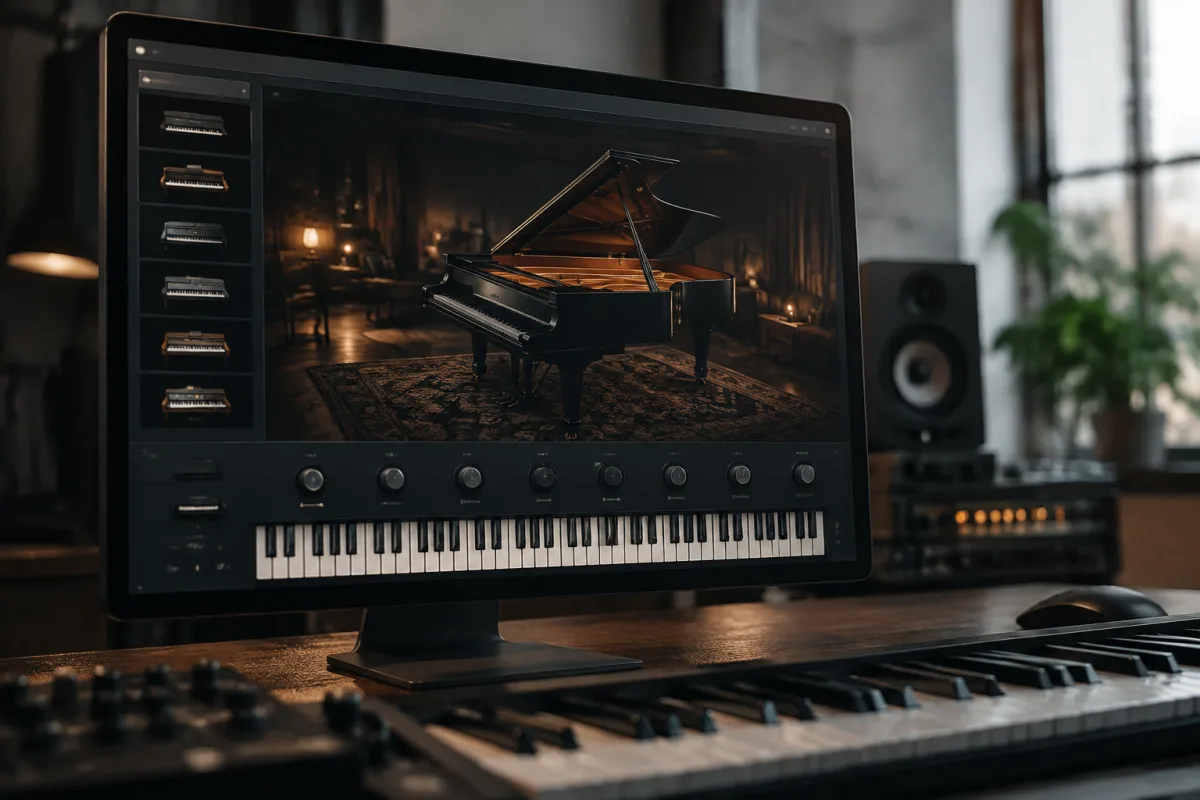
Spectrasonics Keyscape feels intimidating at first—the interface appears complex, the library overwhelms with thousands of sounds, and the learning curve looks steep. Yet Keyscape's power as a keyboard virtual instrument becomes accessible within hours with the right approach. This guide walks newcomers through essential first steps, avoiding common pitfalls that frustrate beginners and showing the easiest path to productive, creative work.
Installation and System Requirements Made Simple
Before opening Spectrasonics Keyscape, verify your system meets minimum requirements. Keyscape demands a modern computer: Intel i5/AMD Ryzen 5 or better, 8GB RAM minimum (16GB strongly recommended), and adequate SSD storage—the full library requires approximately 200GB. Don't skimp on storage; installing Keyscape on a slow drive creates frustrating loading delays that sap creativity.
Install Keyscape as a plugin within your DAW (Digital Audio Workstation). Whether you use Ableton Live, Logic Pro, Cubase, or another professional DAW, Keyscape integrates as a VST3, AU, or AAX plugin. Install the plugin, authorise your license through iLok or Spectrasonics' online system, and you're ready to begin. If authorisation feels unclear, spend five minutes reviewing Spectrasonics' setup videos—doing this correctly prevents frustrating authentication errors later.
Opening Keyscape: The First Experience
Upon first launch, Keyscape loads a default preset—often a beautiful electric piano that immediately sounds professional and inspiring. Resist the urge to dive into menus immediately. Instead, play this default preset for a few minutes. Hear how expressive Keyscape responds to your playing dynamics, how naturally the sound responds to velocity, and how Keyscape's advanced sampling captures acoustic behaviour impossible in basic plugins.
This brief exploration builds confidence: Spectrasonics Keyscape sounds excellent even without tweaking settings. Your investment already yields results.
Understanding Preset Browsing and the Library Structure
Keyscape organises thousands of presets into categories: Electric Pianos, Acoustic Pianos, Organs, Strings, Synths, Basses, and Pads. Beginning users should ignore browsing by category initially—too many options paralyse decision-making. Instead, use the Search function, typing keywords matching your musical style: "smooth jazz," "funk organ," "ambient pad," or "soulful strings."
When search results appear, audition presets sequentially by clicking each one. Keyscape instantly loads new presets, allowing rapid comparison. After finding a preset you enjoy, resist immediately customising it. Play with the default setting first, understanding its character and capabilities. This develops your ear for Keyscape's sonic palette.
Common beginner mistake: spending hours tweaking controls on one preset rather than exploring the library's wealth of exceptional, ready-to-use sounds. Keyscape shines partly because Spectrasonics' sound designers created presets addressing virtually every musical need—respect their work by exploring broadly before customising.
The Four Essential Controls for Beginners
Spectrasonics Keyscape's interface includes numerous controls; beginners freeze faced with this complexity. Focus initially on four essential parameters that deliver the most audible results with minimal learning curve:
1. Dynamics Sensitivity: This control adjusts how responsively Keyscape reacts to your playing velocity—how hard you strike keys. Increase sensitivity for more expressive control; decrease it for consistent volume regardless of playing technique. Experiment with different settings to match your playing style.
2. Reverb Amount: Adds spaciousness and ambience to presets. Beginners typically prefer moderate reverb (around 30-40%), adding richness without drowning the sound. Avoid maximum reverb—a common first mistake—which creates muddiness rather than beauty.
3. Filter Cutoff: Brightens or darkens the preset. Opening the filter reveals brighter, more detailed tone; closing it creates darker, moodier character. Subtle adjustments dramatically alter preset character without sounding like you're applying heavy processing.
4. Transpose: Shifts the entire preset up or down in pitch, allowing instrument compatibility with your song's key. This single control solves countless beginner frustrations—if a preset sits too low or high for your vocal, transpose it rather than struggling with your playing position.
Your First Session: Practical Steps
Avoid extensive menu exploration initially; instead, follow this straightforward progression. Load Keyscape within your DAW. Create a MIDI track and select a category that interests you—if you enjoy soulful funk, select the Funk Organ category. Audition three presets thoroughly, playing musical phrases rather than random notes. Choose the preset that inspires you most musically.
Record a simple 8-16 bar progression on MIDI. Nothing complex—basic chords demonstrating the preset's character suffice. Playback your recording, listening objectively to how Keyscape's sound integrated musically. Adjust reverb or dynamics sensitivity if needed, then record again. After three iterations, most beginners produce satisfying results.
Save your MIDI recording and congratulate yourself: you've created music using Spectrasonics Keyscape. You've experienced the satisfaction of professional-sounding results without drowning in technical complexity. This foundation builds confidence for gradually exploring additional features.
Common Beginner Mistakes to Avoid
Many newcomers underestimate Keyscape's velocity sensitivity, playing with uniform force rather than using dynamics to create expression. Piano and organ sounds respond magnificently to dynamic playing—soft, gentle touches create intimacy; forceful strikes inject energy. Explore your keyboard's dynamic range intentionally.
Beginners often max reverb, creating washed-out, unclear sounds. Start conservatively with reverb around 20-30%, increasing gradually until the ambience sounds musical rather than processed. Excellent reverb sounds transparent—you notice spaciousness, not "lots of reverb."
Avoid compulsively tweaking every parameter simultaneously. Change one control at a time, listening carefully to its effect. This develops understanding of how adjustments influence the sound, building intuition that transfers across all Keyscape presets.
Don't neglect MIDI humanisation. Perfect, metronomically precise MIDI playing sounds robotic, especially with acoustic piano and organ presets. Introduce subtle timing variations, velocity fluctuations, and expressive playing techniques to unlock Keyscape's responsive, musical character.
Progressing Beyond Basics
After your first week using Spectrasonics Keyscape, confidence grows. Experiment with Keyscape's Layer feature, stacking two complementary presets—perhaps acoustic piano plus strings—creating orchestral richness impossible with single presets. Explore the Arp feature for rhythmic, sequenced patterns. Gradually expand your control mastery beyond the four essential parameters.
For comprehensive exploration of Spectrasonics Keyscape's capabilities, sample types, and advanced features, review our complete guide to Spectrasonics Keyscape, covering installation, sound design, workflow integration, and creative applications.
Your Path Forward
Spectrasonics Keyscape overwhelms through sheer capability and sound quality, not genuine difficulty. Your first session should focus on loading a preset, playing music, and experiencing how genuinely excellent Keyscape sounds immediately. Within hours, you'll produce professional-quality keyboard work. As comfort grows, expand into layering, effects adjustment, and eventually sound design. The steep learning curve perspective reflects unrealistic expectations—Keyscape rewards basic competence with spectacular results.



Comments