


Sample Library article
Sample Library for Beginners: A Complete Guide
A sample library is your creative ingredient drawer for music production. This beginner's guide shows you how to find, import, and use samples creatively without confusion.
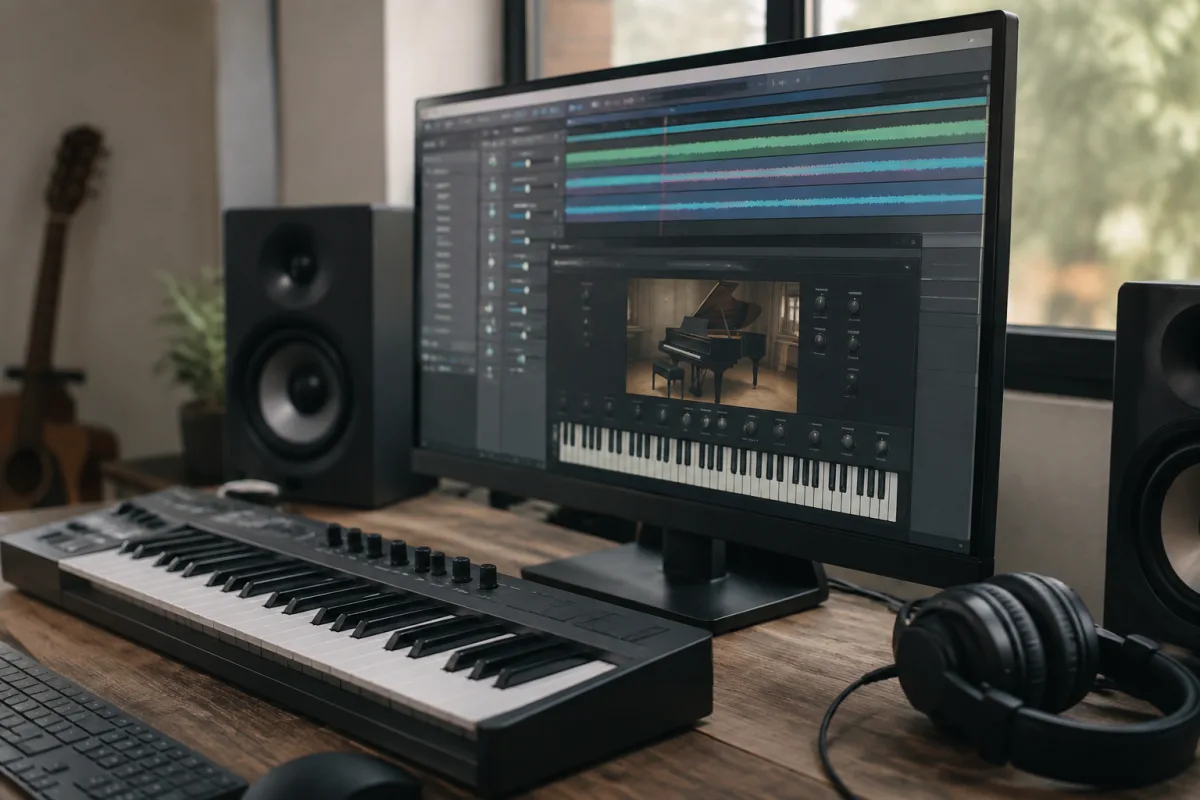
Starting music production without samples is like starting cooking without ingredients. You could theoretically create everything from scratch, but it's wildly inefficient. A sample library is your creative ingredient drawer—pre-recorded sounds (drums, strings, vocals, effects) ready to use, manipulate, and build into finished music. For beginners, discovering your first sample library feels overwhelming. Thousands exist online, ranging from free to £500+, with varying quality and usability. This guide shows you how to find your first sample library, integrate it into your DAW, and start using samples creatively without confusion or expensive mistakes.
What Is a Sample Library and Why It Matters for Beginners
A sample library is a collection of audio recordings: drum hits, bass lines, orchestral strings, vocal chops, atmospheric textures, anything sound-related. Your DAW comes with basic stock samples; a sample library expands that palette exponentially. For beginners, a quality sample library accelerates learning because you're working with professionally recorded sounds instead of struggling to create everything yourself.
This doesn't mean cheating. Professional producers use sample libraries constantly. The skill isn't recording sounds from scratch—it's creatively combining, manipulating, and arranging existing sounds to create something new and personal.
Types of Sample Libraries: Understanding Your Options
Sample libraries vary by content and format. Knowing the distinctions helps you choose what serves your production style:
- Drum sample libraries: Collections of drum hits (kicks, snares, hi-hats) ready to assemble into patterns. Essential for nearly all genres. Most are free or affordable.
- Loop sample libraries: Pre-arranged musical phrases (drum patterns, bass lines, horn sections) ready to drop into your DAW. Great for beginners; riskier because many producers might use the same loops.
- One-shot sample libraries: Individual drum sounds (single kick hits, snare cracks) you trigger individually. Requires more editing but offers maximum creative control.
- Melodic sample libraries: Strings, pianos, brass, woodwinds. Usually orchestral or classical samples. Perfect for film scoring or orchestral production.
- Vocal sample libraries: Vocal chops, singing, spoken word, vocal textures. Ideal for electronic, pop, and hip-hop production.
- Synth preset packs: Not samples but digital instrument presets. They're included here because they function similarly—ready-made sounds for your DAW.
- Effect/atmosphere sample libraries: Ambient textures, transitions, risers, crashes. Production design elements that add polish.
As a beginner, start with drum and loop sample libraries. They're forgiving and produce immediate results. Once comfortable, explore melodic and vocal libraries as your music develops.
Finding Your First Sample Library
The internet is flooded with free and paid sample libraries. Here's where beginners should look:
Free Sample Libraries (Ideal for Starting)
- Splice (free tier): Thousands of samples categorised by genre and BPM. Limited downloads monthly on free accounts, but quality is excellent. Great starting point.
- FreePats: Open-source drum samples, completely free. Quality varies, but it's a genuine resource for free sounds.
- 99Sounds: High-quality free sample packs released regularly. Excellent quality-to-cost ratio (free).
- Bedroom Producers Blog: Curates free sample packs from various creators. Quality is surprisingly high.
- Built-in DAW sample libraries: Ableton, Logic, Reaper—all include extensive stock samples. Many beginners overlook what's already installed.
Affordable Paid Sample Libraries
- Splice (paid subscription): £7.99/month for unlimited downloads. Best value for regular producers.
- Loopmasters: Individual packs (£10–30) or subscriptions. Genre-specific, high quality.
- Sounds.com: Subscription-based (£12/month upward). Massive library, competitive pricing.
- Kontakt player packs: Native Instruments samples. More expensive but professional-grade.
For beginners, free libraries are perfect. Once you've produced a few tracks, you'll know exactly what sounds you need, making paid subscriptions worthwhile.
Importing a Sample Library into Your DAW
Getting samples into your DAW for productive use is straightforward:
- Download your sample library (typically a .zip file). Extract it to a folder you'll remember (e.g., "Music > Samples").
- In your DAW, find the browser or sample loader (location varies by software). Point it to your samples folder.
- The DAW scans the folder and displays all samples. Now you can browse, preview, and drag sounds into your projects.
- To use a sample, either drag it onto a track or load it into a sampler instrument. Both methods work; choose based on DAW design.
- Once loaded, you can adjust the sample's pitch, tempo, volume, and apply effects.
Most beginner problems stem from incorrect folder location or the DAW not rescanning after new samples are added. If samples don't appear, check folder path and rescan.
Using Samples Creatively: Beyond Pressing Play
Beginners often just load samples and use them unmodified. That's limiting. Here's how to make samples personal:
- Time-stretching: Change sample tempo without changing pitch. A loop recorded at 120 BPM becomes usable at 100 BPM. Experiment constantly.
- Pitch-shifting: Change pitch without changing tempo. A C-note sample becomes D or E. Great for melodic variety within loops.
- Chopping: Cut samples into small pieces and rearrange them. A one-second loop becomes four 250ms pieces triggerable individually. This is where samples become yours, not the library's.
- Layering: Combine multiple samples together. Drums from one library, bass from another, strings from a third. Layering creates complexity.
- Reversing/inverting: Play samples backward or invert their phase. Subtle effects that add uniqueness.
- Adding effects: Compression, reverb, distortion, delay—effects transform recognisable samples into unrecognisable textures.
The more you manipulate samples, the more they become your own. A recognisable loop becomes unrecognisable once chopped, time-stretched, and effected.
Building Good Sample Library Habits
Beginners often download hundreds of packs and get lost in choice. Establish discipline:
- Limit downloads: Pick 2–3 high-quality sample libraries and learn them inside and out. Depth beats breadth.
- Organise carefully: Create folders by genre or instrument type. Chaotic organisation wastes time searching when you should be creating.
- Use search tags: Most DAW sample browsers let you tag samples. Tag aggressively—"uplifting," "aggressive," "soulful." Searching by mood is faster than browsing.
- Keep notes: When you find a sound you love in a sample library, note its location. Recreating a mood is easier if you remember which pack produced it.
- Respect licensing: Free samples are often royalty-free; you can sell music using them. Paid samples usually grant commercial rights. Read licenses before using in professional work.
Common Sample Library Mistakes Beginners Make
- Using unmodified loops directly: Listeners immediately recognise unaltered loops from famous libraries. Chop, process, and layer instead.
- Ignoring tempo and key consistency: If a sample is 110 BPM and your track is 120 BPM, time-stretch it. If a sample is in C and your track is in G, pitch-shift it. Mismatches sound amateurish.
- Drowning in sample choice: Too many options paralyse. Stick with one library, learn it deeply, then explore others.
- Not respecting copyright: Some sample libraries (even free ones) require copyright clearance for commercial release. Read licenses carefully, especially before monetising music.
- Assuming sample library quality means finished product quality: Professional samples don't make professional tracks. Arrangement, mixing, and intent still matter enormously.
Moving Beyond Beginner Sample Use
After months using sample libraries, you'll notice patterns in what sounds resonate with your production. This intuition guides future sample library selections. You might eventually record your own samples (voice, acoustic instruments) to personalise your palette. Many professionals combine library samples with original recordings for maximum uniqueness.
For deeper knowledge on advanced sampling techniques and production workflow, everything you need to know about sample libraries covers professional practices and advanced manipulation.
Your Sample Library Journey Begins
Download a free sample library today, import it into your DAW, and spend an hour experimenting. Chop samples, time-stretch them, layer multiple sounds together, and listen critically. This hands-on exploration teaches faster than reading. After a few hours, you'll develop intuition about how to make samples work for your music. That intuition is the real skill—not knowing where to find sounds, but knowing how to transform them into something personal and creative.


Comments