
Guitar Starter Kits article
The Complete Guide to Guitar Starter Kits
Guitar virtual instruments let you create authentic guitar sounds within your DAW. Learn which types suit beginners, what features matter most, and which starter kits offer the best value for new producers.
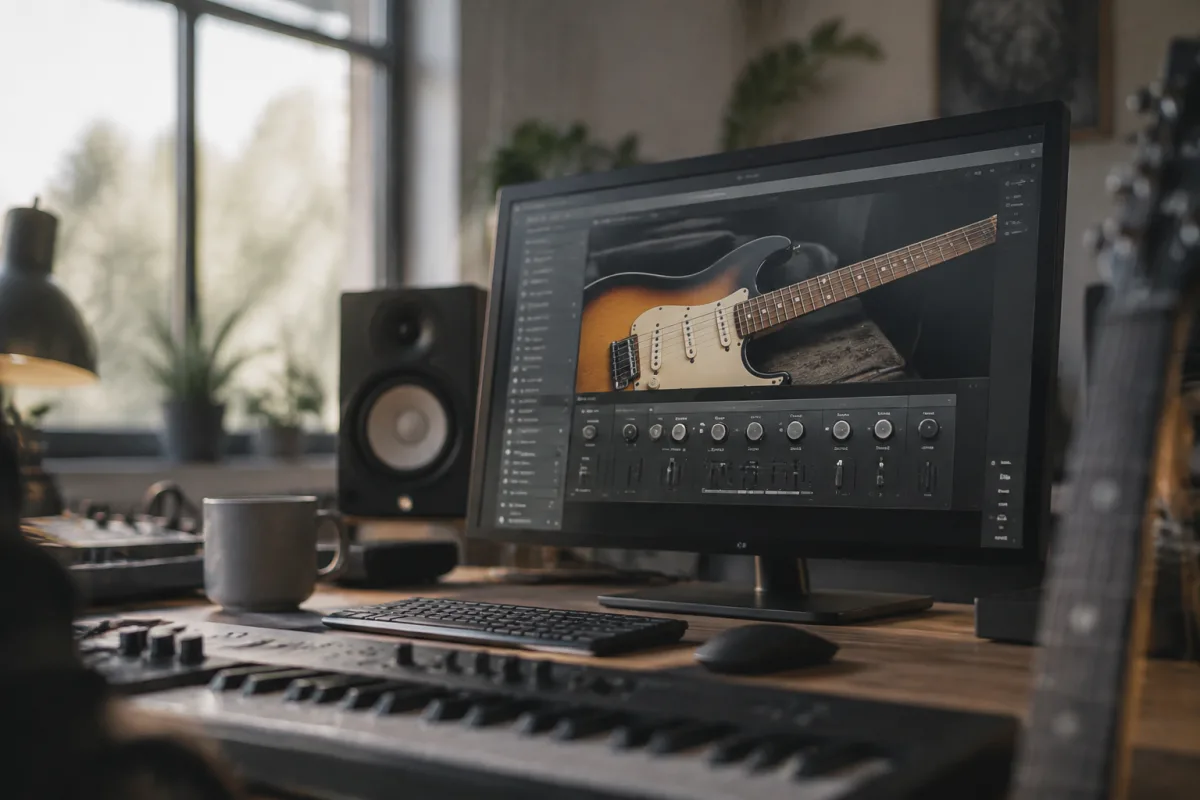
What Are Guitar Virtual Instruments?
Guitar virtual instruments are software plugins that model the sound and playability of real guitars within your digital audio workstation (DAW). Whether you're starting out or building on existing knowledge, understanding the different types available makes choosing your first plugin straightforward. Modern guitar software can sound remarkably authentic, and many professional producers rely on them for songwriting, demoing, and final recordings.
A good guitar virtual instrument starter kit gives you several essential sounds without overwhelming you with options. You'll typically get sampled acoustic guitars, electric guitar models, and sometimes specialised sounds like bass or electric variations. The focus is quality over quantity — five truly useful guitar sounds beat fifty mediocre ones when you're learning.
Types of Guitar Virtual Instruments
Understanding the different approaches to modelling guitars helps you pick the right virtual instrument for your workflow. Each method has distinct advantages depending on how you plan to use it.
Sampled guitar instruments record actual guitars playing different notes, techniques, and dynamics, then let you play those samples from your keyboard or MIDI controller. This approach captures authentic tone and subtle playing details. The downside is file size—a comprehensive sampled guitar can require several gigabytes of storage. Examples include Kontakt libraries and Spitfire Audio instruments.
Physical modelling uses mathematics to simulate how a guitar string vibrates, how the body resonates, and how an amplifier responds. This uses far less CPU and storage than sampling, and you can tweak parameters that don't exist on real guitars. The trade-off is that physical modelling requires more skill to dial in realistic tones. Amplitube and Neural DSP plugins use this approach alongside amp simulation.
Hybrid approaches combine sampled foundations with physical modelling or convolution technology to balance authenticity and flexibility. Many modern commercial guitar plugins use this hybrid method. They generally offer the best of both worlds: realistic tone without massive file sizes, and enough tweakability for experimentation.
Essential Features for Beginners
When evaluating guitar virtual instruments for your first purchase, focus on features that matter most when you're starting out. Advanced options matter less than having a solid foundation and intuitive interface.
Look for built-in effects processing. A guitar virtual instrument that includes amp simulation, distortion, reverb, and delay lets you create finished tones without buying additional plugins. Many beginner kits bundle everything you need for compact, cohesive workflows.
Ease of use matters enormously. Can you quickly select a guitar sound and start playing? Do the presets sound good immediately, or do they require extensive tweaking? The best starter kit has thoughtfully designed presets that inspire you out of the box.
Consider your playing style. If you favour fingerpicking patterns, you'll appreciate velocity-aware dynamics and varied picking articulations. For strumming patterns, realistic strum behaviour and controllable note release matter. The right instrument responds naturally to how you actually play.
Popular Starter-Friendly Options
Several commercial guitar plugins offer excellent value as starting points. Native Instruments Kontakt Player (free version) comes with basic guitar libraries sufficient for demos and sketches. It's genuinely free and integrates into most DAWs.
Amplitube Free and Amplitube Max are industry-standard guitar plugins combining amp simulation with virtual instruments. The free version gives you essential sounds and effects; the paid tiers add more amp models and gear. Many professionals started with Amplitube.
The free STL Tonality plugin from Soundtoys is a simplified acoustic and electric guitar tool designed specifically for quick songwriting. It lacks deep customisation but delivers usable tones immediately.
If you're invested in a specific DAW, check what comes included. Logic Pro includes Arpeggiator and Sampler instruments that, combined with loop libraries and effects, create functional guitar sounds without spending extra. Ableton Live's Wavetable and Sampler similarly support guitar workflows.
Setting Up Your First Guitar Plugin
Installation varies by platform and DAW, but the general process is straightforward. Most guitar plugins come as VST, AU, or AAX files that you place in your DAW's plugin folder. Your DAW automatically scans and recognises them.
After installation, create a new audio track or software instrument track in your DAW, then insert the guitar plugin as an effect or instrument. If using MIDI, connect your keyboard or controller so you can play notes and hear the guitar response. Most guitar virtual instruments respond to velocity—how hard you strike a key—which shapes realistic dynamics.
Start with the included presets to hear what the plugin can do. Don't immediately dig into editing parameters; listen first, learn the interface, and gradually experiment. The best way to understand a guitar plugin is using it in actual songs, not sitting with documentation.
Making Your Choice
The perfect starter guitar virtual instrument balances authenticity, ease of use, and cost. If you're budget-conscious, free options from Native Instruments or your DAW's included tools are completely legitimate starting points. They let you learn without financial commitment.
If you're willing to invest, look for plugins that match your musical style and budget tier. A £30 guitar plugin focused on your preferred genres beats a £100 generalist tool you'll rarely use. Read user reviews from people playing the same music you do, not just professional producers.
Installation and learning take time. Don't expect sounding professional immediately. A modest guitar virtual instrument in experienced hands sounds better than premium gear in inexperienced ones. Choose something that encourages regular use and experimentation.
Beyond Your First Guitar Plugin
Once you have a working guitar virtual instrument, you'll likely expand your toolkit. Amp simulators layered with your guitar plugin add character. Separate effects chains—reverbs, delays, chorus, overdrive—become natural additions as your workflow matures.
Many producers maintain multiple guitar plugins for different purposes. One for realistic acoustic demos, another for electric rock tones, perhaps a third for experimental sound design. Growing your collection gradually, based on genuine workflow needs, beats buying everything at once.
Engage with communities around your chosen plugins. Forums, Reddit threads, and YouTube demos from other users reveal techniques and sound-design approaches you might never discover alone. Learning from others accelerates your development significantly.
Conclusion
Choosing your first guitar virtual instrument kit shouldn't be stressful. Start with free options to understand the basics, then invest in paid plugins matching your specific needs and budget. Focus on tools with good preset banks and intuitive interfaces. The best guitar plugin is the one you'll actually use regularly, not the one with the most advertised features. With the right virtual instrument, you have unlimited takes, no noise complaints, and complete creative freedom to experiment.


Comments