


Free Sample Packs article
Free Sample Packs for Beginners: A Complete Guide
Free sample packs are the fastest way for beginners to start making music. Learn where to find them, how to use them, and the mistakes to avoid.
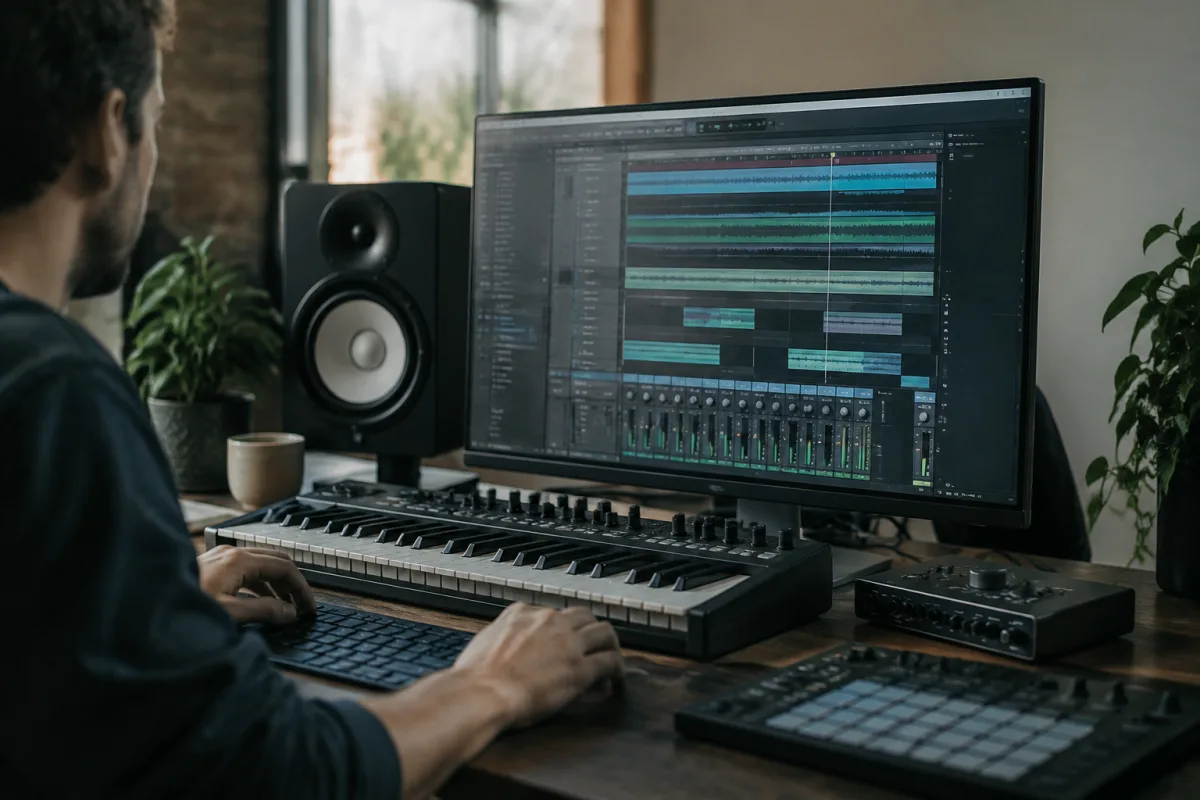
Getting Started with Sample Packs
If you've just started making music, you've probably heard about sample packs. They're collections of pre-recorded sounds—drums, melodies, instruments, vocals—that you can drop straight into your music production software. For beginners, they're an absolute game-changer: they let you make music that sounds professional without needing expensive equipment or years of recording experience.
What Exactly Are Sample Packs?
A sample pack is simply a folder of audio files, usually in formats like WAV or MP3. Each file contains a single "sample"—a drum kick, a string chord, a vocal loop, a bass line, whatever. You load these into your DAW (Digital Audio Workstation, the software you use to make music), arrange them on your timeline, and arrange them into your own composition.
The beauty is that someone else has already done the hard work. A professional producer recorded the sounds, EQ'd them, and packaged them up. You're getting studio-quality audio ready to use.
Why Free Options Matter
High-quality paid collections cost £10–£50 or more. For a hobbyist or newcomer, that's a barrier. Fortunately, there are tons of free alternatives out there. Many producers release free packs to build an audience. Record labels give away archives to promote their sound. And sites dedicated to music production host hundreds of free collections.
Starting with free packs is sensible. You learn the workflow, discover what sounds you actually like, and then—if you want—invest in paid packs later.
Finding Good Free Collections
Here's where to look for quality options:
- Splice: Offers thousands of free samples alongside its paid subscription. You can download a few per month at no cost.
- Freesound.org: A huge community site with user-uploaded sounds. Filter by "free" and download individual samples or pre-packaged collections.
- Loopmasters & 99sounds: Both sites offer free archive collections, often older packs from labels clearing inventory.
- Bandcamp & SoundCloud: Many producers share free packs directly. Search "[genre] free sample pack" and you'll find thousands.
- Reddit communities: r/trapproduction, r/makinghiphop and similar subreddits have dedicated threads where producers share their work free.
Your First Steps: Download, Import, Use
Once you've found a pack that appeals to you, here's what to do:
- Download the pack. You'll usually get a ZIP file. Unzip it to a folder on your computer.
- Open your DAW. Whether you're using Ableton, FL Studio, Logic, or anything else, locate the sample browser.
- Point it to your folder. Most DAWs let you browse your hard drive and load samples. Tell it where you saved the files.
- Drag and drop samples onto your timeline. Play them back. Arrange them. Start building your track.
Common Beginner Mistakes
Don't download a hundred packs and feel overwhelmed. Start with one or two genres you love. Quality is more important than quantity.
Don't assume every file is royalty-free. Most free packs are, but always check the licence. Some require credit to the original producer; others have restrictions on commercial use. A few seconds reading saves legal headaches later.
Don't fear editing. Many beginners think they have to use samples exactly as they come. Wrong—pitch-shift them, time-stretch them, layer them, reverse them. That's the whole point.
From Downloaded Sounds to Your Own Music
The real skill isn't finding sounds; it's choosing which ones complement each other and arranging them musically. Your first track will probably be simple—layer a drum kick, add a bass line, throw in a melodic loop. That's fine. Every producer started exactly there.
As you gain confidence, you'll mix and match samples across multiple packs, add your own recordings, and develop your signature sound. For more detailed information on how packs fit into your broader production setup, see our complete guide to sample packs and music production.



Comments