
Digital Mixing Consoles article
The Complete Guide to Digital Mixing Consoles
Digital mixing consoles offer recall, flexibility, and integrated effects impossible with analogue gear. Master their features to elevate your recording and live sound capabilities.
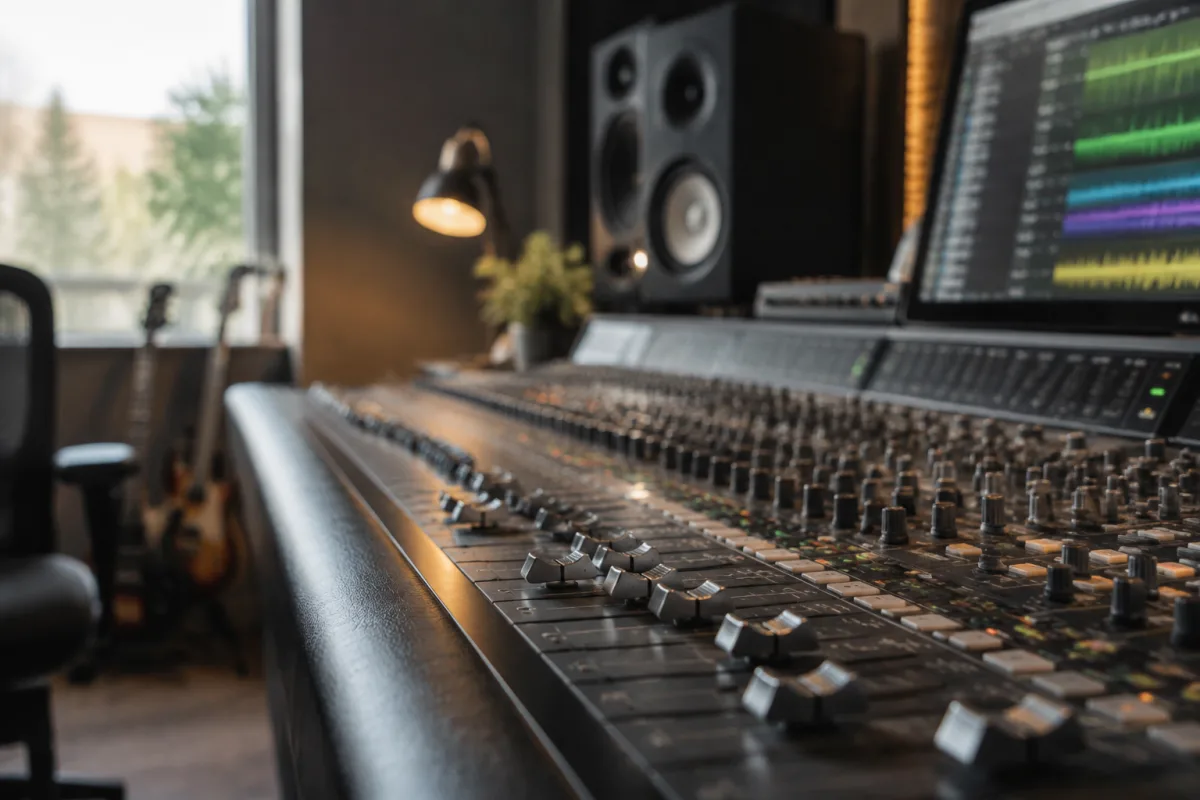
Digital mixing consoles have revolutionised both studio recording and live sound reinforcement. Where analogue consoles dominated studios for decades, today's digital mixing consoles offer unprecedented flexibility, precision, and recall capability. Whether you're producing music, engineering live events, or managing a small venue's sound system, understanding digital mixing consoles helps you make informed choices about your audio infrastructure.
What is a Digital Mixing Console?
A digital mixing console is an audio mixing desk that processes sound through digital signal processing rather than analogue circuitry. Unlike traditional analogue consoles using potentiometers and switches, digital mixing consoles employ touchscreens, faders with motorised control, and software interfaces for managing thousands of parameters. The digital mixing console's fundamental advantage is recall—save your perfect mix and restore it instantly, something analogue consoles cannot do.
Digital mixing consoles typically combine a physical control surface (hardware faders and buttons) with software editing and recall systems. This hybrid approach balances tactile hands-on control with the flexibility of digital editing. Professional digital mixing consoles rival or exceed the sound quality of quality analogue consoles whilst adding capabilities analogue technology cannot match.
Types of Digital Mixing Consoles
- Large-format digital mixing consoles — professional touring consoles with 48–128+ channels, extensive processing, and built-in effects. These industrial digital mixing consoles suit major touring productions and large venues.
- Mid-range digital mixing consoles — 24–48 channel systems for studios, smaller venues, and portable productions. Mid-range digital mixing consoles balance affordability with professional capability.
- Compact digital mixing consoles — 8–16 channel portable systems ideal for small events, musicians, and mobile recording. Compact digital mixing consoles sacrifice channel count for portability.
- Software-based digital mixing consoles — mixing desk software running on a computer or tablet. Software-based digital mixing consoles are highly affordable and increasingly powerful, though they lack tactile fader hardware.
- All-in-one digital mixing consoles — systems combining audio interface, mixer, and effects processor. All-in-one digital mixing consoles suit home studios and project studios seeking compact solutions.
Key Features of Digital Mixing Consoles
| Feature | Importance for Digital Mixing Consoles |
|---|---|
| Channel Count | Number of simultaneous inputs. Digital mixing consoles range from 8 channels (compact) to 128+ (large touring systems). |
| Fader Automation | Motorised faders recall exact positions from saved mixes. Essential for repeatable live shows and studio consistency. |
| Built-in Effects | Reverb, delay, EQ, compression on every channel. Digital mixing consoles include dozens of effect plugins standard. |
| Recall & Snapshot | Save entire console states for instant recall. The defining advantage of digital mixing consoles over analogue. |
| Networking / Remote Control | Many digital mixing consoles allow remote operation via Wi-Fi or ethernet. Critical for complex touring productions. |
| Touchscreen Interface | Most digital mixing consoles include screens for visual feedback and parameter editing. |
Advantages of Digital Mixing Consoles
The recall capability of digital mixing consoles fundamentally changes workflow. A theatrical production can programme complex mixes for each scene, then trigger them instantly. Live music performances benefit from perfectly repeatable mixes night after night. Studio recording with digital mixing consoles allows engineers to compare multiple mixes instantly by recalling saved snapshots.
Built-in effects processing in digital mixing consoles eliminates expensive outboard gear. Every channel in a modern digital mixing console includes EQ, compression, and effects plugins equivalent to thousands of pounds of analogue equipment. This integration reduces cable clutter and simplifies workflow compared to analogue console setups.
Flexibility distinguishes digital mixing consoles from fixed-function analogue designs. Repatching a digital mixing console takes seconds; analogue consoles require physical rewiring. For touring productions, digital mixing consoles eliminate bulky patchbays and custom cabling.
Workflow with Digital Mixing Consoles
Operating a digital mixing console differs from analogue approaches. Rather than patching cables and turning knobs permanently, digital mixing console users programme scenes, automate fader movements, and trigger effects. This demands a different mindset—planning mixes in advance rather than improvising in real-time. Experienced digital mixing console operators appreciate the capability for precision; some analogue-trained engineers find the paradigm shift challenging initially.
Digital mixing consoles typically require a learning period. Each manufacturer's interface differs, and professional consoles offer complexity matching their capability. Online tutorials, manuals, and user communities support the learning process for most digital mixing consoles.
Choosing a Digital Mixing Console
Assess your application and budget. Home studio musicians and project studios often choose software-based digital mixing consoles or compact hardware units (£500–2,000). Small venues and portable productions favour mid-range digital mixing consoles (£2,000–8,000). Major touring productions and installed systems invest in large-format digital mixing consoles (£15,000–100,000+).
Consider future expansion. Modular digital mixing consoles allow adding channels and features as your needs grow. Fixed digital mixing consoles offer simplicity but limited scalability. Evaluate whether your chosen digital mixing console integrates with existing gear and software you use.
Maintenance and Support
Digital mixing consoles are generally reliable, but professional gear requires attention. Regularly back up digital mixing console configurations to prevent catastrophic data loss. Keep firmware updated to address bugs and add features. Professional digital mixing consoles include tech support; verify support availability before purchasing budget models.
Physical faders on digital mixing consoles occasionally require cleaning or replacement. Touchscreen interfaces can become unresponsive—professional service is recommended rather than DIY repair.
Conclusion
Digital mixing consoles represent the modern standard for professional audio production and live sound engineering. The recall, flexibility, and integrated processing of digital mixing consoles justify their presence in studios, touring productions, and installed venue systems worldwide. Whether you're starting with compact software-based digital mixing consoles or investing in large-format touring systems, understanding how digital mixing consoles operate ensures you make choices supporting your audio goals. The future of professional mixing belongs to digital mixing consoles—mastering them opens career and creative possibilities unavailable through analogue-only workflows.



Comments