


Delay Plugin Buying guide
Delay Plugin: A Complete Buyer's Guide
Choosing the right delay plugin determines whether your production gains depth and dimension or suffers from sloppy, unfocused effects.
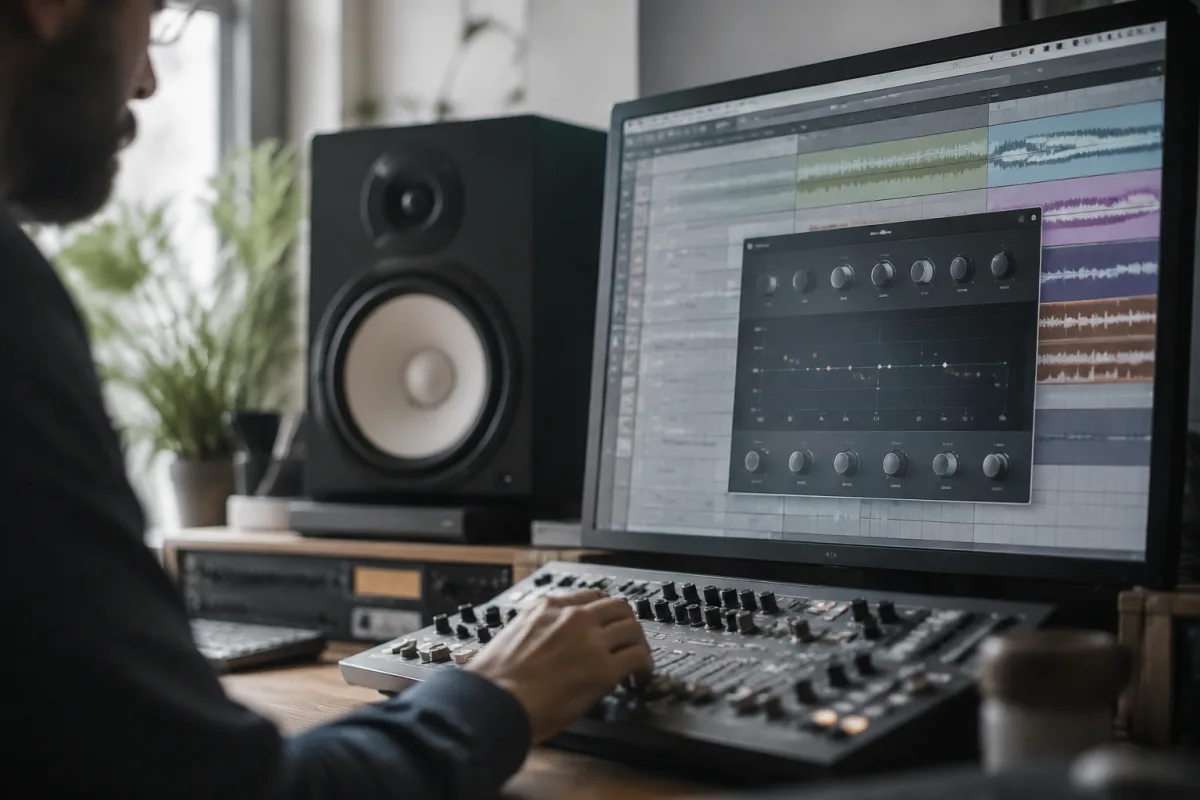
Choosing the right delay plugin determines whether your production gains depth and dimension or suffers from sloppy, unfocused effects. This buying guide cuts through technical specifications and marketing claims to help you identify a delay plugin that integrates naturally into your workflow, whether you're mixing professional sessions or exploring sound design possibilities.
Understanding Delay Plugin Architecture
A delay plugin's character depends fundamentally on how the delay line processes signal. Some delay plugin designs emulate vintage hardware with character and musical colouration, complete with noise, saturation, and inherent imperfections. Others prioritise pristine sound with maximum fidelity and extended feedback possibilities. Digital delay plugins offer different tape modelling approaches, some using simple modulation and others employing sophisticated convolution. Before comparing specific delay plugin products, clarify whether you prioritise sonic character or precision. A characterful delay plugin serves mixing well, whilst a precise delay plugin suits sound design experimentation.
Filtering and Tone Shaping Features
A sophisticated delay plugin includes filtering on the feedback path, allowing sound to degrade naturally over repeats rather than indefinitely cycling. The best delay plugin implementations provide separate filter controls for the wet signal, enabling tonal shaping during the delay effect itself. Simple delay plugins omit these features entirely. Investigate whether your target delay plugin includes feedback filtering, feedback saturation, or tone controls. These features separate professional delay plugin products from basic implementations.
Modulation and Character Effects
Many delay plugins incorporate modulation affecting the delay time, creating depth and movement. Tape-emulation delay plugin products include flutter and wow effects simulating mechanical tape transport. Some delay plugins add reverb-like characteristics to the delayed signal. These features enhance musicality but complicate the decision. A pure delay plugin offers simplicity, whilst a feature-rich delay plugin with modulation and saturation provides character. Consider whether you want a surgical delay plugin focused exclusively on delay effects or an all-in-one delay plugin providing character colouration alongside delay functionality.
Tempo Sync and Timing Control
A quality delay plugin must sync reliably to your DAW's tempo, allowing rhythmic delays without manual adjustment. Check whether your target delay plugin supports all note value divisions you'll need—quarter notes, eighth notes, triplets, and dotted notes. Some delay plugins include innovative timing options like percentage-based delay time, polyrhythmic capabilities, or independent rhythmic divisions on different feedback cycles. If your production style emphasises rhythmic precision, verify that your delay plugin's timing control supports your compositional needs.
Feedback Control and Stability
A delay plugin's feedback circuit determines how repeats decay over time. High-quality delay plugin designs prevent feedback instability, allowing extended repeats without oscillation or amplitude runaway. Budget delay plugin products sometimes exhibit unreliable feedback characteristics. Test your candidate delay plugin with high feedback settings during free trials, ensuring stable repeats without surprises. This stability matters particularly for creative sound design work where extended feedback exploration is intentional.
Wet and Dry Signal Management
An effective delay plugin includes precise wet/dry mix controls, often with options for parallel processing. Some delay plugin designs offer stereo width adjustment, allowing wide repeating delays or mono-centre-focused effects. Advanced delay plugin implementations provide independent control of multiple delay taps, enabling complex rhythmic patterns. If you're mixing vocals or sparse arrangements requiring subtle delays, basic wet/dry control suffices. If you're creating ambient textures or experimental sounds, rich delay plugin control options prove invaluable.
Stereo Imaging and Spatial Effects
A sophisticated delay plugin utilises stereo field to create spatial depth. Some delay plugin products employ ping-pong modes, bouncing delays between left and right channels. Others offer free stereo pan control, allowing each delay tap independent positioning. The best delay plugin implementations include mid-side processing, enabling independent treatment of centred and wide information. If your production prioritises spatial dimensionality, invest in a delay plugin emphasising stereo imaging capabilities.
CPU Efficiency and System Demands
Delay plugins vary dramatically in CPU efficiency. Simple delay plugin designs consume minimal resources, whilst sophisticated implementations with multiple taps, modulation, and convolution processing demand substantial CPU. Consider your typical project complexity and available system resources. A lightweight delay plugin suits laptop producers with limited headroom, whilst studio professionals working on fully-featured sessions can utilise resource-intensive delay plugin implementations. During free trials, monitor CPU usage in your actual production environment.
Visual Feedback and Parameter Display
A quality delay plugin provides clear visual representation of delay timing and feedback behaviour. Waveform displays showing the delayed signal prove helpful for sound design. Graph displays representing filter sweep and modulation clarify what's happening to your delayed signal. Some delay plugin products include visualisers showing frequency response or stereo image. Examine whether your candidate delay plugin provides useful visual feedback beyond basic parameter labels and knobs.
Presets and Sound Design Foundation
Included presets accelerate workflow, though a good delay plugin shouldn't require preset dependence. Examine whether presets are organised logically and whether they include both subtle mixing applications and creative sound design possibilities. A delay plugin with 500 poorly-organised presets proves frustrating compared to one with 100 expertly-curated, categorised presets. If you rarely work from presets and prefer tweaking from scratch, preset quality matters less.
Free vs. Premium Considerations
Quality free delay plugins exist, particularly the ultimate guide to delay plugin options. Many professionals start with free implementations to understand delay characteristics, then upgrade to premium delay plugins offering specific features or character they require. Free delay plugin products typically represent older technology or limited feature sets, but they often deliver reliable performance. Testing free delay plugins before purchasing expensive alternatives helps identify what features truly matter for your workflow.
Choosing Your Delay Plugin
Begin by identifying your primary use case. Are you mixing vocals requiring subtle depth? Creating ambient textures needing spatial character? Designing experimental sounds exploiting extreme delay settings? This determines which delay plugin category suits you. Next, research three candidates and utilise their free trial periods. Pay particular attention to sonic character, feedback stability, and integration with your existing plugins. Read professional reviews and user forums, noting comments about reliability and workflow satisfaction. Test your top candidate delay plugin in an actual production session before purchasing, ensuring its character aligns with your aesthetic preferences.


Comments