


8 Channel Mixing Console Buying guide
8 Channel Mixing Console: A Complete Buyer's Guide
Choosing the right 8 channel mixing console means knowing which specs matter and where the value sits at each price point.
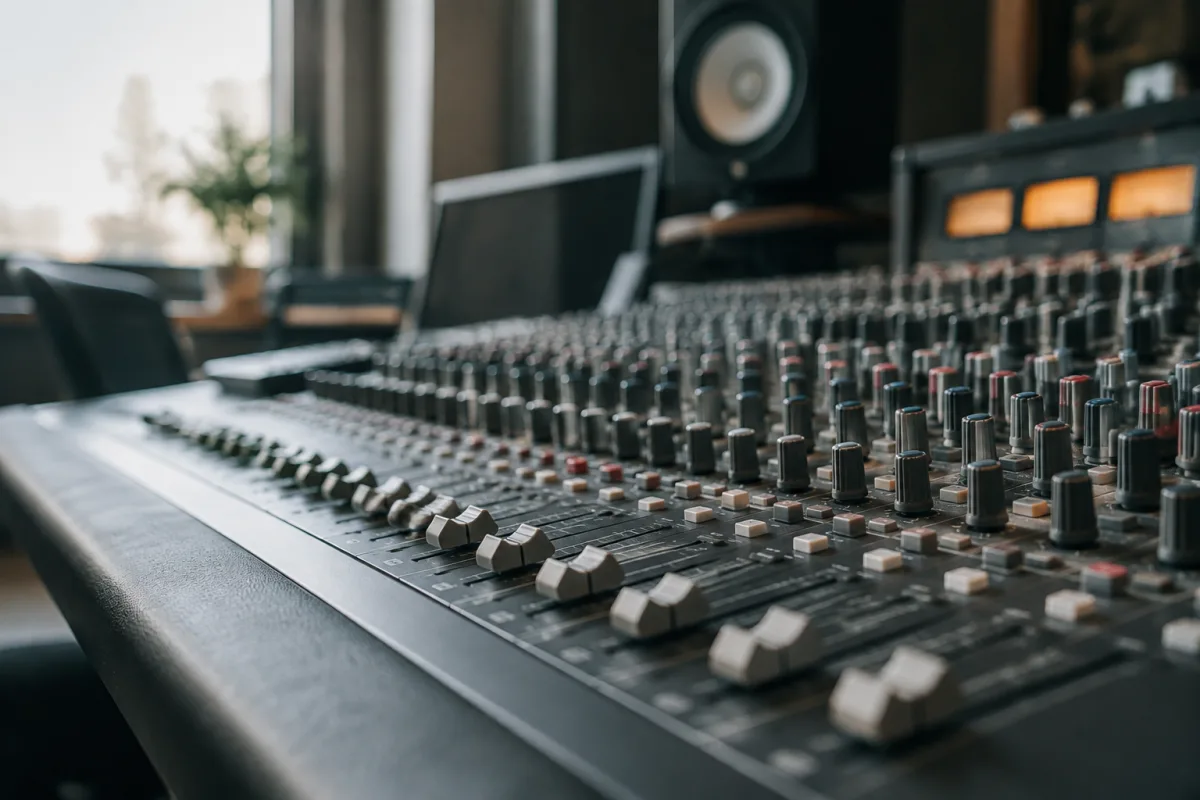
An 8-channel mixing console sits at a critical crossroads: small enough to fit a bedroom studio, large enough to handle serious mixing tasks and multitrack recording. But buying the wrong 8-channel mixing console wastes money and creates workflow headaches. This guide covers the critical specs, price points, and common pitfalls when choosing an 8-channel mixing console for your setup.
Why 8 Channels Is the Sweet Spot
An 8-channel unit offers genuine flexibility. You can track a four-piece band with headroom, run a podcast with multiple hosts and guests, or handle complex home recording sessions. Smaller consoles (4-6 channels) feel cramped once your projects grow; larger ones (16+ channels) introduce unnecessary complexity and cost if you're working solo or in a small space.
This size feels manageable to learn, spacious enough for most projects, and affordable compared to larger mixing desks. It's the scale where mixing becomes intuitive rather than intimidating.
Input Types and Channel Configuration
Mic Preamps
At minimum, it should have 2-4 dedicated XLR mic inputs with gain controls and phantom power for condenser mics. Budget units sometimes skimp here; quality preamps make a genuine difference in recording tone. A desk with weak preamps will make professional mics sound cheap.
Line-Level Inputs
Expect 6-8 line-level inputs (balanced or unbalanced) for keyboards, audio interfaces, tape machines, or external synths. Some channels are hybrid—accepting both mic and line input via a switch. This flexibility saves money and space on smaller units.
Stereo Channels
Most units dedicate at least one or two channels to stereo inputs. This is essential for keyboards or playback tracks. Confirm the spec clearly states stereo channel capacity before buying.
Feature Considerations
Built-In Effects
Many desks include reverb, delay, or EQ. These are useful for live mixing or quick demos, but don't rely on them for critical recording. Quality outweighs onboard gimmicks; a clean mixer with external effects is preferable to a feature-laden one with weak audio quality.
Monitor Mix (Aux Sends)
If you're recording live players, one with independent monitor sends lets each performer hear their own mix. This is essential for overdubs and live tracking. Check the spec: you want at least 2-4 auxiliary sends.
USB Audio Interface
Some mixing consoles integrate USB, offering direct recording to a computer. This is convenient but adds cost. For serious home studio work, an external audio interface often offers better sound and flexibility.
EQ and Dynamics Controls
A proper channel strip includes equalization (usually 3-band) and sometimes compressors or gates. Budget units might have fixed EQ; better models offer parametric EQ. Dynamics control varies wildly by price point.
Connectivity and Routing
Check that it has the outputs you need: main stereo output, subgroup sends (for submixing), and individual channel outputs (useful for recording multitrack to a DAW). Balanced connections (XLR or TRS) are superior to unbalanced (RCA), especially for long cable runs.
If you're integrating external gear—compressors, effects units, or tape machines—confirm the console has dedicated insert points or send/return loops.
Quality Indicators and Price Tiers
Budget: £300–£600
Entry-level 8-channel mixing consoles in this range handle basic multitrack recording and live mixing. Sound quality is acceptable; build quality varies. Preamps are functional but not exceptional. These units suit home studios with modest budgets or learning studios.
Mid-Range: £600–£1,200
Here you find solidly built mixing desks with better preamps, more controls, and optional features like USB or built-in effects. A mid-range 8-channel console is appropriate for serious home studios and small live venues. Build quality is noticeably better than budget units.
Professional: £1,200+
Professional-grade mixing consoles offer exceptional audio quality, robust construction, and advanced routing. At this price, you're paying for years of reliable service. These suit commercial studios or demanding live work.
Common Buying Mistakes
Confusing Channels with Inputs
Such a unit might have 12 inputs if some channels are stereo or hybrid. Count total input connections, not just channel strips. Many buyers purchase a desk that looks right on paper but is tight in actual use.
Ignoring Build Quality for Features
A console with dozens of effects but plastic knobs and cheap faders isn't worth the price. A simpler mixing desk with solid construction will serve you far longer and more reliably.
Overlooking Preamp Quality
This is the number-one false economy. Budget preamps introduce noise, colour the tone unpleasantly, or lack sufficient gain for quiet sources. Investing in quality preamplification in a good unit pays dividends forever.
Buying for Features You Won't Use
A unit with onboard multi-effects, USB audio, and WiFi control sounds impressive until you realise half those features are gimmicks you'll never touch. Focus on core functionality: clean audio, solid routing, reliable build.
Integration Tips
Your mixer sits at the heart of your signal chain. If you're also using an external audio interface, understand how to integrate them: some work alongside an interface, others replace it. If you're recording to a DAW, ensure you can send audio from the mixer to your computer and monitor through the same desk.
Planning outboard gear—compressors, equalisers, effects—means choosing a console with appropriate routing and insert points. Discuss your workflow before purchasing.
The Bottom Line
Buying the right mixer is a central decision for a recording or live environment. Focus on preamp quality, solid construction, and necessary connectivity. Ignore flashy features that don't serve your actual workflow. A straightforward mixing desk with excellent audio quality will outlast trendy gear every time.
For a comprehensive overview of mixing console features, types, and how they fit into various recording scenarios, our complete guide to 8-channel mixing consoles provides the full context.


Comments