


Traktor Scratch Software Buying guide
Traktor Scratch Software: A Complete Buyer's Guide
Choosing Traktor Scratch software requires understanding pricing tiers, hardware compatibility, CPU demands, and your actual workflow. This buyer's guide cuts through marketing to show exactly what matters for your investment.
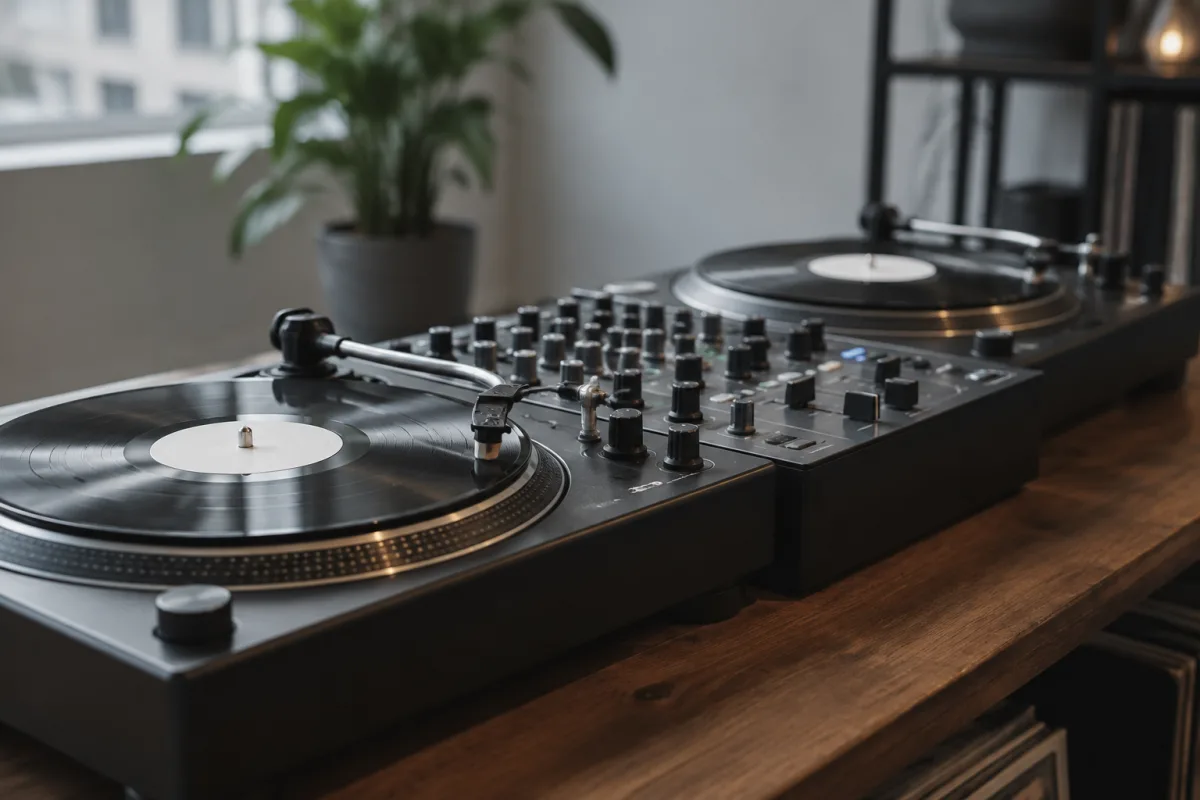
Choosing the right DJ software is a significant investment for both casual enthusiasts and professional turntablists. Traktor Scratch stands out as a premium choice in the market, but determining whether it's right for your setup requires understanding what you're actually purchasing and how different versions stack up against your workflow. This buying guide cuts through the marketing to show you exactly what matters when evaluating Traktor Scratch software for your setup.
Understanding Traktor Scratch Versions and Pricing Tiers
Native Instruments offers Traktor Scratch in several configurations, and the pricing differences reflect substantially different feature sets. The entry point is typically Traktor Pro 3, which provides core DJ functionality without the time-coded vinyl integration. Moving up, Traktor Scratch Pro includes full timecode support for turntables and CD players, justifying its premium positioning. Even higher-tier bundles add hardware controllers and additional sound packs. Before committing your budget, identify which features align with your actual needs rather than paying for capabilities you won't use. A bedroom DJ might be perfectly served by Traktor Pro 3, whilst a club-ready setup demands the full Traktor Scratch suite.
Hardware Compatibility: The Critical Check
This is where many buyers encounter disappointment. Traktor Scratch software requires specific hardware considerations that go beyond simply owning a DJ controller. If you're planning to use time-coded vinyl, you'll need turntables that can accommodate control vinyl, plus the appropriate timecode receivers. Many older turntables won't work; many cheaper consumer models have been phased out. Similarly, if CD integration appeals to you, CD decks must be specifically Traktor-compatible. Test your existing hardware with a trial version before purchase. An unexpected incompatibility discovered after you've bought the software is a genuine frustration. Check Native Instruments' official compatibility matrix rather than assuming—old gear that worked with older Traktor versions sometimes becomes incompatible with updates.
CPU Demand and System Requirements
Traktor Scratch processes audio in real-time whilst monitoring multiple timecode streams. This places genuine demands on your computer, particularly during live performance where dropped frames mean audio glitches. Review the minimum specifications, but understand they're truly minimal; in practice, you want a CPU with comfortable headroom. A quad-core processor running at 2.5 GHz is genuinely better than a dual-core at higher clock speed because Traktor can distribute its load. RAM requirements are modest—8GB suffices for most scenarios—but solid-state storage is essential for the system drive to handle the latency demands. On Windows, you'll benefit from disabling unnecessary background services; on macOS, the optimisation overhead is typically lower. If you're running older hardware, honestly assess whether Traktor Scratch or a lighter alternative makes practical sense.
Audio Interface Considerations
Your audio interface isn't just a peripheral; it's a direct influence on Traktor's performance and sound quality. Traktor supports various interface configurations, but buying one specifically designed for four-deck operation with separate output capabilities gives you room to grow. Look for interfaces offering at least two discrete stereo outputs (for main plus booth monitoring) with ASIO or Core Audio drivers properly supporting Traktor's requirements. The onboard interface in many budget controllers has notorious latency issues; if you plan serious work, a dedicated USB 3.0 audio interface from Focusrite, RME, or Audient typically delivers better stability. Latency below 10ms is noticeable; below 5ms is optimal for turntablist work where timecode precision matters.
Software Updates and Plugin Ecosystem
Native Instruments has a solid track record of supporting Traktor with regular updates, but that support window isn't infinite. Before buying, check how old your prospective version is; if it's nearing obsolescence, you might face compatibility breakage with new operating systems. Factor in the cost of eventual upgrades when doing your financial planning. Traktor's ecosystem of plugins and expansion packs is extensive but paid. The core package includes respectable effects and sound processing, but substantial additions cost extra. Some professional DJs argue this ecosystem justifies the premium; others find free alternatives through Serato or open-source platforms. Consider whether Native Instruments' ongoing monetisation model aligns with your budget and philosophy.
Learning Curve and Your Experience Level
Traktor Scratch is powerful, but that power requires investment in learning. If you're migrating from Serato or Virtual DJ, expect a three-week adjustment period for muscle memory and workflow differences. Documentation is solid, but YouTube tutorials vary wildly in quality. Some online communities are helpful; others are gatekeeping and unfriendly to beginners. This isn't a reason to avoid Traktor—it's a reason to acknowledge that your purchase includes an invisible cost in learning time. If you're a complete beginner, strongly consider whether starting with a simpler platform, then migrating to Traktor after developing fundamentals, might be wiser than drinking from a firehose.
Competitive Analysis: When Traktor Makes Sense
Traktor isn't the only professional DJ software. Serato DJ Pro owns the hip-hop and club scene in many regions; Rekordbox dominates Pioneer's ecosystem; Virtual DJ appeals to wedding and radio DJs. Traktor Scratch's strength lies in timecode vinyl integration and integration with Native Instruments' ecosystem. If your workflow centres on performance with physical turntables, Traktor has genuine advantages. If you're playing CDJs at clubs primarily, Rekordbox might be more practical. If scratching and hip-hop are your focus, Serato has cultural momentum. Visit music retail forums and ask working DJs in your local scene which platform they recommend; this peer guidance often matters more than specifications. For a deeper comparison, review our complete guide to Traktor Scratch software, which covers feature depth and workflow differences.
Licensing and Copy Protection
Traktor uses iLok licensing on some versions, a hardware dongle system that some love and others despise. If you lose your iLok, you're locked out until Native Instruments resets your license. Alternatively, software licensing requires internet activation. Understand the licensing terms before purchase: can you reinstall on multiple computers? What happens if Native Instruments' servers go down? During live performance, you're not touching the internet, so offline activation is essential. Read the fine print because license restrictions have genuinely complicated working DJs' lives when travelling internationally or managing multiple systems.
Trial Period and Money-Back Guarantee
Native Instruments offers a 30-day trial of Traktor Pro. Use every day of it. Test it with your actual hardware, your laptop, your audio interface, and your typical workflow. Only after this real-world testing proceed to purchase. Many retailers offer money-back guarantees as well; check whether yours does before committing. A regrettable purchase is manageable; an unsuitable purchase discovered after return windows close is frustrating.
Buying Guide Summary
| Factor | What to Check | Red Flags |
|---|---|---|
| Version | Traktor Pro 3 vs Traktor Scratch Pro; match to your actual needs | Buying the premium tier because "it sounds better" without using those features |
| Hardware | Turntables, decks, and controllers against official compatibility list | Assuming old gear will work; buying before checking compatibility |
| System Specs | CPU cores, RAM, SSD for system drive; audio interface latency | Running on laptop with low-end specs; expecting flawless performance |
| Audio Path | Multiple stereo outputs; ASIO/Core Audio support; latency under 5ms | Using onboard audio or budget laptop speakers |
| Timeline | Product age; compatibility with your OS; update roadmap | Buying ancient versions at discount that won't run on modern systems |
Traktor Scratch software rewards informed buyers who take time to match their actual workflow and hardware to the software's capabilities. Skip the decision if you haven't tested it on your own system. Your investment in the trial period now saves regret later.


Comments