


Finale Notation article
Finale Notation for Beginners: A Complete Guide
Finale notation software is powerful but intimidating to beginners. This guide covers what Finale does, what to expect learning it, essential features, and your first successful project.
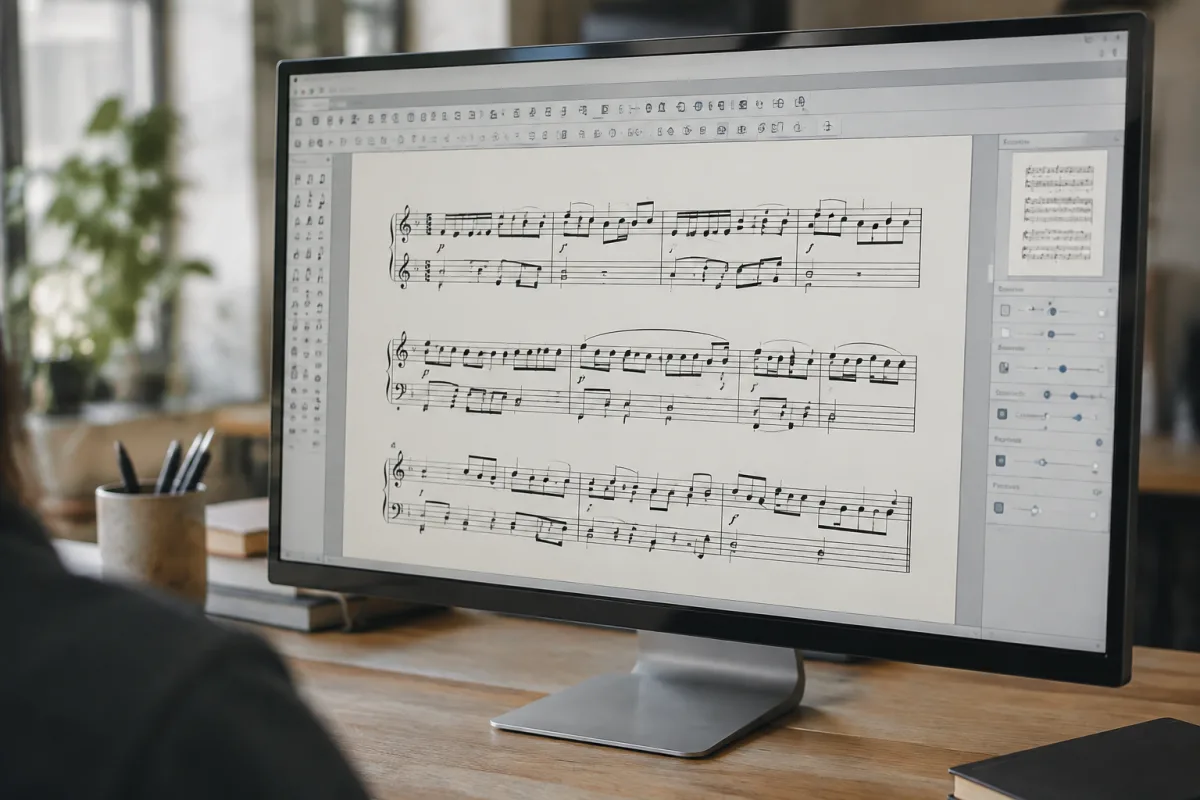
Learning to use Finale notation software feels intimidating. The interface is packed with buttons, menus seem endless, and there are a hundred different ways to accomplish the same task. But here's the secret: you don't need to understand all of Finale to start notating music. You need to understand about 5% of its features, and those basics let you create professional-looking sheet music quickly. This guide walks you through your first weeks with Finale, helping you understand what the software does, what to expect as you learn, and how to confidently create your first pieces of properly notated music.
Understanding What Finale Actually Does
Finale is professional music notation software. It lets you:
- Write sheet music: Enter notes on a staff, and Finale displays them as proper musical notation.
- Play back your notation: Finale plays what you've written using built-in sounds, letting you hear your composition immediately.
- Format and publish: Export beautiful PDFs ready for printing or publishing. Music students, composers, and teachers use Finale to create publication-quality scores.
- Manage complex scores: Orchestral scores with dozens of instruments, part extraction, transposition, and professional layout all happen in Finale.
It's not for making beats or recording audio (that's what DAWs do). It's specifically for writing music as sheet music. If you're transcribing, composing, or arranging music, Finale is your tool.
Why Beginners Choose Finale
You're learning Finale because:
- You're learning music theory: Your teacher assigned Finale for homework. Understanding it is necessary for your coursework.
- You're transcribing music: You want to write down a song you've learned so you can remember it, teach it to others, or study it.
- You're composing: You're creating original music and want it written in proper notation.
- You're arranging: You're reworking existing music for different instrumentation.
Whatever brought you here, Finale is the industry standard for professional scores. Learning it now means skills that remain relevant throughout your musical life.
What to Expect Learning Finale
Here's a realistic timeline:
Hour one: Everything feels foreign. The blank staff is intimidating. You don't know where buttons are. Don't fight this. Open the official Finale tutorial and follow along. Stop trying to understand why everything works the way it does; just learn what does what.
Days two through five: You're entering notes into Finale and seeing them appear on the staff. You've figured out how to change clefs, add key signatures, and adjust note duration. You've notated a simple melody. This is huge progress.
Week two: You're faster at note entry. You're exploring formatting options: how to change fonts, adjust spacing, add dynamics. You're discovering Finale is incredibly deep, but you're also discovering you only need basic features for most work.
Week three and beyond: You're using Finale for its intended purpose. You take dictation or compose, enter it into Finale, proof-read the notation, and export a PDF. The workflow feels natural. You know where to find the tools you need most often.
Choosing Your Finale Version
Finale offers different versions. Here's what matters for beginners:
- Finale (full version): Professional-grade with every feature. Expensive (£400+) and overkill for learning. Skip this initially.
- Finale Student Edition: Discounted version (£40–80) for students with school verification. Identical to full Finale but cheaper. Buy this if you're a student.
- Finale NotePad: Free version with limited features. Good for experimenting, but limited to one staff and basic playback. Perfect for trying before buying.
- iPad Finale: Finale adapted for iPad with touch interface. Good for planning or sketching on the go, but less powerful than desktop Finale.
Most beginners start with Finale NotePad (free) to explore, then buy the Student Edition if they're students or the full version if they'll use it regularly.
Essential Features You'll Use Immediately
Finale is vast, but you'll immediately need these features:
- Note entry: How to put notes on the staff. This is your primary workflow. Master this first.
- Clef and key signature: Setting up your staff with the right clef and key. Do this at the start of every piece.
- Time signature: Setting the rhythm/meter of your piece. Finale needs to know whether you're in 4/4, 3/4, 6/8, etc.
- Playback: Hearing what you've written. Use this to verify your notation is correct.
- PDF export: Creating a PDF of your score for printing or sharing. Simple and essential.
That's genuinely it. These five capabilities let you create and export professional-looking notation. Everything else is refinement.
Common Beginner Mistakes
Learning from others' stumbles saves frustration:
- Starting with a template you don't understand: Finale ships with orchestral, band, and chamber score templates. Don't use these until you've mastered basic notation. Start with a blank single staff.
- Trying to make it perfect immediately: Don't obsess over formatting, fonts, and spacing in your first week. Enter the notes first. Polish later. Separation of concerns makes learning faster.
- Ignoring the tutorials: Finale's built-in tutorials are actually excellent. Use them. They'll teach you faster than struggling independently.
- Using mouse entry instead of keyboard entry: Finale lets you click notes onto the staff. This is slow. Learn keyboard shortcuts early. They're not complicated, but learning them accelerates your workflow dramatically.
- Not using playback to verify your notation: Playback is your safeguard. Before considering a score finished, play it back and listen. Mistakes become obvious immediately.
- Trying to notate complex arrangements before mastering simple notation: Transcribe a single-staff melody first. Master that. Then move to multi-staff arrangements or complex pieces. Progressive complexity prevents overwhelm.
- Expecting Finale to interpret your intent: Finale is literal. If you enter a note in the wrong octave, it plays in the wrong octave. Precision matters. Always double-check your note entry.
Your First Finale Project
Here's how to complete your first successful project:
- Watch Finale's official "Getting Started" video (15 minutes).
- Create a new document with a single staff in treble clef, 4/4 time, C major (no sharps or flats).
- Enter a simple melody you know well (like "Twinkle, Twinkle, Little Star"). Don't worry about perfection—just enter the notes.
- Click the playback button and listen. If it sounds right, you're done.
- Export the score as a PDF and print or view it.
That complete cycle teaches you the essential workflow. Repeat three or four times with different melodies. By the fourth time, you'll be comfortable with basic notation.
Resources Beyond YouTube
When you need help beyond tutorials:
- Official Finale documentation: Comprehensive and searchable. When you need a specific answer, search here first.
- Finale user community: Active forums where users help each other. Someone has almost certainly faced your exact problem.
- Your music teacher: If you're learning Finale for class, your teacher is your best resource. Use office hours.
- YouTube transcription channels: Watch how experienced users notate music. Observing workflow teaches you efficient techniques.
Avoiding Frustration
These mindset shifts prevent abandonment:
- Finale is a tool for precision, not inspiration: Use it to capture musical ideas, not generate them. Compose or transcribe music first, then use Finale to notate it.
- You'll never use most features: Finale has more buttons than you'll ever need. That's fine. Professional users use a small subset regularly. That's normal.
- Keyboard shortcuts make you faster: Learning five keyboard shortcuts cuts your note entry time in half. It's worth the effort.
- Playback mistakes are learning opportunities: If it sounds wrong, investigate why. This investigation teaches you how Finale interprets notation—invaluable knowledge.
Moving Beyond Basics
After a month of consistent use, you're comfortable with basic notation. You might then explore:
- Multi-staff arrangements for different instruments.
- More sophisticated formatting and engraving.
- Templates for specific ensemble combinations.
- Advanced playback options and expression.
But resist this expansion until basics feel automatic. Deepening knowledge of basic features serves you far better than learning advanced ones poorly.
For a comprehensive overview of Finale notation software, its features, and detailed tutorials, see the complete guide to Finale notation software. But as a beginner, focus on mastering note entry, playback, and PDF export. That's genuinely all you need initially.
Your Journey Begins
Finale notation software seems complex initially, but it's genuinely learnable. Thousands of students, composers, and teachers use it successfully every day. With consistent practice and patience, you'll be creating professional-looking sheet music within weeks. Stick with the basics, use the tutorials, and let your skills develop naturally.


Comments