
Suite Ableton article
The Complete Guide to Suite Ableton
Ableton Suite is a professional digital audio workstation combining studio production, sound design, and live performance capabilities in one integrated platform, designed for serious electronic music producers and performers.
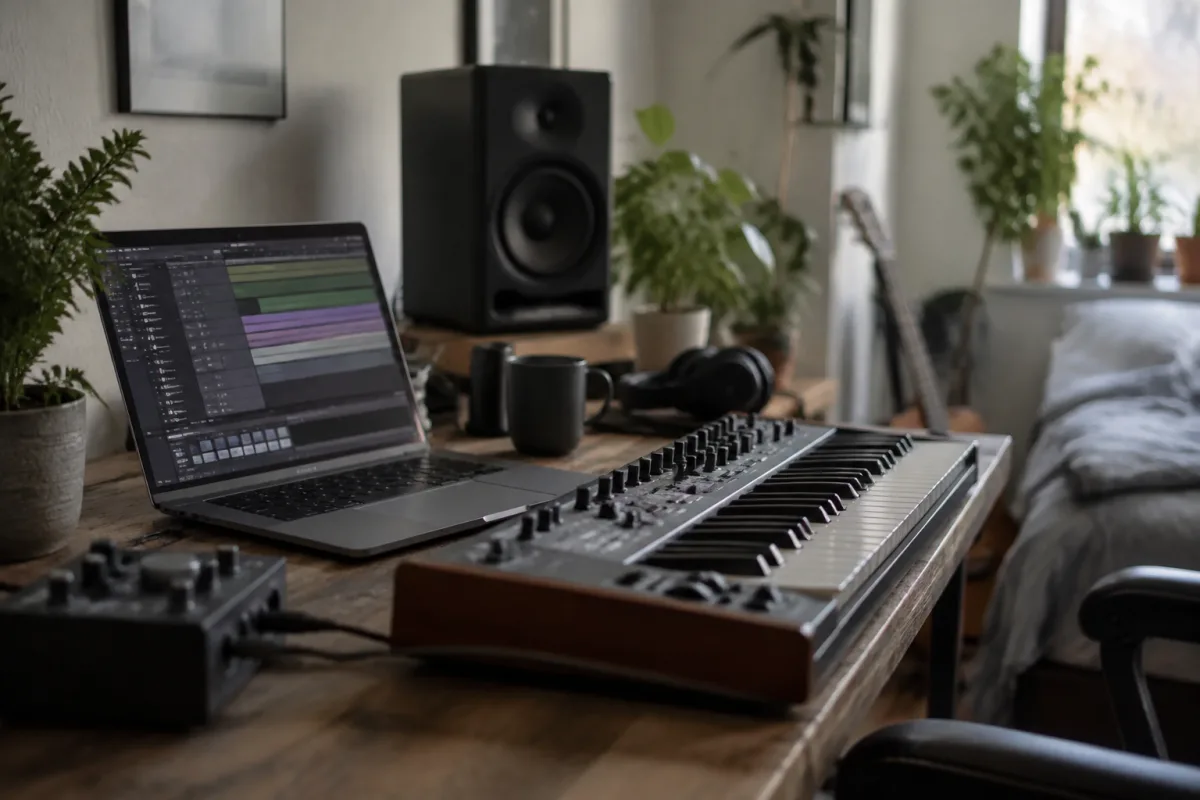
Ableton Suite stands as one of the most comprehensive digital audio workstations available today, designed specifically for musicians, producers, and sound designers who demand professional-grade tools with exceptional creative flexibility. Whether you are crafting electronic music in a studio, performing live, or designing sounds for multimedia, Suite delivers both the precision and spontaneity needed for modern music production. This complete guide explores what Ableton Suite offers, how it compares to alternatives, and whether it deserves a place in your creative arsenal.
What Is Ableton Suite?
Ableton Suite is a powerful DAW (digital audio workstation) that combines composition, production, performance, and sound design capabilities into a single, cohesive platform. Unlike many DAWs that prioritise recording and mixing above all else, Suite was built from the ground up with a dual philosophy: it functions as both a studio tool and a live performance instrument.
Suite includes everything from Ableton Live (the core DAW), Max for Live (a programming environment for creating custom instruments and effects), and a complete library of virtual instruments, audio effects, and MIDI tools. The software runs on both macOS and Windows, making it accessible to producers regardless of their platform preference.
Core Features of Ableton Suite
Ableton Suite provides an exceptional range of tools designed to cover the full production workflow from initial idea to final master:
Session and Arrangement Views
One of Suite's defining characteristics is its dual workflow interface. The Session view presents a grid of clips that can be triggered and arranged in real time, ideal for live performance and spontaneous composition. The Arrangement view offers a traditional timeline for detailed editing, mixing, and refinement. Switching between the two is seamless, allowing you to jam out an idea in Session view and develop it in Arrangement view without friction.
Virtual Instruments
Suite includes a comprehensive collection of built-in synthesisers and samplers. Wavetable is the flagship synth—a wavetable synthesiser with sophisticated modulation capabilities that produces everything from subtle textures to aggressive, energetic sounds. Sampler provides professional-grade sample manipulation and playback with powerful time-stretching and pitch-shifting algorithms. Operator delivers FM synthesis for complex, evolving tones. Collision offers physical modelling synthesis for realistic acoustic instrument tones. Together, these instruments cover vast sonic territory and require no additional plug-ins for most production scenarios.
Audio Effects and Mixing
The built-in effects suite rivals many third-party plug-in collections. Reverb, delay, EQ, compression, saturation, and spectral resynthesis tools all ship with Suite. Spectral Resonator and Spectral Time offer sound design possibilities unavailable in most DAWs. Audio Effects Rack allows stacking and chaining multiple effects with intuitive routing, and Drum Rack provides a professional-grade beat-making environment that organises drums, samples, and MIDI triggering in one place.
Max for Live Integration
Suite's standout feature is Max for Live—a visual programming environment that lets you create custom instruments, effects, and MIDI tools without writing traditional code. This opens extraordinary creative possibilities: build generative sequencers, design unusual synthesis methods, automate complex production tasks, or extend Suite's capabilities with functionality created specifically for your workflow. Thousands of free and commercial Max for Live devices are available via the Ableton community, extending Suite's functionality almost infinitely.
Suite Versus Live and Standard Editions
Ableton sells Live in three tiers: Intro, Standard, and Suite. Understanding the differences is essential for choosing the right version:
- Live Intro is the entry-level option, perfect for learning the DAW or starting small projects. It includes limited virtual instruments and effects, no Max for Live, and fewer MIDI capabilities.
- Live Standard is the mid-tier option, offering a robust feature set suitable for professional production. It includes most virtual instruments and effects, excellent mixing tools, and full MIDI capabilities, but lacks Max for Live and some of the advanced sound-design instruments.
- Live Suite is the flagship, including everything Standard offers plus Max for Live, Wavetable, Operator, Collision, Sampler, and advanced spectral effects. Suite is the complete package for ambitious producers.
For most professional producers, Standard offers outstanding value—it covers 90% of production workflows at half Suite's cost. Suite becomes essential if you specialise in sound design, need Max for Live's creative possibilities, or require maximum flexibility for live performance.
Why Producers Choose Ableton Suite
Despite premium pricing, Suite has earned fierce loyalty amongst producers for several compelling reasons:
Live Performance Capability
No DAW blurs the line between studio and stage quite like Ableton. Suite's Session view and scene triggering make it the go-to choice for electronic live performers. Many touring producers use the same session file in the studio and on stage, making production and performance workflows seamlessly integrated.
Workflow Efficiency
Suite's interface prioritises speed and intuition. Ableton's philosophy of "get your idea down fast" means features are arranged to minimise clicks and menu diving. Keyboard shortcuts are logical and numerous, and many experienced producers report being significantly faster in Suite than competing DAWs.
Sound Design Depth
Between Wavetable, Operator, Collision, and Max for Live, Suite offers synthesis capabilities that compete with specialist plug-in ecosystems. Many producers find they need fewer third-party instruments with Suite than with other DAWs, eventually offsetting the higher purchase price through reduced plug-in expenses.
Creative Community
Ableton has cultivated an exceptionally active, collaborative community of producers, sound designers, and live performers. The Ableton Forum, YouTube tutorials, and Max for Live device libraries provide endless inspiration and solutions. Learning resources are abundant and often shared freely.
Limitations and Considerations
Suite is powerful, but it is not perfect. Potential drawbacks include:
- CPU Usage: Live's audio engine, whilst efficient, can be CPU-intensive when running dozens of complex instruments or effects. Stock computer hardware may require careful optimisation to run complex sessions smoothly.
- Editing Tools: Compared to some competitors, Ableton's MIDI and audio editing capabilities are straightforward rather than exhaustive. Advanced composers might find themselves wishing for more sophisticated voicing or comping tools.
- Notation: Suite has no built-in notation editor. If you frequently work with score-based composition, you will need a separate notation program like Sibelius or Finale.
- Steep Max for Live Learning Curve: Max for Live's power comes with complexity. Mastering it requires genuine learning time and technical understanding.
The Business Case: Is Suite Worth the Investment?
Ableton Suite typically costs around £400–500, making it one of the pricier DAW options. Whether this represents good value depends on your needs:
Suite justifies its cost if you:
- Produce electronic music professionally or semi-professionally
- Perform live with electronic instruments or samples
- Value sound design and synthesis capabilities
- Want to create custom tools and devices for your workflow
- Prefer an integrated ecosystem that minimises third-party dependence
Standard edition often makes more financial sense if you:
- Produce primarily in traditional song structures (verse/chorus/bridge)
- Do not perform live
- Are comfortable purchasing third-party synthesisers and effects
- Have a modest budget for software
Getting Started with Suite
If you decide Suite is right for you, starting correctly matters. Ableton provides an exceptionally thorough manual and beginner tutorials. The built-in lessons cover everything from basic recording to advanced sound design. Many producers find the included learning content sufficient to reach professional competency without expensive external courses.
The software offers a 30-day free trial with full functionality, allowing you to experience Suite's complete feature set before committing financially. This trial period is genuinely unrestricted—perfect for deciding if Suite matches your creative approach.
Conclusion
Ableton Suite represents the pinnacle of integrated music production software, combining studio excellence with live performance capability and extraordinary sound design potential. For electronic music producers, live performers, and sound designers seeking a single, comprehensive platform, Suite delivers exceptional value—even at premium pricing. Whether you are producing techno in a bedroom, performing live at festivals, or crafting intricate ambient soundscapes, Suite provides the tools and flexibility needed to realise your creative vision. Its powerful synthesis options, intuitive workflow, and unparalleled community support make it a genuinely excellent investment for serious producers.


Comments