


Spotify for Artists article
Spotify For Artists for Beginners: A Complete Guide
Spotify for Artists connects you to your listeners and your music's performance. This beginner's guide shows why it matters and how to get started.
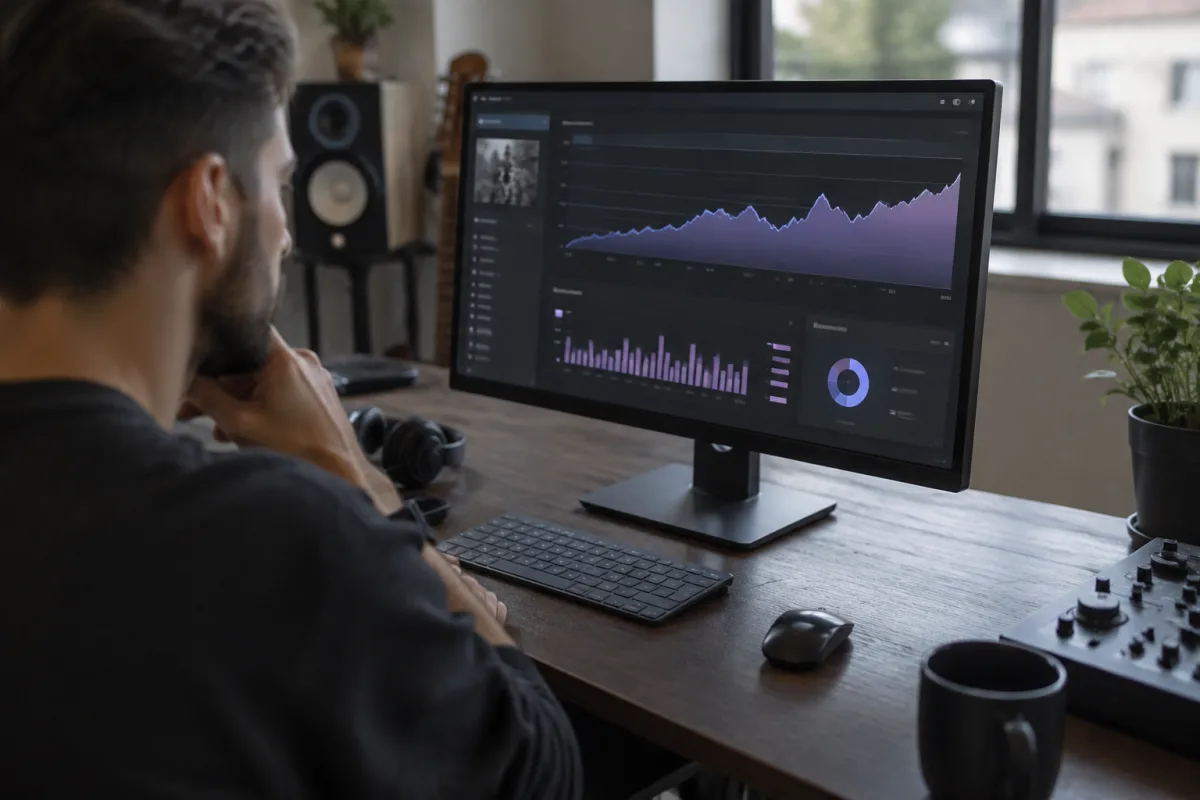
If you've just released music or are thinking about it, you've probably heard about Spotify for Artists. You might be wondering: what is it exactly? Do I need it? Is it complicated to set up? This guide walks a beginner through Spotify for Artists, demystifying the process and showing you why this tool matters for any artist who wants their music heard.
What Spotify for Artists Actually Does
Spotify for Artists is a free dashboard that connects you directly to your music on Spotify and your audience. It's not about uploading your music to Spotify (that happens through a distributor). Instead, it's about monitoring your music's performance, understanding your listeners, and claiming your artist profile so that your information is accurate and complete.
Think of it as mission control for your Spotify presence. You see who's listening, where they're from, what playlists your songs are on, and how many streams you're getting. You can edit your artist bio, add links to your social media and website, and respond to opportunities. It's the artist's tool for managing their presence on the world's biggest streaming platform.
Getting Set Up: Simpler Than You Think
Setting up Spotify for Artists is straightforward. Here's the process:
- Visit artists.spotify.com and sign in or create a Spotify account (a free account is fine).
- Verify your identity. Spotify wants to confirm you're actually the artist. You can verify through email, phone, or by adding a song to a Spotify playlist.
- Claim your artist profile. This associates your Spotify for Artists account with your music on Spotify.
- Explore the dashboard. You now have access to streaming data, listener information, and tools to manage your presence.
The entire process takes 10-20 minutes if your music is already on Spotify. If you haven't released music yet, you'll need a distributor (DistroKid, CD Baby, etc.) to upload your tracks first, then you can claim your profile once they appear on Spotify.
What You'll See on Your Dashboard
Your Spotify for Artists dashboard shows several key metrics:
Streams track how many times your music has been played. This number climbs as listeners discover and replay your tracks. It's often the first thing artists check, and it can be addictive. Don't obsess over it; focus on genuine growth over time.
Listeners and followers show how many people are actively listening and how many have followed your artist profile. Growing these numbers means your music is resonating with real people.
Geographical data reveals where your listeners are based. This is useful if you're thinking about touring or targeting specific markets.
Playlist placements show which Spotify playlists feature your music. This is valuable information—playlist placement drives significant streams.
Common Beginner Worries and Realities
"Will Spotify have all my personal information?" No more than you provide. You control what appears on your profile—your real name, artist name, photo, bio, links. Spotify doesn't publicly display your email or personal data unless you choose to share it.
"Will I make money from my streams?" Yes, but not from Spotify for Artists directly. Spotify for Artists is the monitoring tool; Spotify pays streaming royalties through your distributor based on listens. Payouts vary by region and subscription type, but typically range from £0.003 to £0.004 per stream. Don't expect to make a living from streaming alone unless you're getting millions of plays monthly.
"Is it too late to get started?" No. Spotify adds millions of new users constantly. Music from established artists sits alongside bedroom recordings. Spotify for Artists doesn't guarantee success, but it gives you visibility into what's happening with your music.
"Do I need perfect artist photos or a professional bio to get started?" No. Start with what you have, improve it over time. Early listeners won't judge you for a phone-photo profile picture. Professionalism grows as your music does.
Your First Actions: Building Your Presence
Once you've claimed your profile, take these steps:
- Complete your artist bio. Write 50-100 words about who you are, your musical style, and what drives your music. Be authentic; listeners connect with real artists, not marketing speak.
- Add links to your social media, website, and music (YouTube, Instagram, etc.). These are pathways for fans to find you elsewhere.
- Add a professional photo or artwork as your artist image. This appears across Spotify and creates visual recognition.
- Monitor your streaming data weekly to understand what's working. What songs are people returning to? Where are your listeners finding you?
Understanding Spotify Playlists: They Matter
A significant portion of Spotify streams come from playlists—Spotify's algorithmic playlists, curator playlists, and user-created playlists. Early on, you'll see most of your plays from playlists rather than direct followers. This is normal and valuable.
Spotify's algorithm considers your music for playlist placement based on how listeners engage with it. The more plays, follows, and saves you get, the more likely Spotify's algorithm places your music on broader playlists. As a beginner, focus on getting your first genuine listeners, not on manipulating playlist algorithms. Growth follows genuine engagement.
Common Beginner Mistakes to Avoid
Treating Spotify for Artists as a replacement for marketing. It's a monitoring tool, not a promotion tool. You still need to drive listeners to your music through social media, collaborations, performances, and other channels. Spotify for Artists shows you the results; it doesn't create them automatically.
Obsessing over daily stream counts. Streaming is unpredictable. Some days you'll get dozens of plays; other days, none. Look at weekly and monthly trends instead. This is where real growth appears.
Expecting payment immediately. Spotify pays royalties monthly, and payments can take weeks or months to appear in your account depending on your distributor. Be patient.
Not updating your profile information. An abandoned-looking artist profile suggests you're not actively making music. Keep your bio current, add new releases, and update your photo occasionally.
Long-Term Thinking: Spotify as One Piece
Spotify for Artists is one tool among many. You should also be active on social media, building an email list, performing live, and connecting with other musicians. Spotify is where people listen; your job is to drive them there through multiple channels and give them reasons to keep listening.
Moving Forward: The Full Picture
For a comprehensive guide to Spotify for Artists, playlist strategy, streaming optimization, and detailed data interpretation, see our complete guide to Spotify for Artists.
Your Dashboard Is Ready
Set up your Spotify for Artists account today if you haven't already. It's free, quick, and gives you immediate insight into how your music is performing. As you grow as an artist, this dashboard will become increasingly valuable. For now, claim your profile, fill in your information, and start watching your music reach listeners around the world.



Comments