


Stage Box Allen Heath article
Stage Box Allen Heath for Beginners: A Complete Guide
A stage box can feel intimidating at first, but learning to use one—especially an Allen & Heath model—transforms how you run live events. Here's everything a beginner needs to know.
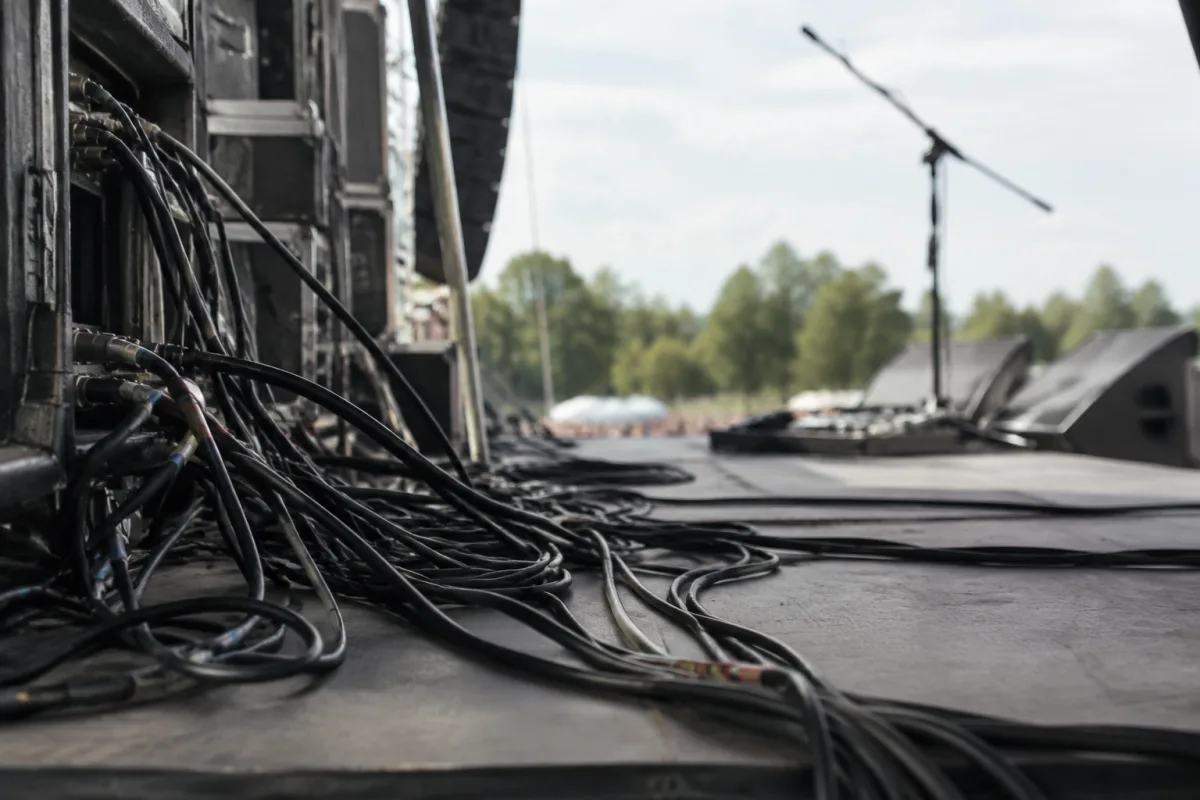
Getting into live sound reinforcement can feel daunting, but a stage box is actually one of the friendliest places to start. If you're new to gigging, you might be wondering what a stage box does and whether you really need one. The short answer: if you're running live events, a stage box—particularly an Allen & Heath model—makes the entire setup clearer, safer and more professional. In this guide, we'll walk through everything a beginner needs to know about using a stage box Allen & Heath equipment confidently.
What a Stage Box Actually Does (Without the Jargon)
Before we dive into setup, let's clarify what you're looking at. A stage box is essentially a junction box that sits near your performers on stage. Instead of running a mess of cables from the stage all the way to your mixing desk (which could be 50 metres away in a large venue), you run one thick multicore cable instead. The stage box "breaks out" that single cable into individual channels—one for each microphone, instrument or speaker feed. Think of it as a translator: it takes the multicore's compact bundle and spreads it into channels your mixer can understand.
An Allen & Heath stage box is built with live-sound professionals in mind, which means even a beginner model is remarkably robust. You can kick it, spill a drink near it, leave it in a damp corner—and it'll keep working. That reliability matters when you're learning, because you can focus on mixing rather than worrying about gear failing mid-set.
Why a Stage Box Beats Running Individual Cables
New sound engineers sometimes ask: "Can't I just run long cables from each microphone straight to the mixer?" Technically, yes. But here's what happens:
- Cable clutter: you end up with dozens of loose cables snaking across the stage, creating a tripping hazard and looking unprofessional.
- Grounding issues: long runs of unshielded cable pick up interference (that buzz you hear in cheap PA systems). A multicore cable is shielded and paired, keeping interference to almost nothing.
- Flexibility: if a performer needs to move 10 metres stage left, your stage box moves with them. You don't have to re-route every cable.
- Setup and breakdown: one multicore cable is infinitely faster to unplug than twenty individual XLR cables.
- Scalability: as you add more channels (more microphones, more instruments), your stage box grows with you. A 16-channel Allen & Heath box can handle small gigs today and mid-sized festivals later.
Choosing an Allen & Heath Stage Box for Your First Gig
Allen & Heath makes several stage boxes aimed at different budgets and venue sizes. Here's the beginner-friendly rundown:
| Model | Channels | Best For | Learning Curve |
|---|---|---|---|
| 8-channel | 8 mono | Small bands, church services, intimate venues | Very gentle—you're not overwhelmed with options |
| 16-channel | 16 mono | Larger bands, multiple vocalists, growing events | Manageable—still intuitive, but more flexibility |
| 32-channel | 32 mono | Festival, theatre, corporate events | More complex—worth it once you've done a few gigs |
For your first time, an 8-channel or 16-channel Allen & Heath stage box is ideal. You get enough channels for a typical band without information overload. And if you've never used a stage box before, that simplicity is genuinely your friend.
Setting Up Your Stage Box: The Beginner's Pathway
Here's the reassuring bit: setting up a stage box is straightforward once you understand the principle. Unlike a digital mixing desk with hundreds of menus, a stage box is gloriously simple—it just passes audio through.
Step 1: Position It Smartly
Place your stage box as close to the performers as practical. The fewer cables running from microphones to the box, the better. If your stage is 20 metres deep, put the box halfway or closer to the performers, not at the wings. A small table or stand keeps it off the floor (where someone might step on it) and makes patching faster.
Step 2: Run the Multicore to Your Mixer
Your multicore cable—the thick one with dozens of wires bundled together—connects the stage box to your mixer. Coil it neatly and route it away from power cables (another grounding-hum prevention measure). If the cable is 50+ metres, ask an experienced friend to check the run beforehand; long cables sometimes develop faults, and you want to know that before showtime.
Step 3: Patch the Stage Box Inputs
Now you're plugging microphones and instruments into the stage box inputs. Label each one as you go ("Vocals 1", "Guitar", "Bass", etc.). A label maker or even a pencil and tape on a printed cheat sheet helps you remember what's plugged in where, especially if you're moving the stage box between venues.
Step 4: Check the Outputs at Your Mixer
At the mixer end, each stage box output appears as a channel. Confirm that what's plugged into the stage box input actually shows up on the mixer's corresponding channel before the performers take the stage. A quick hum test (ask someone to hum into each mic) takes two minutes and saves you from a silent vocalist disaster.
Common Beginner Mistakes (and How to Avoid Them)
Mistake 1: Forgetting to power-on the stage box. Most Allen & Heath stage boxes run on phantom power from your mixer, so they'll work immediately—but check your mixer's phantom-power switch is on. If your box has its own power supply, flip that switch too. Silent channels are usually a power issue.
Mistake 2: Not labelling your cables. You'll do this job again next month, and you won't remember if the blue tape means vocals or drums. Take 30 seconds to label as you patch. Future you will be grateful.
Mistake 3: Coiling the multicore tightly around a single point. Multicore cables have finite flexibility. Coil them loosely and support them every metre or so. A tightly coiled 30-metre multicore can develop internal faults—and those are expensive to repair.
Mistake 4: Assuming all cables are the same. A cheap, thin mic cable is not the same as a proper multicore or a shielded instrument cable. Invest in quality cables from the start. Your stage box deserves them, and you'll avoid grounding hum that makes you sound amateur.
Learning Resources and Next Steps
Once you've set up a stage box Allen & Heath unit once or twice, you'll find it becomes second nature. If you want to go deeper, the complete guide to stage box Allen & Heath covers the technical detail—impedance, grounding strategies, advanced patching. But for now, focus on the physical setup: run your cables cleanly, power everything on, label as you go, and test before the show starts.
The beauty of starting with an Allen & Heath stage box is that it's predictable and stable. There's no mystery—the audio path is visual and tactile. Once you've done it three times, you'll set one up in the dark. And that confidence is the real payoff.
FAQ
Q: Do I really need a stage box for small events? For a single vocalist and acoustic guitar, no—you can run direct cables. But if you have more than three audio sources on stage, a stage box starts saving you time and hassle immediately.
Q: Can I use a cheaper brand instead of Allen & Heath? Yes—Behringer, Soundcraft and others make competent stage boxes at lower prices. Allen & Heath tends to cost more but holds its value, is built tougher, and is easier to repair if something does fail.
Q: What if I don't have phantom power on my mixer? Some mixer-less setups won't power your stage box via the multicore. Check your equipment manual. If needed, you can add a standalone phantom-power supply or choose a stage box with a built-in PSU.
Q: How long can the multicore cable be? Up to 100 metres is safe for audio; beyond that, you start losing signal and risking interference. Most venues are under 50 metres, so you'll be fine.
Q: What's the difference between a stage box and a splitter box? A splitter distributes one audio feed to many outputs (e.g., one microphone to five monitors). A stage box breaks out a multicore into individual channels. Different jobs.
Q: How do I know if my stage box is working? Check for LED indicators (most Allen & Heath models have them) and do a hum test with a microphone. If you're not hearing anything, first confirm phantom power is on at both ends of the multicore, then check the input gain on your mixer channel.


Comments