
Digital Mixer Console article
The Complete Guide to Digital Mixer Console
A digital mixer console is the control centre for modern audio production. Explore types, essential features, and mixing workflows for studios and live events.
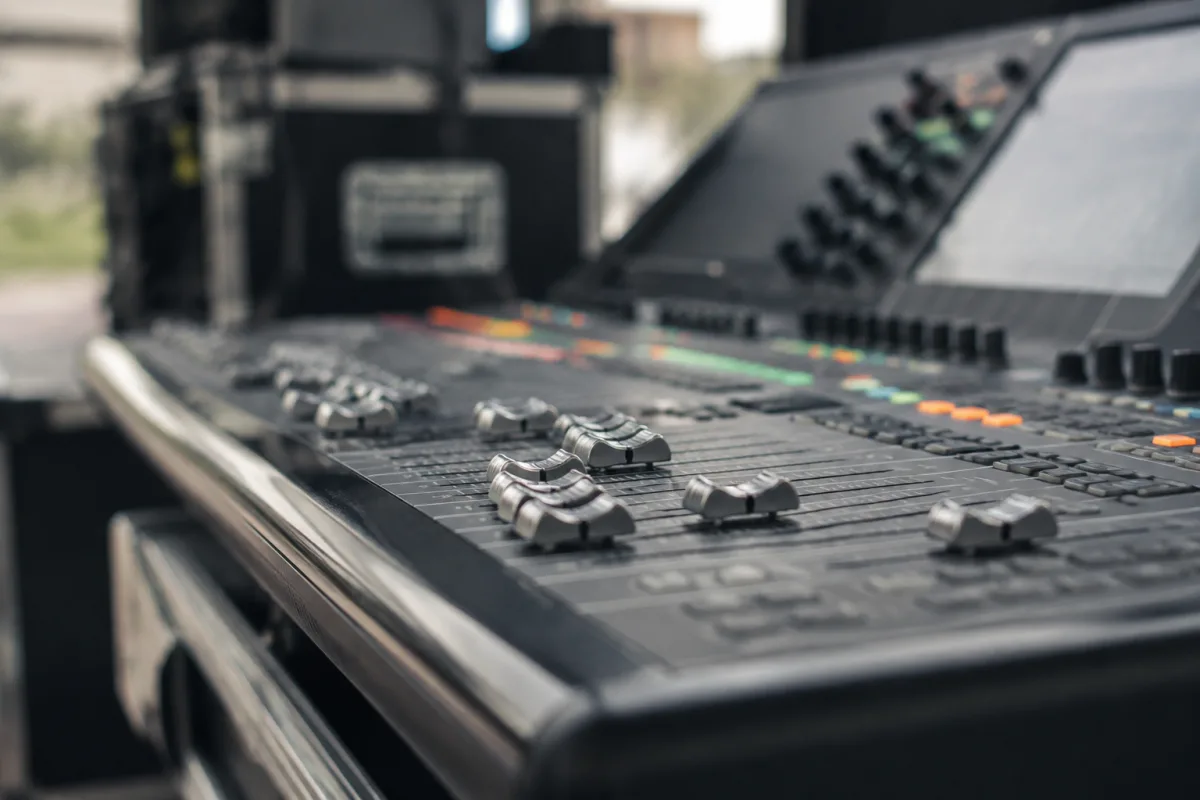
Digital Mixer Console Essentials for Studios and Live Sound
A digital mixer console is the heart of modern audio production, giving you precise control over dozens of channels, effects, and mixing parameters from a compact interface. Whether you're recording a band in the studio, mixing a live event, or streaming to an online audience, a digital mixer console offers flexibility, recall capability, and processing power that traditional analog boards cannot match. This guide covers how to choose, set up, and master a digital mixer console for your specific needs.
Analog vs. Digital Mixer Consoles
Analog mixer consoles use pure electrical signal routing; digital models convert audio to binary data, process it, and convert back to analogue. A digital mixer console offers recall (saving and retrieving exact settings), built-in effects, networked control via Dante or AES67, and software integration. Analog excels at simplicity and warmth, but digital wins for flexibility, portability, and integration with modern workflows.
Key Types of Digital Mixer Consoles
| Type | Purpose | Use Case |
|---|---|---|
| Studio Console | Multi-track recording, mixing, mastering. High channel count, pristine audio path, monitoring integration. | Professional recording studios, post-production |
| Live Sound Console | Real-time mixing, built-in effects, wireless mic integration, matrix routing for monitors. | Concert venues, festivals, corporate events |
| Small Format Digital Mixer | 8–24 channels, compact size, fixed I/O. Suitable for small venues and podcasting. | Coffee shops, churches, streaming, small venues |
| Modular Digital Mixer | Expand channel count via external stagebox. Professional touring standard. | Large festivals, touring productions, rental houses |
Essential Features of a Digital Mixer Console
Look for: high resolution audio (24-bit/96kHz minimum), low latency (<5ms), onboard effects (EQ, compression, reverb), channel recall and scene management, networked I/O (Dante preferred), wireless mic compatibility, and intuitive user interface. Professional models often include touchscreen control and software editor integration for off-desk mixing.
Signal Flow in a Digital Mixer Console
Input stage → preamp → fader → pan → output bus → master fader → D/A converter → loudspeakers. A digital mixer console processes each stage digitally, allowing unlimited insert effects, send/return routing, and sub-group flexibility impossible on analog boards.
Channel Management
Organize your digital mixer console logically: drums, bass, guitars, vocals, keys, backing tracks. Use colour-coding and naming for quick visual reference. Group related channels (e.g., all drums) into sub-groups for easier overall control—a time-saver during live mixing.
Effects and Processing
A quality digital mixer console includes reverb, delay, compression, EQ, and gates. Use sends to route channels to shared reverb (so it feels like one acoustic space) and inserts for dedicated channel processing. Most modern models include over 100 preset effects—explore them to discover your house sound.
Monitoring and Mixing
A digital mixer console splits your output into mains (what the audience hears) and monitors/aux buses (what performers on stage hear). This separation is essential for live sound; engineer the front-of-house mix independently from each musician's custom mix on their monitor wedge or in-ear system.
Choosing Your Digital Mixer Console
For small venues or streaming, a compact 8–12 channel model suffices. For theaters or live events, choose a mid-size console with 16–32 channels. Professional touring demands modular systems with external stageboxes. Quality brands like Behringer, Allen & Heath, DigiCo, and Yamaha each offer solutions at different price points.
The Bottom Line
A digital mixer console is your mixing command center. Choose one that scales with your needs, learn its workflow deeply, and you'll mix better events and records with greater efficiency and creative control than ever possible on analog gear.


Comments