


Solid State Logic Mixer Buying guide
Solid State Logic Mixer: A Complete Buyer's Guide
Investing in an SSL mixer requires understanding which models suit your workflow, channel count needs, and sonic preferences. This guide covers SSL options from affordable AWS to legendary 4000 series consoles.
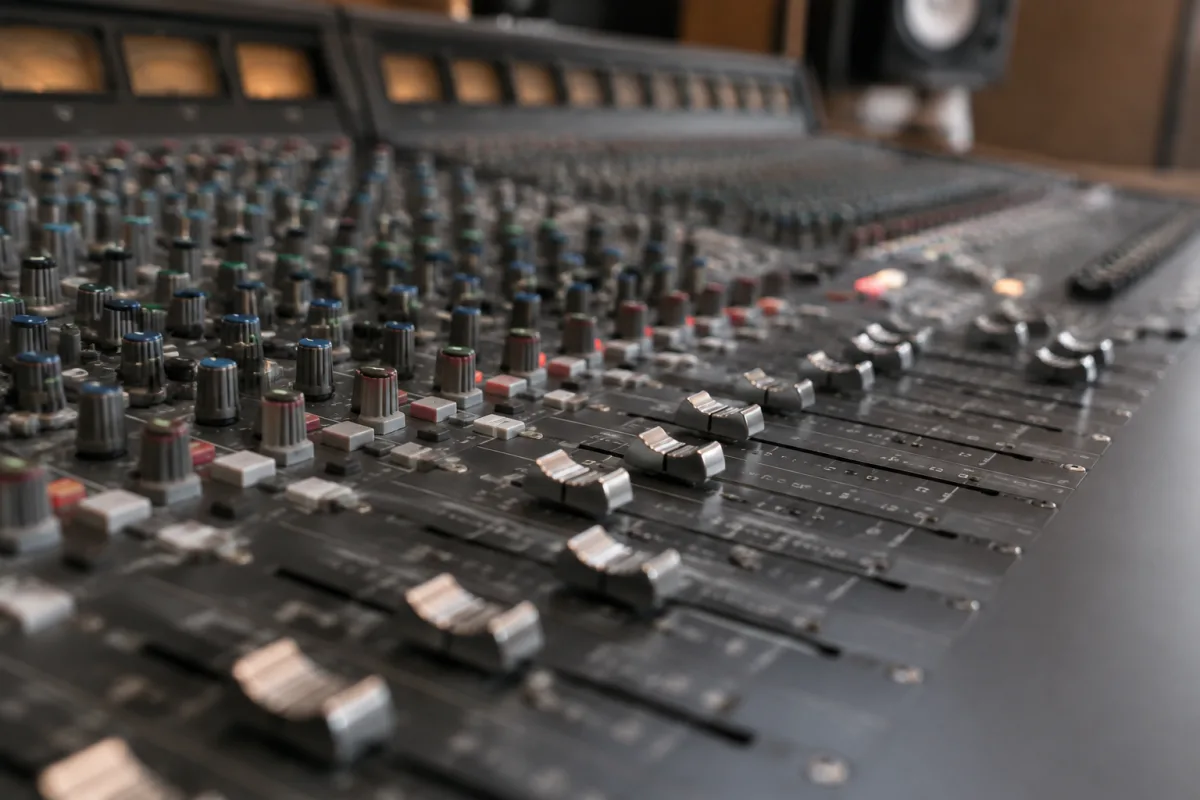
Solid State Logic (SSL) mixers are industry standard equipment in professional studios, live sound reinforcement, and recording facilities worldwide. Whether you're investing in your first SSL console or upgrading an existing setup, understanding what models exist, which features matter, and what to expect at different price points will help you make a confident purchase. This guide breaks down everything you need to know to choose the right SSL mixer for your needs.
What You're Investing In
SSL's Position in the Mixer Market
SSL (Solid State Logic) has been manufacturing world-class mixing consoles since 1969. Their products are synonymous with professional audio—studios ranging from BBC Broadcasting House to top-tier commercial recording facilities rely on SSL. When you buy SSL, you're investing in heritage, proven reliability, and sound quality that's withstood decades of industry scrutiny. This legacy justifies the premium price tag; SSL equipment retains value and lasts for generations.
SSL for Recording vs. Live Sound vs. Broadcasting
SSL manufactures different mixer categories: large-format consoles for recording studios, broadcast consoles for live-to-air work, touring consoles for live sound, and smaller format consoles for post-production. Each category serves distinct needs. Recording consoles prioritise analog warmth and EQ character; broadcast consoles emphasise reliability and remote control capability; touring consoles focus on portability and durability. Identify your primary use before comparing models.
Key Specifications When Buying an SSL Mixer
Channel Count and Format
SSL consoles range from compact 16-channel format to large 4000-series consoles with 72+ channels. Smaller studios might work with 24–32 channels; larger facilities need 48 or more. Channel count directly affects price and footprint. Consider not just your current needs but anticipated growth. A 32-channel console is more flexible than a 24-channel, but costs significantly more and requires more space. Choose conservatively—you'll rarely regret having fewer channels, but you'll regret outgrowing your console.
Preamp Quality and Microphone Input Options
SSL's in-house designed preamps are legendary for their clarity and low distortion. When comparing used SSL models, check that preamps are original and haven't been modified. Some older consoles have had third-party preamps installed, which may or may not improve the sound. Factory preamps are your safest bet. Verify the number of microphone inputs—24 inputs minimum for professional recording; broadcast work often demands more.
EQ and Dynamics Processing
SSL consoles include onboard EQ and dynamics on each channel. Older 4000-series and 9000-series consoles feature Class-A EQ and Compressor modules that are renowned for their musical character. Newer SSL consoles like the AWS and Duality offer different EQ voicings and dynamics algorithms. Listen to shootouts between different SSL eras to hear tonal differences. Some engineers prefer the character of older 4000 modules; others favour the precision of modern algorithms. Your preference determines which generation to buy.
Monitor and Cue Systems
Professional mixing requires reliable cue sends and monitor outputs for musicians and engineers. SSL consoles offer extensive routing options. Check how many stereo and mono auxiliary sends are available, whether you can create custom monitor mixes, and whether the console supports multi-track monitoring. For live sound work, monitor systems are critical; for recording studios, they're essential but secondary to the main mix output.
SSL Mixer Models and Price Tiers
| Model Series | Typical Price Range (Used) | Channel Format | Best Use Case | Key Features |
|---|---|---|---|---|
| 4000 E/G Series | £30,000–£80,000 | 24–72 channels | Large recording studios, broadcast facilities | Class-A modules, legendary EQ character, robust construction, analog purity |
| 9000 Series | £40,000–£120,000 | 32–80 channels | Major studios, broadcast networks, touring | Advanced automation, digital control, modular design, broadcast features |
| Duality | £60,000–£150,000 | 32–64 channels | Premium studios, high-end post-production | Hybrid analog-digital, modern EQ options, SSL SuperAnalogue design, recall |
| AWS (Analog Warmth Series) | £15,000–£35,000 | 16–24 channels | Project studios, smaller professional facilities | Compact format, analog character, networking capability, professional features |
| X-Desk/Mixing Stations | £5,000–£20,000 | 8–16 channels | Post-production suites, smaller facilities, remote locations | Compact, portability, essential professional controls, upgradeable |
Buying Considerations and Common Mistakes
New vs. Used: The Economic Reality
SSL consoles are exceptionally durable; well-maintained used equipment is often indistinguishable from new in sound quality. Buying used can save 40–60 per cent versus new. However, inspect used consoles carefully: request calibration records, check all faders move smoothly, verify no modules have been damaged or replaced, and listen to gain structure across channels. A used console from a reputable studio or dealer carries lower risk than private sales. Budget for a full factory recalibration after purchase—typically £2,000–5,000—to ensure pristine condition.
Ignoring Maintenance History
An SSL that's been maintained professionally will outlast one that hasn't. Before buying used, ask for service records. Has the console been recalibrated regularly? Have modules been replaced or repaired? A well-documented history is worth thousands extra; a mysterious past is a red flag. Request references from previous owners if possible.
Underestimating Space and Infrastructure Needs
Large SSL consoles demand not just floor space but also proper electrical infrastructure (dedicated circuits, stable grounding), ventilation (older consoles run warm), and acoustic treatment in the control room. A 72-channel 4000 series console fills a large room and generates heat; you'll need cooling. Budget for these infrastructure costs alongside the console purchase.
Overlooking Compatibility with Modern Workflows
Older SSL consoles excel at mixing but may lack digital networking, recall capability, or DAW integration that modern studios expect. If your workflow demands saving and recalling console settings, digital recall is essential. Newer models like Duality and AWS offer this; older 4000s do not. Consider whether analog-only operation fits your studio's needs or represents a limitation.
Choosing Channel Count Without Growth Planning
It's tempting to buy the smallest, cheapest SSL that fits today's sessions. But mixing evolves; future projects might demand more channels. A 32-channel console costs 20–30 per cent more than a 24-channel but offers flexibility that justifies the investment. Choose slightly larger than you think you'll need.
Choosing Between SSL's Current Lineup
If You Want Legendary Analog Character: 4000 Series
The 4000 E and 4000 G consoles, manufactured from the 1980s–2000s, deliver the unmistakable "SSL sound"—warm, punchy, with a signature EQ curve that's been on countless platinum recordings. If you're drawn to the classic studio aesthetic and sound character, buy a 4000. Prices are reasonable on the used market; reliability is bulletproof.
If You Want Analog Plus Modern Conveniences: Duality
The SSL Duality combines analog mixer architecture with digital recall, modern monitoring options, and networking. It's pricey but offers flexibility that older consoles lack. If your studio mixes both analog tape and digital tracks and needs to save/recall settings, Duality is worth the investment.
If Budget is Primary: AWS
The SSL AWS (Analog Warmth Series) delivers professional SSL quality in a compact, affordable format. At 16–24 channels, it's ideal for project studios, mixing suites, or remote facilities. You sacrifice some modularity and preamp count compared to larger consoles, but sound quality remains premium. The AWS is your entry point to SSL ownership without the £100,000+ investment.
Final Checklist Before Purchase
- Confirmed your primary use case (recording, broadcast, live sound, post-production)
- Determined the channel count needed plus room for growth
- Verified preamp authenticity and condition if buying used
- Listened to shootouts between different SSL generations to match your sonic preference
- Confirmed the console has monitor and cue capability for your workflow
- Researched service history and asked for maintenance records (if used)
- Evaluated whether recall/digital integration is essential for your workflow
- Considered space and infrastructure requirements (electrical, cooling, grounding)
- Budgeted for recalibration and any needed repairs or module replacement
- Confirmed with a dealer or trusted engineer that the console suits your specific needs
Learning More About SSL Mixers
For deeper exploration of SSL mixer architecture, signal flow, and how these consoles shaped modern recording, see The Complete Guide to Solid State Logic Mixer. That resource covers SSL history, technical architecture, and applications across professional audio.
Conclusion
Buying an SSL mixer is a significant investment that pays dividends in sound quality, reliability, and professional credibility. Start by defining your use case, whether recording studios demand a large 4000/9000-series console, broadcast work requires specific routing options, or compact project studio work fits the AWS. Evaluate used options carefully—SSL equipment ages gracefully, and a well-maintained used console may outperform a neglected new one. Listen to tonal differences between generations, verify maintenance history, and plan for infrastructure needs. Whether you choose a legendary 4000 series, a modern Duality, or an affordable AWS, you're investing in gear that will serve for decades and retain value throughout. Take time, do your homework, and buy an SSL that aligns with your studio's vision and workflow.


Comments