


Laney Guitar Amp article
Laney Guitar Amp for Beginners: A Complete Guide
Everything a nervous first-timer needs to know about setting up and using a Laney guitar amp — no jargon, just practical encouragement.
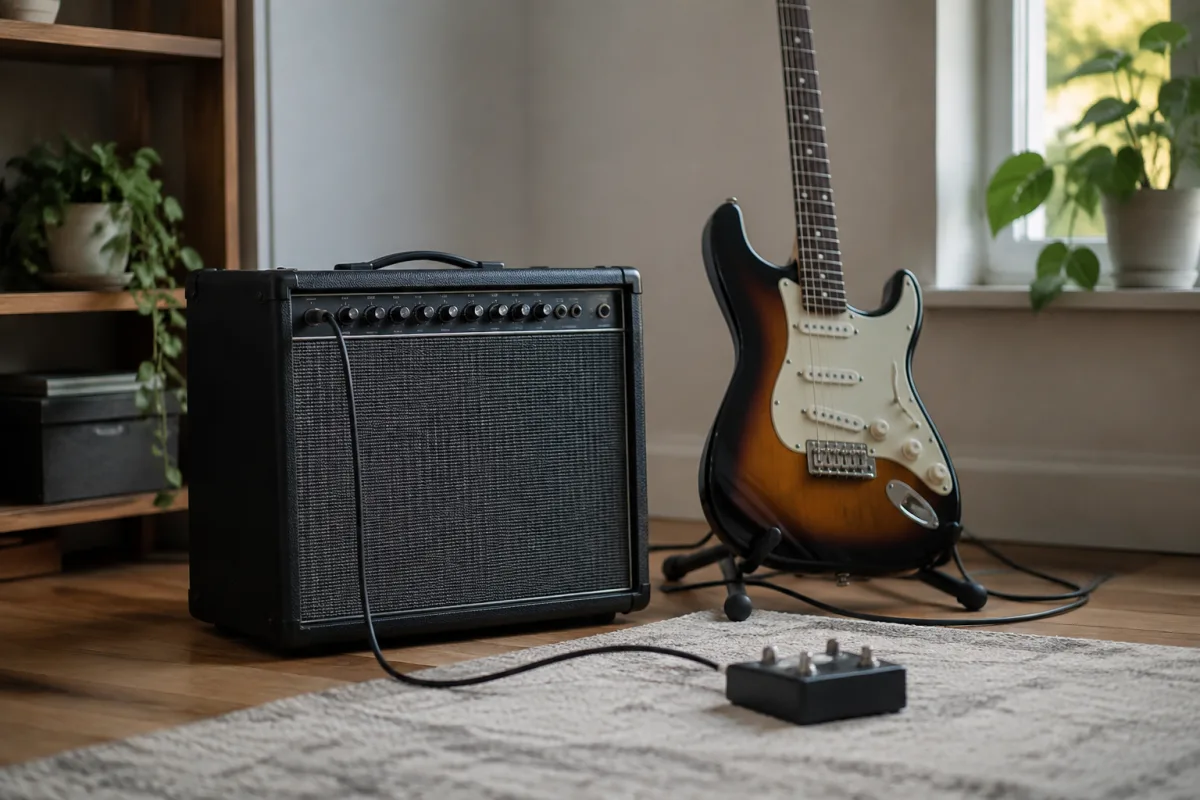
Starting Out With a Laney Guitar Amp: Your First Steps
Picking up your first Laney guitar amp can feel overwhelming. You've got this wonderful piece of gear in front of you, a handful of mysterious knobs, and a nagging worry that you might break it or sound terrible. Here's the good news: Laney built their amps to be friendly to beginners, and getting a great tone is simpler than you think.
Set Up Without Fear
First, breathe. Plugging in a Laney guitar amp and making noise is harder to mess up than you imagine. Place the amp on a stable surface, somewhere it won't overheat (don't shove it into a cupboard). Make sure the back is unblocked so air can flow freely around the vents.
Plug your guitar cable into the input marked "Input" or sometimes just a single jack on the front. If your Laney guitar amp has multiple inputs (high and low sensitivity), start with the one marked for guitars — usually the higher-numbered input. Connect a power cable to the mains, flip the power switch on, and wait about thirty seconds for the amp to warm up. That little delay is normal.
Forget the Complicated Knobs for Now
A Laney guitar amp might have knobs for treble, mid, bass, presence, gain, volume, and reverb. Your instinct will be to fiddle with all of them. Don't. Start here instead:
- Set Gain to about 2 or 3 (if your amp has it).
- Set Volume to 1 or 2 — low, safe, and quiet.
- Set Treble to 12 o'clock (the middle).
- Set Mid to 12 o'clock (if present).
- Set Bass to 12 o'clock (if present).
- Leave Presence alone for now.
- Set Reverb to 0 (off) or a tiny bit if it's always-on.
Now play a simple chord or a few notes. That's your baseline Laney guitar amp sound. It probably sounds fine. Congratulations.
The Three Essential Knobs You Actually Need
After you've settled in, there are only three knobs on your Laney guitar amp worth learning:
Volume controls how loud you are. Obvious, but start low and raise it in tiny increments. Your neighbours will thank you.
Gain (or sometimes "Drive" on a Laney guitar amp) controls how much grit or crunch you get. Low gain = clean, clear tone. Higher gain = distorted, crunchy tone. Turn it up slowly and listen to how your amp responds to your pick attack.
Reverb adds that spacious, echo-like shimmer that sounds professional. A tiny splash of reverb (even just "1" on a dial) transforms a dry, thin tone into something warm and rounded. Start at zero, then inch it up until your ears smile.
Those three knobs control 90% of what you'll need. Leave the rest alone until you're comfortable.
The Most Common First-Timer Mistakes
Don't turn the gain all the way up on your first day. High gain on a Laney guitar amp with a low volume setting sounds like angry wasps in a tin can. It sounds worse the louder the amp gets. Resist.
Don't boost the treble and presence together. Your Laney guitar amp will sound thin and piercing. If it sounds too dull, raise the treble *a little*. If it sounds too harsh, lower it again. Small turns matter.
Don't forget the power switch. You'd be surprised how many people plug in, turn the master volume up, and wonder why there's no sound. The power switch is usually a simple toggle or red button on the front of your Laney guitar amp.
Don't crank the volume while learning. A Laney guitar amp at bedroom levels (say, volume 2–3) gives you room to hear what's happening. If you can't hear yourself, resist the urge to turn it up; instead, move closer or ask someone to listen from across the room and tell you if it's loud enough.
Your First Week: What to Expect
Day one with your Laney guitar amp will probably sound weird. That's normal. Your fingers are adjusting, your ears are learning the amp's character, and your technique is still rough. By day three, you'll hear a noticeable improvement. By a week in, you'll start to trust the amp and have fun.
The tone of your Laney guitar amp matters far less than consistent practice. A beginner with ten minutes a day on a modest amp will sound miles better in three months than someone who noodles for an hour every two weeks on a boutique rig.
When to Ask for Help
If your Laney guitar amp isn't producing any sound, check: Is the power on? Is the volume above zero? Is the cable plugged all the way in at both ends? Is your guitar plugged in and the volume turned up? Are you pressing a string down properly (not just touching it)? These five things account for 99% of "it's broken" moments. It almost never is.
If the tone sounds genuinely scratchy or distorted even at low gain and low volume, something might be wrong. A Laney guitar amp should sound at least decent even with the knobs all at 12 o'clock. If it doesn't, get it checked by someone who knows amps.
A Tiny Bit of Maintenance
Your Laney guitar amp is tougher than it looks. Just don't spill tea on it, don't bang the knobs hard, and leave the tubes alone (if it's a valve amp, the tubes get hot — don't touch them while it's switched on). Every few months, gently dust the vents with a soft brush or cloth. That's it.
Learning to Love Your Tone
Most new players are impatient with their amp. It doesn't sound like the player they admire. So they twist every knob, buy expensive pedals, and wonder why they still sound like themselves. The secret: they do sound like themselves. That's the whole point.
Your Laney guitar amp is a tool, not a magician. It amplifies *your* playing. The best thing you can do in your first month is play the same simple riff a hundred times and get genuinely comfortable with how your amp responds to your hands. By then, "your tone" will start to shine through.
For a more detailed exploration of Laney's amp range and what makes them special, check out our complete guide to everything you need to know about Laney guitar amps.


Comments