
Distortion Guitar Effect article
The Complete Guide to Distortion Guitar Effect
Distortion transforms your guitar tone from clean to aggressive. Learn how distortion works, how to set it up and how to use it musically.
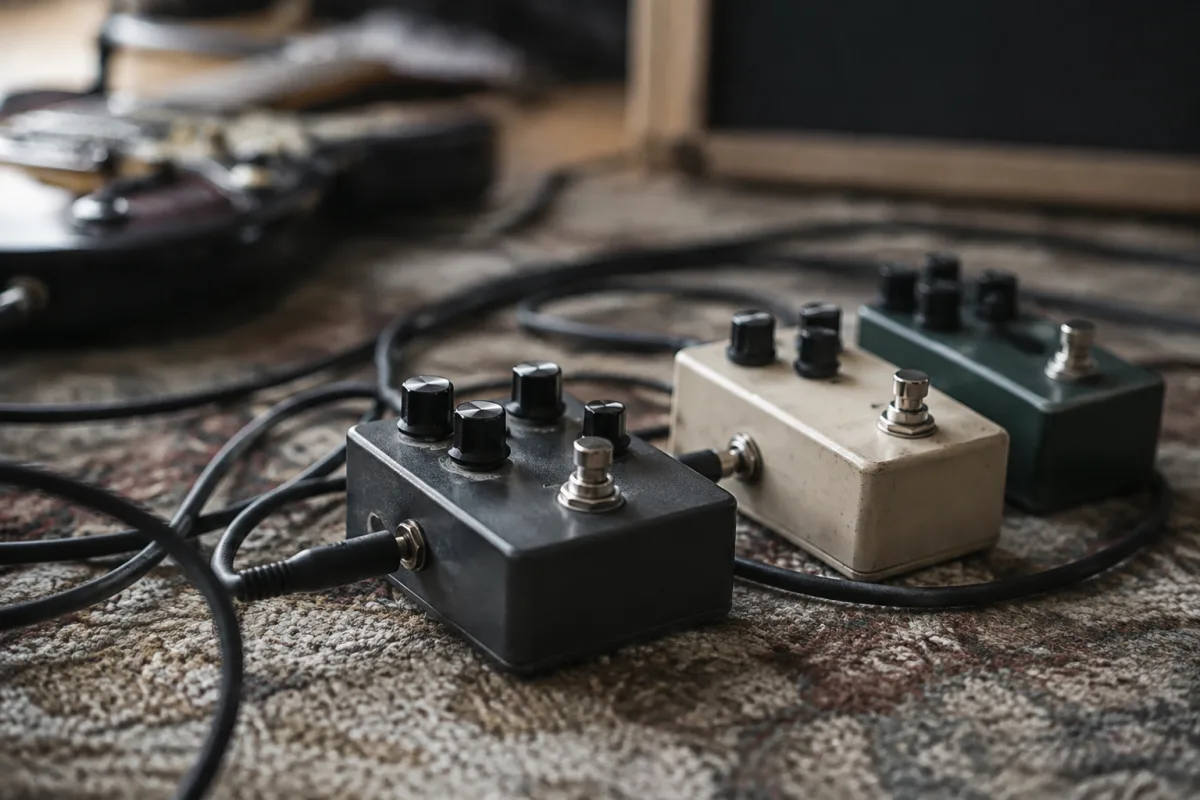
Distortion Guitar Effect: Sound, Technique and Applications
Distortion is one of the most iconic guitar effects, transforming clean signal into aggressive, edgy, or thick tones depending on intensity and application. From classic rock and metal to alternative and indie, distortion defines the sound of modern guitar music. Understanding how distortion works and how to use it effectively is essential for any guitarist seeking to expand their sonic palette.
What Is Guitar Distortion?
Distortion is an effect that clips and compresses the guitar signal, creating harmonic saturation and sustain. When you increase the gain beyond the amplifier's linear response, the waveform of the signal compresses, adding harmonics and creating the characteristic "crunch" or "fuzz" associated with rock and metal tones.
Distortion differs from overdrive and fuzz. Overdrive is gentler saturation, closer to a naturally driven tube amp; fuzz is extreme and fuzzy, often used in experimental or retro genres. Distortion sits in the middle: aggressive but articulate, suitable for tight rhythms and solos alike.
Types of Distortion Effects
Pedal Distortion
Dedicated distortion pedals provide the most direct and controllable distortion. Classic options include the Boss DS-1, Ibanez Tube Screamer (technically overdrive but distortion-adjacent), and the ProCo RAT. Modern pedals often feature tone shaping, mid controls and switchable clipping options. Cost: £50–200. Advantage: portability and easy on/off switching. Disadvantage: another box on the pedal board, requires power.
Amplifier Distortion
Built-in amplifier distortion is the most organic route, achieved by pushing the amp's preamp or power amp into saturation. Tube amps naturally break up smoothly; solid-state amps clip more abruptly. Many amps feature variable gain or overdrive channels allowing simultaneous clean and distorted sounds. Advantage: no pedal clutter. Disadvantage: less portable, less surgical control in a live mix.
Multi-Effects Distortion
Digital multi-effects units (Line 6, Boss GT, Kemper) include distortion models ranging from subtle to extreme. Advantage: flexibility, recall of entire presets, and integration with other effects. Disadvantage: steeper learning curve, potential digital artifacts, higher cost (£200–2000+).
Key Distortion Parameters
| Parameter | What It Does | Typical Range | Effect on Tone |
|---|---|---|---|
| Gain/Drive | Controls amount of clipping/saturation | 0–100% | Low = slight grit; High = full aggression |
| Tone/EQ | Shapes high-frequency content | Low–Mid–High | Low = thick bass; High = bright treble |
| Level/Volume | Compensates for level boost from distortion | 0–100% | Ensures distorted tone is at usable volume |
| Mid Control | Cuts or boosts midrange (500–2000 Hz) | Low–Mid–High | Low = scooped tone; High = aggressive presence |
Distortion in Different Genres
Rock and classic metal use moderate distortion (gain 30–60%) with warm tone settings for harmonic sustain and defined riffs. Heavy metal and thrash employ high distortion (gain 70–100%) with scooped mids for separation and clarity. Blues and classic rock often favour amp distortion from natural breakup rather than pedals. Alternative and indie rock use distortion selectively, often switching between clean and full distortion for dynamic effect.
Each genre's distortion character reflects its origins and playing style. Copying the tone of your favourite artist's recordings requires matching their gear chain (amp, distortion pedal, cab, room acoustics) as much as possible, since tone comes equally from technique and equipment.
Setting Up Distortion
Start with moderate gain (50%), a neutral tone setting (middle), and adjust level to match your clean sound. Increase gain until you find the saturation level that suits your playing. Use tone and mid controls to carve your character: scoop mids for modern metal, boost mids for aggressive rock, or find a neutral balance for versatility.
In a pedal chain, distortion typically comes after dynamics (compressor) and before modulation (chorus, reverb). A boost pedal before distortion can increase gain and tightness; a noise gate after distortion reduces tail noise in high-gain settings.
Technique and Musical Use
Distortion responds dramatically to picking dynamics and volume control. Lightly pick a distorted note and it stays relatively clean; dig in hard and it compresses and sustains. Use this responsiveness to your advantage: pick softly for definition in fast passages, dig in for drama in slower riffs. Rolling back the guitar volume knob while keeping distortion engaged gives you a clean tone without losing the pedal's settings, useful for dynamic contrast within a song.
Common Mistakes with Distortion
- Too much gain — muddy, undefined tone that sounds "like a swarm of bees". Start moderate and increase only if musical context requires it.
- Scooped mids — creates disconnect on stage or in a band mix. Unless you are deliberately chasing modern metal tone, keep some midrange presence.
- Cheap digital distortion — can sound thin or plasticky. Quality matters: save the budget for a decent analog or high-quality digital distortion.
- No tone shaping — using distortion's factory settings limits your versatility. Spend time tweaking tone and mid controls to craft your unique sound.
Verdict
Distortion is a powerful and expressive effect, capable of anything from subtle grit to face-melting aggression. Whether you chase it through a dedicated pedal, your amp's built-in saturation, or a multi-effects unit, the key is understanding your signal chain and tailoring the effect to your style and playing. A quality distortion pedal or amp channel is an investment that will unlock new creative avenues and help you find your voice as a guitarist.


Comments