


Digital Amp article
Digital Amp for Beginners: A Complete Guide
Digital amps confuse beginners, but they're actually easier and more affordable than tube amps. Learn your first steps, common mistakes, and how to build confidence quickly.
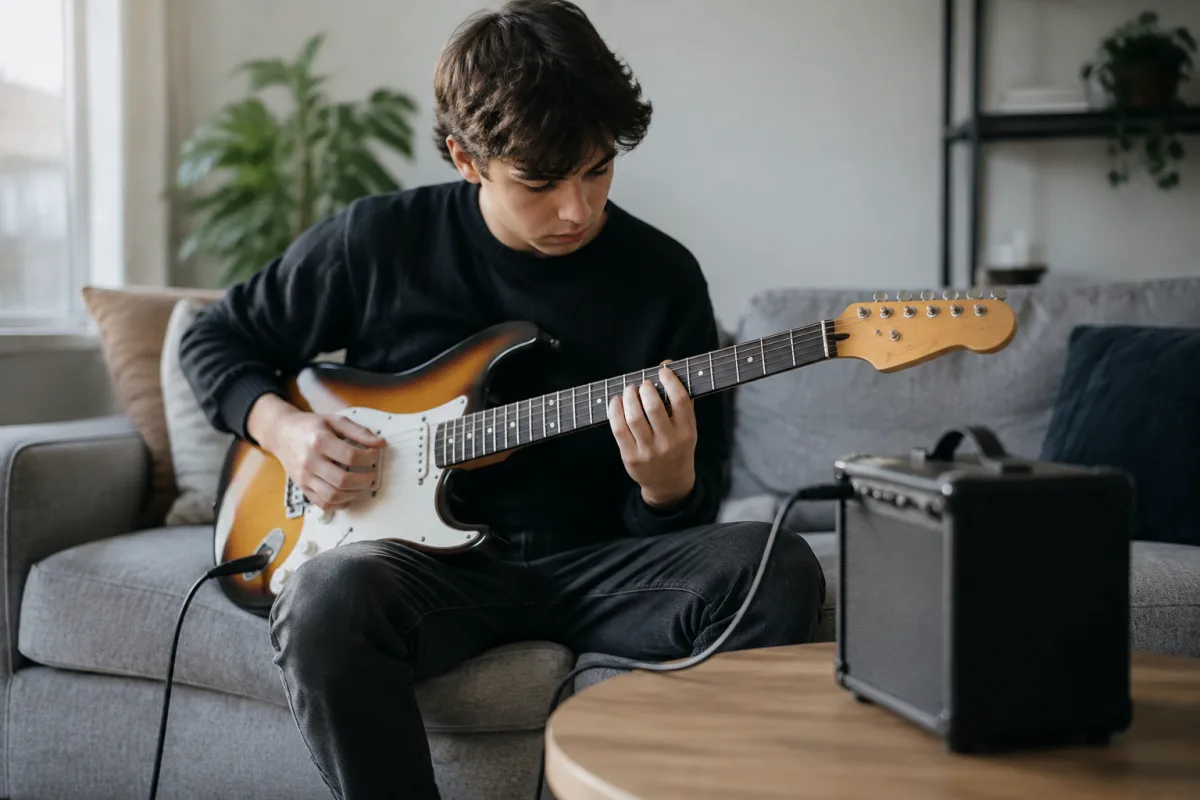
Your first experience with a digital amp might feel intimidating. All those buttons, menus, and options can overwhelm a beginner. But here's the liberating truth: a digital amp is actually friendlier for learners than traditional tube amplifiers. This guide walks you through getting started with a digital amp, building confidence step-by-step, and understanding the technology without jargon.
What Makes a Digital Amp Different (And Why Beginners Benefit)
Unlike tube amplifiers that require careful biasing and maintenance, a digital amp uses computer processing to model the sound of classic tube rigs. Think of it as an accurate simulation rather than a physical amp. Why is this better for beginners?
- Affordability—A quality digital amp costs half what a comparable tube amp does.
- No warm-up time—Turn it on; play immediately. No waiting for tubes to stabilise.
- Built-in effects—No need to buy separate pedals. Reverb, delay, chorus all included.
- Volume control at all levels—Play silently at 5 watts or crank to 100 watts; tone consistency remains.
- No maintenance—No tube replacement (expensive), no biasing adjustments. Just plug in and go.
Beginners often feel pressured to buy expensive tube amps. A digital amp removes that barrier and lets you focus on learning instead of gear anxiety.
Understanding Your First Digital Amp: The Basic Sections
Don't panic at the complexity. A typical digital amp breaks down into a few logical sections:
Amp Models
The heart of the digital amp is the library of amplifier simulations. Classic models include:
- Clean models—Bright, articulate tones. Best for jazz, pop, country.
- Crunch models—Mid-gain saturation. Perfect for blues and rock.
- Lead/Distortion models—High-gain heavy tone. Essential for metal and hard rock.
Start with clean models and explore gradually. You'll quickly find favourites that match your musical taste.
Cabinets and Microphones
Many digital amps let you choose virtual cabinet simulations and microphone positions. For beginners, this is pure bonus—you can't change this on a tube amp without buying multiple cabinets. Stick with the defaults at first. Experimentation comes later.
Effects Section
Built-in effects (reverb, delay, chorus, compression) are included on most digital amps. They're simplified versions of what you'd get from expensive pedals. Start with just reverb and delay; add complexity once you understand how they shape your tone.
Your First 30 Minutes: Getting Comfortable
When you unbox your new digital amp, follow this approach:
- Plug in and select a clean model. Don't dive into menus yet. Just listen to basic tone.
- Play a few chords and single notes. Hear how the amp responds to your playing.
- Gently adjust the volume knob (Gain). Notice how saturation increases. That's how a digital amp mimics tube compression—no magic involved.
- Try one or two other amp models. Hear the differences. This builds intuition about your digital amp's voicing range.
- Add subtle reverb. Roll the reverb knob to 20–30%. Notice how space opens up around your tone.
Stop there for day one. Your brain only absorbs so much. Tomorrow, explore further.
Common Beginner Mistakes (And How to Avoid Them)
Learning digital amp operation is straightforward if you know these pitfalls:
- Setting gain too high right away. Your digital amp sounds mud-filled and uninspiring. Turn gain to 50% maximum initially. Once you understand tone, experiment upward.
- Using too much reverb. Beginners often drown their tone in space. Reverb should be subtle—think 15–25%. Too much makes you sound distant and washed out.
- Mixing too many effects at once. Five effects at once sounds chaotic. Reverb and delay alone are a great starting point. Add modulation (chorus/flanger) once you're comfortable.
- Not reading the manual. Manuals seem boring, but they reveal hidden features and shortcuts. Spend 15 minutes reading—it pays off.
- Assuming all amp models sound equally good. They don't. Some digital amps excel at clean tones; others shine at distortion. Explore systematically.
Digital Amp Types for Beginners
- Entry-Level Combo Amps (£100–300)—All-in-one units. The least intimidating option. Perfect for learning without complexity.
- Modelling Pedals with Headphones (£150–400)—Compact, silent practise. Line 6 Helix Floor, Kemper Stage. More complex but incredibly versatile.
- Microphone-Capture Rigs (£200–500)—Plug your amp's speaker into a device that captures tone digitally, then output to headphones/PA. Intermediate complexity.
- Software/Computer-Based (£50–200)—Cheapest option; requires audio interface. Works at home; less practical for gigging.
Start with a combo amp if you value simplicity. Graduate to modelling pedals when you're ready for unlimited versatility.
Why Your Tone Might Sound "Thin" at First
Many beginners plug into a digital amp and feel disappointed—the tone sounds thin or digital compared to a tube amp's warmth. This usually means:
- You're using the default clean model with no EQ adjustments. Digital models are flat starting points. Experiment with treble, middle, and bass controls.
- You haven't added reverb. Reverb adds space and warmth. Many digital models feel sterile without it.
- Your monitor or headphones are misleading. Small speakers colour tone unpredictably. Plug into a proper monitor or studio headphones for honest feedback.
Give your digital amp 20 hours of experimentation before deciding. Tone perception is learned; your ear will adjust and appreciate the clarity once you're accustomed.
Connecting to Your Computer or Headphones
A digital amp shines in silent practice. Most models include headphone outputs. This is liberating—play at 2 AM without disturbing your household. Some digital amps also work as USB audio interfaces, connecting directly to recording software like GarageBand or Audacity. This opens recording possibilities without expensive external gear.
The Learning Path Forward
- Weeks 1–2—Explore amp models and basic tone controls. Build comfort with navigation.
- Weeks 3–4—Add reverb and delay effects. Understand how effects shape emotion and space.
- Months 2–3—Experiment with compression and modulation. These intermediate effects deepen tone and add character.
- Ongoing—Deep dives into specific amp models and effect combinations. Your digital amp reveals new sonic possibilities the more you play.
When to Buy Your First Digital Amp
Don't overthink the choice. For beginners, any established brand's mid-range digital amp is excellent. Focus more on the physical layout—does it feel intuitive? Can you reach controls easily? Does the user interface feel friendly rather than overwhelming? These human factors matter more than specs to beginners.
Explore the full landscape of digital guitar amplification and advanced techniques in our comprehensive guide once you've built confidence with your first unit.


Comments