


Rane Mixer article
Rane Mixer for Beginners: A Complete Guide
Discover how to confidently start mixing with a Rane mixer, from setting up your first system to avoiding beginner pitfalls and making your first smooth transitions.
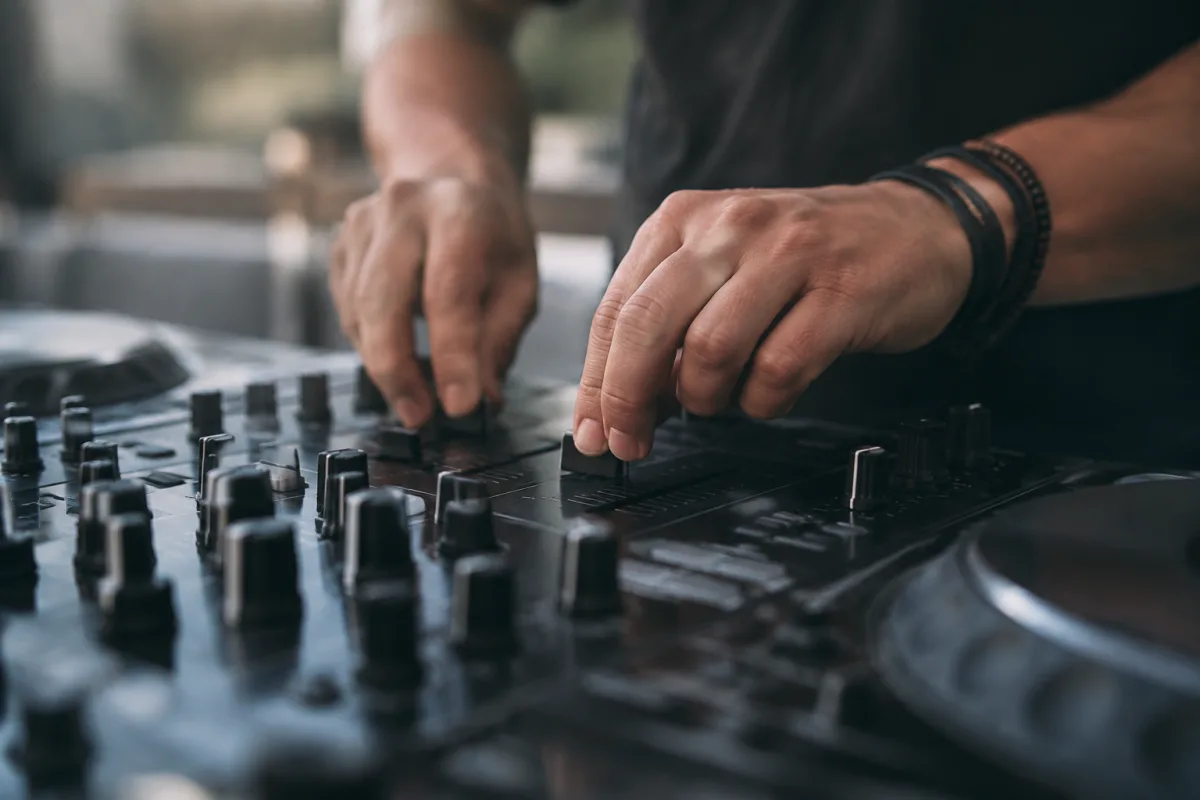
Starting out with a Rane mixer can feel daunting if you're new to DJing or electronic music production. Rane has built its reputation on solid, professional-grade equipment, but their mixers are surprisingly approachable for beginners. Whether you're setting up your first DJ booth or learning to mix tracks together, this guide will walk you through the essentials and help you avoid the common pitfalls that trip up newcomers.
Understanding What You Actually Need in a Rane Mixer
Before you dive in, it helps to know what you're looking at. A Rane mixer sits between your turntables, controllers, or media players and your speakers or headphones. Its job is simple: blend multiple audio sources together, adjust levels, apply effects, and help you transition smoothly between tracks. The beauty of Rane gear is that they don't overcomplicate things—you get solid, straightforward controls that do what you need without unnecessary bells and whistles.
Most Rane mixers come with a crossfader (the slider that blends between channels), channel faders (one for each input source), a master fader (overall volume), EQ knobs, and often some effects or filters. Don't worry if these terms are new; we'll cover them properly in a moment. The key point is that a good Rane mixer will have responsive, accurate controls built to last, which is why they're trusted by professionals—but that same durability and reliability works just as well for beginners.
Getting Started: The First Time You Set Up Your Rane Mixer
Unboxing your mixer can be exciting, but take a moment to familiarise yourself with the layout before switching anything on. Most Rane mixers follow a logical left-to-right flow: left channel on the left side, right channel in the middle, crossfader in the centre, and master controls on the right. Take a photo of the back panel so you know which cables go where, then connect your gear slowly and deliberately. Rushing this step is how people accidentally plug things into the wrong inputs or blow up a speaker.
Start with everything at a sensible level. Set your channel faders to around the middle (or to the 0dB mark if your mixer has one), the master fader to about halfway, and the crossfader dead centre. Turn on your audio sources one at a time and verify that sound is coming through. This simple check prevents the panic of wondering why there's no sound—usually it's just a fader left all the way down or an input muted.
The Essential Controls: What They Do and Why They Matter
Every Rane mixer has a few core controls you'll use constantly. Here's what they do:
- Channel Faders: These control the volume of each input. Push up to make it louder, pull down to make it quieter. Start with these in the middle and adjust from there.
- Master Fader: This controls the overall output volume going to your speakers. If everything sounds too quiet, check here first—but be careful not to crank it too loud and damage your speakers or ears.
- Crossfader: This is what you use to transition between channels. Slide it left to favour the left channel, right to favour the right channel, and it blends in between. Some Rane mixers let you adjust the crossfader's feel—stiffer for fast cuts, smoother for crossfades—which is brilliant once you learn your preference.
- EQ Knobs: These usually come in threes—high (treble), mid, and low (bass)—and let you shape the sound of each channel. Begin by leaving these in the middle (neutral position) until you're comfortable.
- Headphone Mix Knob: If your mixer has one, this lets you hear one channel in your headphones while the speakers play something different—essential for beatmatching and planning your next track.
Beginner Mistakes to Avoid
Most newcomers to Rane mixers make predictable errors. Here's how to sidestep them from the start:
Mistake 1: Leaving your channel faders at maximum. If both channels are at full volume, your mixer will distort and sound terrible. Start with faders in the middle, then adjust upward only as needed. Your audio will sound cleaner and more professional.
Mistake 2: Ignoring the master fader. New DJs often forget that the master fader controls overall output. A quiet signal through the speakers might be because your channel is low, your master is low, or both. Check both before you panic.
Mistake 3: Twisting EQ knobs without knowing why. The EQ is powerful, but it's easy to make your mix sound worse if you're turning knobs at random. Try this: start with all EQ knobs dead centre (neutral), then make one small adjustment to understand its effect before moving on.
Mistake 4: Not using your headphones properly. If your mixer has a headphone output, plug in headphones and use them to preview your next track. This is how DJs beatmatch and plan transitions. Using your headphones well transforms your mixing from chaos into intention.
Mistake 5: Running your mixer too hot. "Hot" means the levels are too loud and distorting. Keep an eye on your input levels and resist the urge to push everything to maximum. A healthy signal is firm but not clipping.
Learning the Feel: Why Rane Mixers Are Beginner-Friendly
Rane mixers have earned respect because their faders and crossfaders feel good and respond predictably. This matters more than you might think. A floppy, inaccurate fader is frustrating and teaches you bad habits. A Rane gives you tactile feedback, precise control, and consistency—qualities that help you develop good technique from day one. Spend time getting a feel for how your crossfader behaves: how fast it travels, how it responds to a gentle touch. That familiarity builds confidence.
Your First Real Mix: Putting It All Together
Here's a practical workflow for your first time mixing two tracks:
- Load a track on the left channel and get it playing. Set its fader to a comfortable level.
- Load your next track on the right channel, but leave the fader down.
- Use your headphones to cue up the next track—listen ahead and find a good point to mix in (often a beat or breakdown).
- When you're ready, slowly push the right fader up while pulling the left fader down (or use the crossfader). You should hear a smooth transition.
- Once the transition is complete, the left channel is now quiet and ready for your next track.
Practice this until it feels natural. Smooth transitions sound professional; abrupt jumps sound amateurish. This is where Rane's responsive faders shine—they let you make tiny adjustments and hear the difference instantly.
Common Questions as You Learn
As you get comfortable, a few questions usually crop up. Can I use my Rane mixer with a controller? Yes—it depends on your setup, but many controllers can work alongside a traditional mixer. Will the EQ knobs affect my headphone sound? It depends on the mixer model, but often the headphone mix has its own, separate output. Should I always use the crossfader or push faders instead? Both are valid; choose whatever feels natural to you. Most DJs use a mix of both techniques.
Moving Beyond the Basics
Once you're comfortable with the core controls, there's plenty more to explore on your Rane mixer. Many models include effects (reverb, delay, filters) that add creativity to your mixing. Some have a kill switch on the EQ that instantly strips out high or low frequencies for dramatic transitions. Others offer touch-sensitive controls that respond to how long you hold them down. Don't rush into these; master the basics first, then layer in more advanced techniques as you grow more confident.
If you want a deeper dive into mixer theory and technique, the complete guide to Rane mixers covers history, model comparisons, and advanced techniques—but for now, focus on these fundamentals and let your ear develop naturally. For a comprehensive overview of what Rane mixers are and how they fit into the broader DJ landscape, check out the complete guide to Rane mixers.
Key Takeaways for Beginner Success
Starting with a Rane mixer is smart because these machines are built to be reliable and responsive. Keep your faders at sensible levels, use your headphones actively, make small adjustments to the EQ, and practise smooth transitions. Don't be discouraged if your first attempts sound rough—every DJ starts there, and Rane gear will reward your effort with consistent, professional results as your technique improves. The learning curve is gentle, but the ceiling is high, which is exactly what you want from a beginner's mixer.


Comments